If you’ve spotted an unfamiliar charge on your bank statement and suspect it’s from Apple, you’re not alone. Apple transactions can appear under several different names depending on what you purchased and how you paid.
Key Takeaways
- Apple.com/bill is the standard billing descriptor for most Apple digital purchases, including App Store apps, in-app purchases, iCloud storage, Apple Music, Apple TV+, and other subscription services.
- Monthly Apple charges are usually from active subscriptions like iCloud storage, Apple Music, Apple TV+, Apple Arcade, or app subscriptions purchased through the App Store.
- Visit reportaproblem.apple.com and sign in with your Apple ID to view your complete purchase history.
- APPLE.COM/BILL is Apple’s official billing descriptor.
- APL*ITUNES refers to purchases made through iTunes, including music, movies, TV shows, and legacy app purchases before Apple unified its billing under APPLE.COM/BILL.
What Does Apple Show Up as on a Bank Statement
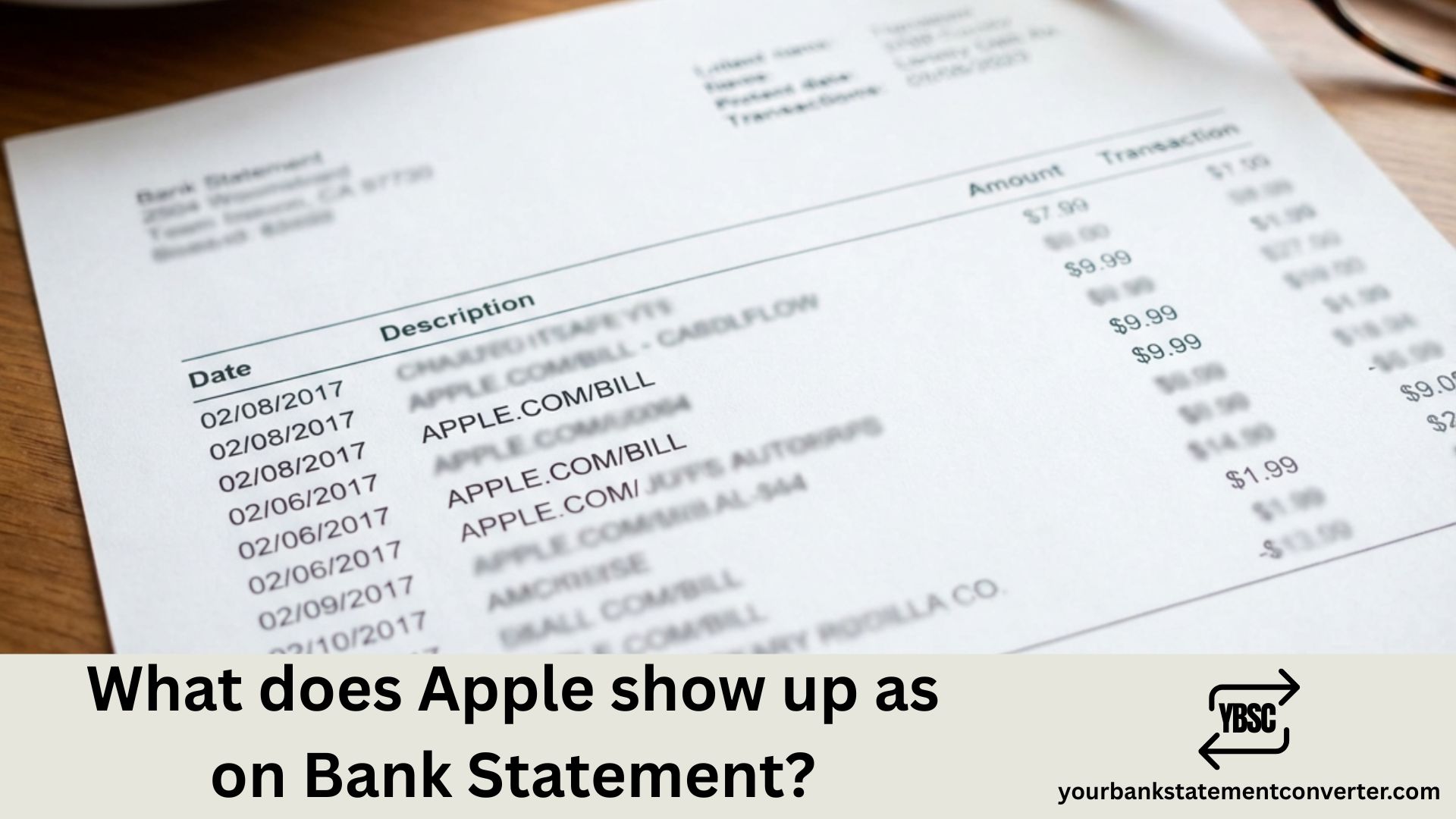
Apple charges typically appear on your bank statement as:
- APPLE.COM/BILL – Most common for App Store purchases, subscriptions, iCloud storage, Apple Music, and Apple TV+
- APL*APPLE MUSIC – Specifically for Apple Music subscriptions
- APPLE.COM/US – For purchases from the Apple Online Store
- APL*ITUNES – For iTunes purchases and legacy app transactions
- APPLE STORE – For in-store purchases at physical Apple retail locations
- APL*APPLE – General Apple services charge
- APPLE.COM/BILL CUPERTINO CA – Includes Apple’s headquarters location
The exact descriptor varies based on your bank, your country, and the specific Apple service or product purchased.
Why Do Apple Charges Look Different?
Apple operates multiple services under its ecosystem, and each may generate slightly different billing descriptors. Your bank also truncates or formats merchant names differently, which explains why the same Apple Music subscription might show as “APL*APPLE MUSIC” on one statement and “APPLE.COM/BILL” on another.
How to Verify an Apple Charge
Before disputing any charge, verify it through these steps:
- Check your Apple ID purchase history at reportaproblem.apple.com
- Review Family Sharing purchases – A family member may have made the purchase
- Look for subscription renewals – Many Apple charges are recurring monthly or annual subscriptions
- Check the amount – Common Apple charges include ₹99 (iCloud 50GB), ₹149 (Apple Music), or app-specific amounts
Common Apple Subscription Amounts to Recognize
| Service | Monthly Cost (India) |
|---|---|
| iCloud+ 50GB | ₹75 |
| iCloud+ 200GB | ₹219 |
| Apple Music Individual | ₹99 |
| Apple Music Family | ₹149 |
| Apple One Individual | ₹195 |
Managing Your Bank Statements Made Easy
Tracking Apple charges becomes much simpler when your bank statements are organized and searchable. If you’re dealing with PDF bank statements that are difficult to analyze, our free online bank statement converter helps you convert bank statements to Excel or CSV format instantly.
With your transactions in spreadsheet format, you can:
- Search for all Apple-related charges quickly
- Filter transactions by merchant name
- Track subscription spending over time
- Identify recurring charges you may have forgotten about
Convert your bank statements now at our bank statement to CSV converter and take control of your financial tracking.
How to Stop Unwanted Apple Charges
If you’ve identified an Apple subscription you no longer need:
- Open Settings on your iPhone or iPad
- Tap your Apple ID at the top
- Select Subscriptions
- Choose the subscription and tap Cancel Subscription
For purchases you don’t recognize, contact Apple Support or your bank to dispute the charge.
FAQs
Most confusing entries come down to a code or a company name you have not met before. Our guide to what the abbreviations mean covers the codes, and what is on a bank statement explains the rest of the layout.
What does Apple.com/bill mean on my bank statement?
Apple.com/bill is the standard billing descriptor for most Apple digital purchases, including App Store apps, in-app purchases, iCloud storage, Apple Music, Apple TV+, and other subscription services.
Why is Apple charging me every month?
Monthly Apple charges are usually from active subscriptions like iCloud storage, Apple Music, Apple TV+, Apple Arcade, or app subscriptions purchased through the App Store. Check your Apple ID subscriptions to see all active recurring charges.
How do I find out what Apple is charging me for?
Visit reportaproblem.apple.com and sign in with your Apple ID to view your complete purchase history. This shows every transaction, including the date, amount, and specific item purchased.
Is APPLE.COM/BILL a legitimate charge?
Yes, APPLE.COM/BILL is Apple’s official billing descriptor. However, always verify unexpected charges through your Apple ID purchase history to confirm they’re legitimate.
What does APL*ITUNES mean on my statement?
APL*ITUNES refers to purchases made through iTunes, including music, movies, TV shows, and legacy app purchases before Apple unified its billing under APPLE.COM/BILL.
How do I get a refund from Apple?
Visit reportaproblem.apple.com, find the purchase you want refunded, and click “Report a Problem.” Select the appropriate reason and submit your refund request. Apple typically processes refunds within 48 hours.
Can I see Apple charges in Excel format?
Yes. Download your bank statement as a PDF, then use YourBankStatementConverter.com to convert it to Excel. You can then filter and search for all Apple transactions easily.
Need to analyze your bank statements for Apple charges or any other transactions? Convert your PDF bank statements to Excel instantly at our PDF bank statement converter.