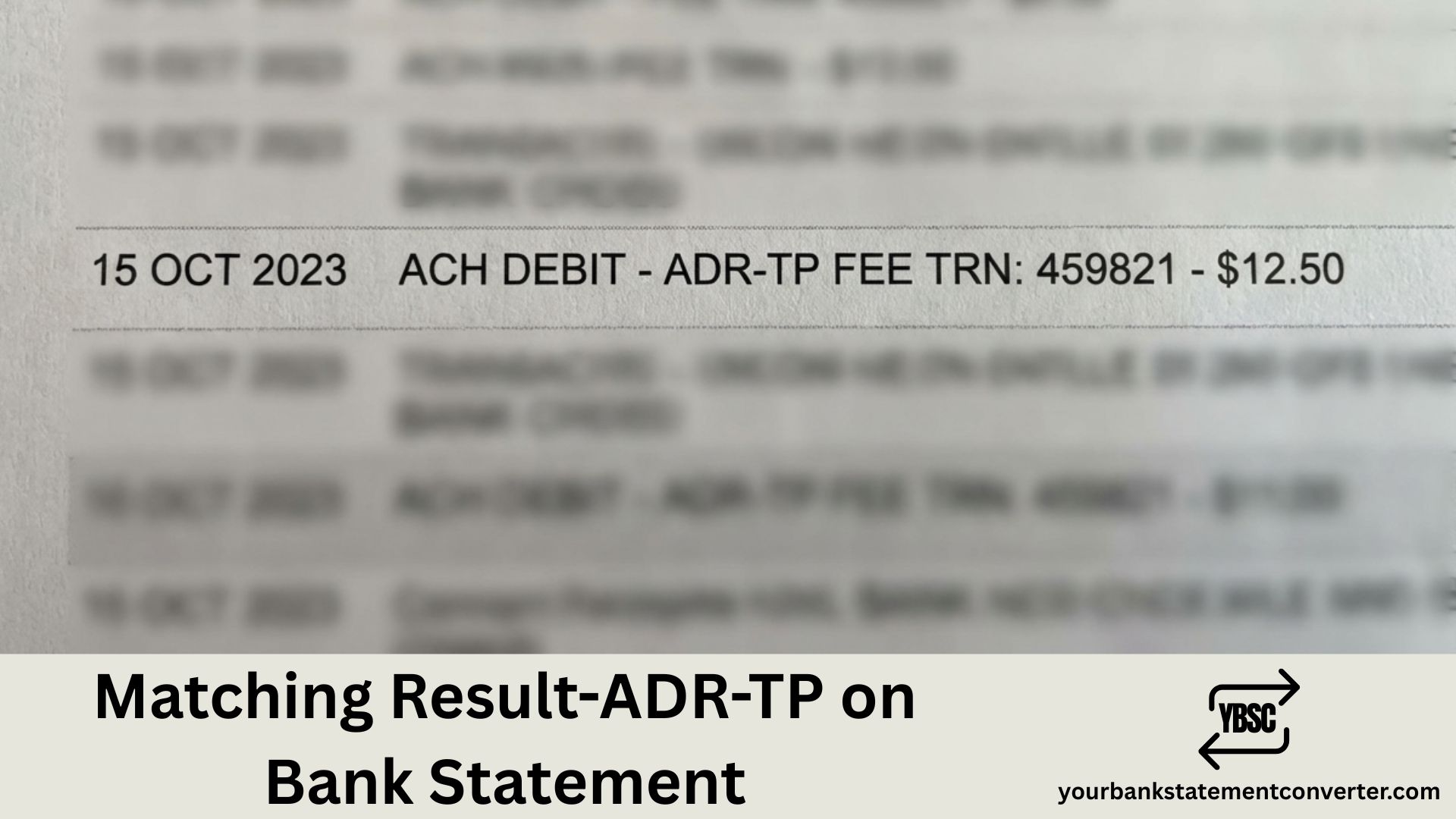
Most unfamiliar entries at least contain a company name. “Matching Result-ADR-TP” does not, which is why it is so hard to place. If you are asking about Matching Result-ADR-TP on a bank statement, the honest starting point is that no bank publishes what it means.
This guide sets out what is known, what the wording suggests, and the checks that identify your own entry, which matter more than any general definition.
Key Takeaways
- Matching Result-ADR-TP is not a published bank code. No bank or card network we could find defines it.
- The wording reads like the output of an automated check, not a merchant’s name.
- The likeliest situations are a card verification or a payment routed through another company’s system.
- The amount is the best clue. A zero or very small figure points to a verification, not a purchase.
- Your bank can see the full record behind the text and tell you who initiated it.
What Is Matching Result-ADR-TP on a Bank Statement?
Nobody can give a confirmed definition, and any site that offers one is guessing. What you can do is read the wording for clues and then check it against your own account.
“Matching result” sounds like the outcome of a system comparing two sets of details, rather than a shop or service. That points away from an ordinary purchase and towards something automated happening around a payment.
“ADR” is often read as short for address. Online card payments routinely check the billing address you enter against the one your card issuer holds, so an address check is a plausible fit. “TP” is commonly read as third party. Both readings are interpretations, not confirmed meanings.
The Two Likeliest Explanations
A card verification. When you add a card to a subscription, app or online account, the company often places a zero or very small authorisation to confirm the card is real. These usually vanish from your account within a few days.
A payment through another company’s system. Some businesses take payments through a third-party platform, which can pass its own internal wording onto your statement instead of the business name. The payment is real, but the label belongs to the system, not the seller.
In practice, the amount usually tells you which one you are looking at.
How to Identify Your Entry
Work through these checks in order:
- Look at the amount. Zero, a penny or a pound suggests a verification; a normal price suggests a purchase.
- Check whether it disappeared. Verifications often drop off as pending items within a few days.
- Match the date. Think about any card you added, account you opened or subscription you started around then.
- Tap the entry in your banking app. Many apps show a fuller merchant name than the printed statement.
- Contact your bank. It can see who initiated the entry and give you their details.
If the entry sits beside another payment on the same day, compare the two. A verification is often followed shortly by the first real charge from the same service.
If You Do Not Recognise It
Treat an entry you cannot explain as unrecognised, whatever its size. A small verification can be the first step before a larger unauthorised payment.
- Ask your bank for the full details behind the entry.
- Report it if the bank confirms you did not authorise it.
- Freeze your card in your banking app while it is checked, if the app offers that.
Our guide to statement abbreviations covers the codes banks do publish, which helps rule them out.
Finding a Pattern Across Several Statements
A single Matching Result-ADR-TP on a bank statement is hard to judge, but the same wording appearing each month tells you it is a recurring service.
Our bank statement converter turns PDF statements into clean, searchable spreadsheets. Search the description column for “Matching Result” and every occurrence lines up by date and amount, which usually makes the source obvious. For the rest of the page, see what is on a bank statement.
Conclusion
Matching Result-ADR-TP on a bank statement is not a published code, so no confirmed definition exists. The wording suggests an automated check, most likely a card verification or a payment routed through another company’s system. Check the amount and date, tap the entry in your app, and ask your bank if it still does not add up.
FAQ
1.What is Matching Result-ADR-TP on a bank statement?
It is not a published bank code, so no confirmed definition exists. The wording suggests an automated check, such as a card verification, rather than a purchase from a named shop.
2.What does ADR mean here?
ADR is often read as short for address, since online card payments check your billing address. That reading is an interpretation, not a confirmed meaning.
3.Is Matching Result-ADR-TP a charge?
Sometimes it is not. A zero or very small amount is usually a card verification that disappears within a few days.
4.Why does it not show a company name?
Some payments pass through third-party systems that put their own wording on your statement. Your banking app or your bank can usually show the real business behind it.
5.What should I do if I do not recognise it?
Ask your bank for the full details and report it if you did not authorise it. Freeze your card in your banking app while the bank checks it.