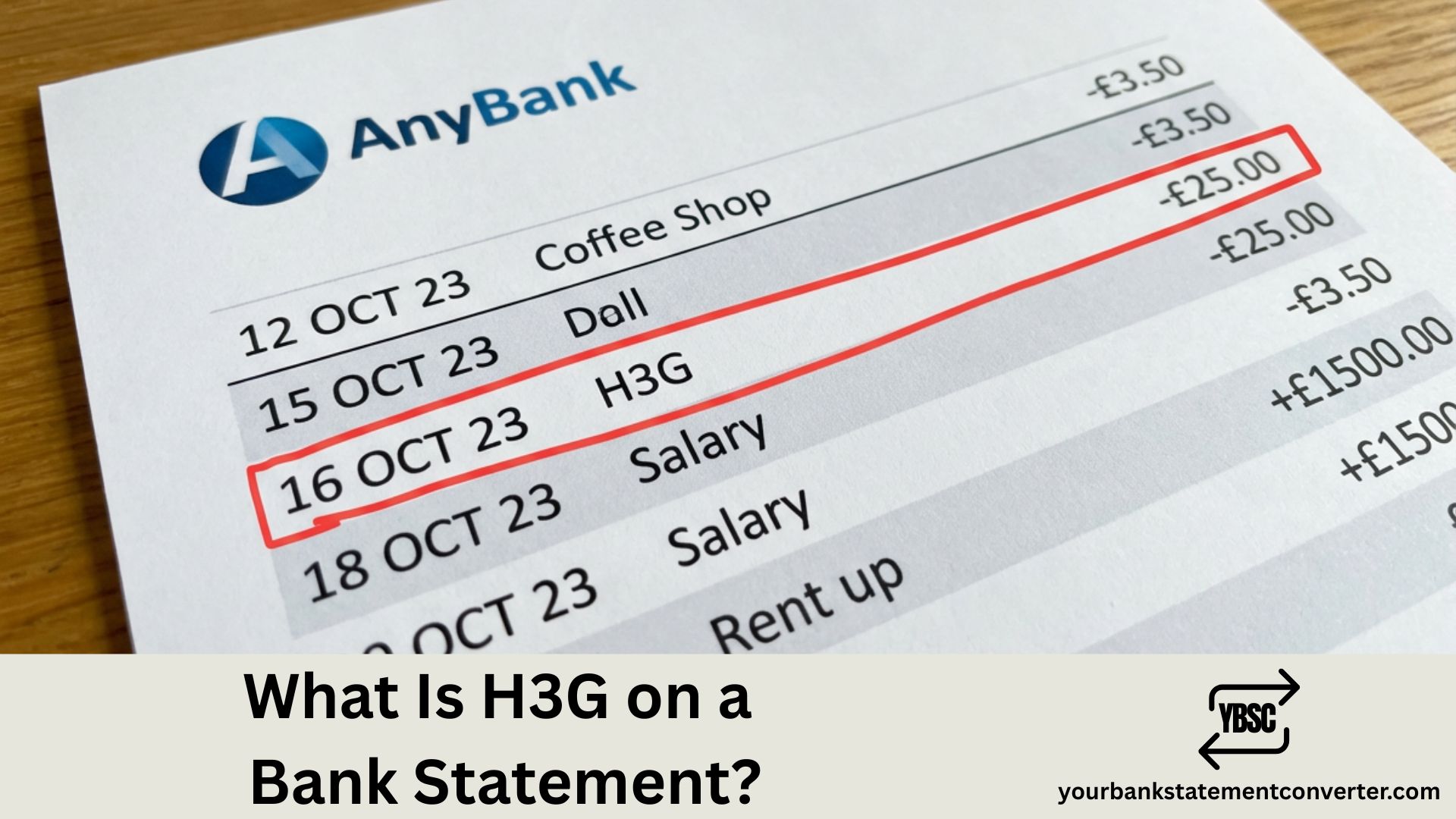
Seeing unfamiliar codes on your bank statement can be confusing, especially when you expected to see a recognisable company name. H3G is the company behind Three, one of the UK’s largest mobile network providers. This guide explains what H3G charges are, why they appear on your statement, and what to do if something looks wrong.
What Is H3G on a Bank Statement?
H3G on your bank statement stands for Hutchison 3G UK Limited, the company that operates Three (3) — one of the UK’s largest mobile network providers.
This charge appears when you pay for a Three mobile contract, pay-as-you-go top-up, broadband, or other Three services. The “H3G” name comes from the company’s official registered name with Companies House. Three is one of the UK’s four major mobile networks, alongside EE, Vodafone, and O2.
Who Is H3G (Hutchison 3G UK Limited)?
| Detail | Information |
|---|---|
| Statement name | H3G or H3G UK |
| Full company name | Hutchison 3G UK Limited |
| Trading name | Three / 3 |
| Business type | Mobile network operator |
| Parent company | CK Hutchison Holdings |
| UK customers | ~10 million |
| Companies House | 03885486 |
| Registered address | 450 Longwater Avenue, Reading |
| Website | three.co.uk |
| Launched | 2003 |
Key facts:
- “H3G” = Hutchison 3G (3G was third-generation mobile technology)
- Three launched in 2003 as the UK’s first 3G-only network
- Now offers 4G and 5G services across the UK
- Regulated by Ofcom
Common Reasons for H3G Charges
| Charge Type | Description | Typical Amount |
|---|---|---|
| Monthly contract | Pay monthly phone or SIM-only plan | £10-£60/month |
| Pay As You Go top-up | Credit added to PAYG account | £5-£50 |
| Mobile broadband | Data dongle or MiFi device plan | £10-£30/month |
| Home broadband | Three 5G or 4G home internet | £20-£35/month |
| Device payment | Phone handset instalment plan | £10-£50/month |
| Add-ons | Extra data, international calls, roaming | £5-£20 |
| Out-of-bundle charges | Exceeding data, minutes, or texts | Variable |
| Roaming charges | Using phone abroad | Variable |
| Premium services | Third-party content charged to bill | Variable |
| Insurance | Device protection plan | £5-£15/month |
How H3G Appears on Different Bank Statements
| Bank | How It May Appear |
|---|---|
| Barclays | H3G UK |
| Lloyds | H3G HUTCHISON |
| HSBC | H3G UK LTD |
| NatWest | H3G*PAYMENT |
| Santander | HUTCHISON 3G UK |
| Nationwide | H3G |
| Monzo | H3G – Three |
| Starling | H3G UK |
| Revolut | Three / H3G |
| Halifax | H3G DD |
| TSB | H3G UK DIRECT DEBIT |
“DD” typically indicates a Direct Debit payment.
Why You Might Not Recognise the H3G Charge
- Name confusion: Expected “Three” or “3” but bank shows “H3G”
- First bill: Recently joined Three, not used to billing name
- Payment date changed: Direct Debit collected on different date
- Annual price increase: Bill higher due to April price rise
- Out-of-bundle charges: Exceeded your allowance
- Family account: Paying for partner’s or child’s phone
- Forgotten broadband: Three home broadband you set up
- Premium rate services: Third-party subscriptions on phone bill
Is H3G a Legitimate Company?
Yes, H3G is completely legitimate.
| Verification | Details |
|---|---|
| Company name | Hutchison 3G UK Limited |
| Companies House number | 03885486 |
| Registered address | 450 Longwater Avenue, Reading, RG2 6GF |
| Parent company | CK Hutchison Holdings |
| Regulator | Ofcom (licensed mobile operator) |
| Website | three.co.uk |
| Customer base | ~10 million UK customers |
H3G / Three is one of the UK’s four major mobile network operators, fully regulated by Ofcom and registered with Companies House since 2000. It is not a scam or fraudulent charge.
How to Check Your H3G / Three Bill
Option 1: Three app (recommended)
- Download “Three” app from App Store or Google Play
- Log in with your My3 account details
- Tap “Bill” or “Usage”
- View full breakdown of current and past bills
Option 2: Online at three.co.uk
- Visit three.co.uk and click “My3” or “Sign In”
- Log in with your credentials
- Navigate to “Your Bill” or “Billing”
- Download PDF bills for full detail
Option 3: Phone
- Call 333 from a Three phone (free)
- Call 0333 338 1001 from any other phone
Common H3G Charge Descriptions Explained
| Statement Description | What It Means |
|---|---|
| H3G MONTHLY | Standard monthly contract payment |
| H3G AIRTIME | Pay monthly SIM or contract charge |
| H3G DEVICE | Phone handset payment plan |
| H3G TOPUP | Pay As You Go credit top-up |
| H3G ADDON | Extra services (data boost, etc.) |
| H3G BROADBAND | Home or mobile broadband service |
| H3G INSURANCE | Device protection/insurance plan |
| H3G SERVICES | Premium or third-party services |
| H3G DD | Direct Debit payment |
| H3G ONE-OFF | One-time charge (upgrade fee, etc.) |
Why Is My H3G Bill Higher Than Expected?
1. Annual price increase
Three raises prices each April, usually inflation (CPI) + 3.9%. The 2024 increase was approximately 8.8%. Check three.co.uk/priceguide for details.
2. Out-of-bundle usage
Exceeded your data, minutes, or texts allowance. Check usage breakdown in Three app and consider upgrading your plan if this happens regularly.
3. Roaming charges
Used phone outside Go Roam destinations. Some countries are not included in Go Roam and data roaming can be expensive.
4. Premium rate services
Third-party subscriptions charged to phone bill including competition entries, charity texts, and content services.
How to Cancel or Manage Your Three Account
To manage Direct Debit:
- Log into My3 at three.co.uk
- Go to “Account” → “Payment Settings”
- Update payment method, card, or date
To cancel your Three contract:
- Check minimum term (Settings → My Contract in app)
- Call 333 (from Three) or 0333 338 1001
- Request PAC code if keeping your number, or text PAC to 65075
- Provide PAC to new network within 30 days
Important: Cancelling Direct Debit doesn’t cancel your contract. You’ll still owe money and may face debt collection. Always formally cancel with Three first.
How to Get a Refund from H3G / Three
| Situation | Refund Possible? | Action |
|---|---|---|
| Billing error | Yes | Contact Three customer service |
| Overcharged | Yes | Dispute via app or phone |
| Unauthorised premium services | Yes | Contact Three to block and refund |
| Duplicate payment | Yes | Contact Three or bank |
| Charged after cancellation | Yes | Contact Three with proof |
| Out-of-bundle (valid usage) | Unlikely | Usage was legitimate |
| Annual price increase | No | Contractually permitted |
Steps to dispute a charge:
- Contact Three first: Call 333 or 0333 338 1001, or use live chat via the app
- If unresolved: Request a “deadlock letter” and escalate to CISAS (ombudsman) at cisas.org.uk
- Bank options: Direct Debit Guarantee for incorrect amounts, or chargeback for card payments within 120 days
What to Do If You Don’t Have a Three Account
If you genuinely don’t have Three services:
- Check with household: Partner, spouse, family, or children’s phones you pay for
- Check for forgotten services: Mobile broadband dongle, old SIM card, Three home broadband
- Contact Three: Call 0333 338 1001 and ask them to search by card details
- Contact your bank: Report as unrecognised transaction, request merchant details, use Direct Debit Guarantee
How to Block Premium Services on Three
To prevent unexpected third-party charges, open the Three app, go to “Account” → “Settings”, find “Spending Caps” or “Barring”, and enable premium services block. Alternatively, call 333 or 0333 338 1001 and request a “premium rate service bar”. This blocks premium rate texts, calls, third-party subscriptions, and competition entries.
Three Contact Information
| Contact Method | Details |
|---|---|
| From Three phone | 333 (free) |
| From any phone | 0333 338 1001 |
| From abroad | +44 7782 333 333 |
| Online chat | three.co.uk or Three app |
| Store locator | three.co.uk/store-locator |
| Twitter/X | @ThreeUKSupport |
| Postal | Three Customer Services, PO Box 333, Glasgow, G2 9AG |
How to Track Your Phone and Utility Bills
Managing multiple telecoms charges can be confusing, and bill increases often go unnoticed. Converting your bank statements into organised spreadsheets makes it easier to track all phone and broadband payments, monitor bill increases over time, spot unexpected or duplicate charges, compare monthly costs across providers, review all recurring Direct Debits, and identify forgotten subscriptions. Tools like yourbankstatementconverter.com can convert your PDF bank statements into Excel or CSV format for easier analysis.
Conclusion
H3G on your bank statement is Hutchison 3G UK Limited, the registered company name behind Three mobile network. This is a common charge for Three phone contracts, broadband, top-ups, or add-ons. If your bill seems wrong, check the Three app for a full breakdown of charges. Contact Three customer service on 333 if you don’t recognise a charge or believe there’s been an error. For ongoing bill tracking, consider using a bank statement converter to keep all your financial records organised.
Frequently Asked Questions
Is H3G on my bank statement legitimate?
Yes. H3G is Hutchison 3G UK Limited, the company that operates Three mobile network. It’s a fully regulated UK telecommunications company registered with Companies House.
What does H3G stand for?
H3G stands for Hutchison 3G. Hutchison is the parent company (CK Hutchison Holdings), and 3G refers to third-generation mobile technology, which Three pioneered in the UK when it launched in 2003.
Why does my Three bill say H3G?
Your Three bill shows H3G because that’s the company’s official registered name (Hutchison 3G UK Limited). While they trade as “Three”, bank statements display the legal company name registered with Companies House.
How do I check my H3G / Three bill?
Download the Three app and log into your My3 account, or visit three.co.uk and sign in to view your bills. You can also call 333 from a Three phone or 0333 338 1001 from any other phone.
How do I contact Three customer service about an H3G charge?
Call 333 from a Three phone (free) or 0333 338 1001 from any other phone. You can also use live chat through the Three app or website at three.co.uk.