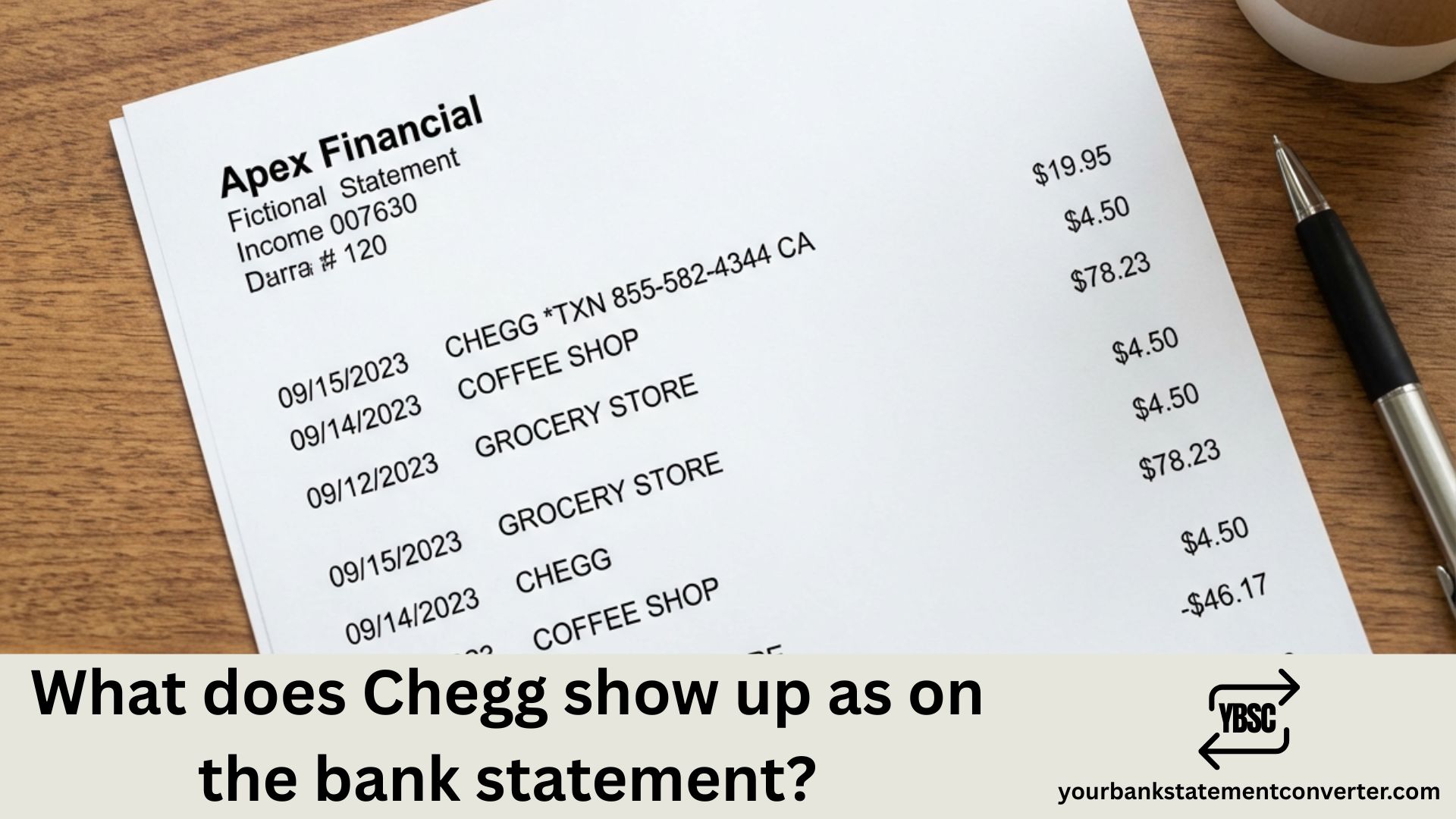
What Does Chegg Show Up As on Bank Statement?
Spotted an unfamiliar education-related charge on your bank statement and wondering if it’s from Chegg? You’re not alone—thousands of students and parents search for this exact question every month. Whether it’s a forgotten subscription, a free trial that converted to paid, or an unexpected textbook rental charge, understanding how Chegg appears on your statement helps you quickly verify legitimate transactions and catch any unauthorized charges before they add up.
Key Takeaways
- Chegg typically appears as “CHEGG ORDER,” “CHEGG INC,” or “CHGG ORDER” on credit card statements.
- A $15 charge is likely for Chegg Study ($14.95/month), while a $20 charge indicates Chegg Study Pack ($19.95/month).
- To stop Chegg charges, you must cancel your subscription through your Chegg account (My Account > Orders > Subscriptions > Cancel), call customer service at 1-855-477-0177, or cancel through Apple/Google.
- Chegg subscriptions bill until successfully cancelled.
- This is a standard Chegg transaction descriptor.
What Does Chegg Show Up As on Bank Statement?
Chegg charges typically appear on your bank or credit card statement under several common names and formats. The exact wording depends on your financial institution and the type of Chegg service you purchased. Here are the most frequently seen transaction descriptors:
Most Common Chegg Bank Statement Names:
- CHEGG ORDER
- CHEGG ORDER 8558681054 CA
- CHEGG INC
- CHEGG SUBSCRIPTION
- CHEGG* or CHEGG*ORDER
- CHGG ORDER
- POS CHEGG ORDER
- POS DEBIT CHEGG ORDER
- CHECKCARD CHEGG ORDER
- DEBIT CARD PURCHASE CHEGG
- Pos Debit- 2050 2050 Chegg Order
- CHEGG ORDER SANTA CLARA CA
- CHEGG.COM
- RECURRING CHEGG ORDER
Chegg Charges via Apple App Store:
- APPLE.COM/BILL (for iOS app subscriptions)
- APL*APPLE.COM/BILL
Chegg Charges via Google Play:
- GOOGLE *CHEGG
- GOOGLE PLAY CHEGG
The descriptor often includes Chegg’s customer service phone number (855-868-1054 or 855-581-9873) and location code “CA” indicating their Santa Clara, California headquarters.
Understanding Chegg Subscription Charges
Chegg Study Subscription
The most common Chegg charge is for Chegg Study, which costs $14.95 to $15.95 per month. This subscription provides access to textbook solutions, expert Q&A (up to 20 questions monthly), and study resources. You’ll see this charge appear monthly on the same date you originally subscribed.
Chegg Study Pack Subscription
Chegg Study Pack is a more comprehensive subscription at $19.95 per month. It includes everything in Chegg Study plus Math Solver, Writing tools (plagiarism checker and citation generator), and practice problems. This bundle also includes perks like DashPass by DoorDash and access to Calm meditation app.
Individual Service Charges
Chegg also offers standalone services:
| Service | Monthly Cost |
|---|---|
| Chegg Study | $14.95 – $15.95 |
| Chegg Study Pack | $19.95 |
| Chegg Math Solver | $9.95 |
| Chegg Writing | $9.95 |
| Annual Plan (Study) | $9.95/month ($119.40/year) |
Textbook Rental Charges
If you’ve rented physical or digital textbooks through Chegg, those charges appear separately from subscription fees. Rental costs vary based on the book, rental duration (semester, quarter, or short-term), and whether you chose standard or expedited shipping.
Why Chegg Charges May Look Unfamiliar
Several factors can make Chegg charges appear confusing on your statement:
Forgotten Free Trials: Chegg offers free trials that automatically convert to paid subscriptions. Many users sign up for a 7-day or 4-week trial (included with textbook rentals) and forget to cancel before the trial ends, resulting in unexpected charges.
Family Member Usage: Students often use parents’ credit cards for Chegg subscriptions. If you share accounts or payment methods with family members, the charge may be from someone else in your household.
Auto-Renewal: Chegg subscriptions automatically renew each month until cancelled. If you used Chegg last semester and forgot to cancel, charges will continue appearing on your statement.
Varied Descriptors: Different banks format merchant names differently, so “CHEGG ORDER” might appear as “CHGG ORDER,” “POS CHEGG ORDER,” or “CHEGG INC” depending on your financial institution.
Common Chegg Charge Amounts to Recognize
Here are typical Chegg charge amounts you might see on your bank statement:
| Charge Type | Typical Amount |
|---|---|
| Chegg Study (Monthly) | $14.95 – $15.95 |
| Chegg Study Pack (Monthly) | $19.95 |
| Math Solver Only | $9.95 |
| Writing Only | $9.95 |
| Annual Study Plan | $119.40 (one-time) |
| Textbook Rental | $15 – $100+ (varies) |
| Late Return Fee | Varies by book |
| Promotional/Discounted | $11.96 – $15.96 |
If you see charges around $15, $20, or $10 appearing monthly from Chegg, it’s likely a subscription. One-time charges in varying amounts typically indicate textbook rentals or purchases.
How to Verify if a Chegg Charge is Legitimate
Follow these steps to confirm whether a Chegg charge on your statement is authorized:
Step 1: Log into Your Chegg Account
Visit chegg.com and sign in. Navigate to “My Account” and then “Orders” to view your complete purchase and subscription history.
Step 2: Check Your Email for Receipts
Search your email inbox for receipts from Chegg. They send confirmation emails for every subscription charge, textbook order, and renewal.
Step 3: Review Subscription Status
In your Chegg account, go to “My Account” > “Orders” > “Subscriptions” to see your active subscriptions, billing dates, and payment history.
Step 4: Ask Family Members
If you share a credit card with family members (common for students), ask if anyone in your household signed up for Chegg services.
Step 5: Contact Chegg Support
If you still can’t identify the charge, contact Chegg customer service:
- Phone: 1-855-581-9873 or 1-855-477-0177
- Text: (408) 351-0942
- Email: support@chegg.com
- Live Chat: Available at chegg.com/contactus
Track Your Student Subscriptions Effortlessly
Between Chegg, streaming services, software subscriptions, and other recurring charges, it’s easy to lose track of what’s billing your account each month—especially when statements show cryptic names like “CHEGG ORDER 8558681054.”
Simplify your bank statement analysis with our bank statement converter – a powerful tool that converts messy PDF bank statements into organized Excel or CSV spreadsheets. This makes it easy to:
- Search and filter all your Chegg charges across multiple months and accounts
- Identify forgotten subscriptions you’re still paying for
- Track education expenses for tax deductions or financial aid purposes
- Spot duplicate or unauthorized charges quickly
- Prepare organized financial records for budgeting or reimbursement
Whether you’re a student tracking expenses, a parent monitoring shared credit cards, or anyone trying to audit recurring subscription charges, our bank statement converter transforms confusing PDF statements into clean, searchable data within seconds. For regular or higher-volume work, the pricing tiers set out what each one covers.
How to Cancel Chegg to Stop Future Charges
If you want to stop Chegg charges from appearing on your statement, here’s how to cancel based on where you subscribed:
Cancel via Chegg Website:
- Log in to your account at chegg.com
- Click “My Account” in the upper-right corner
- Select “Orders” from the tabs
- Scroll to “Subscriptions”
- Click “Cancel Subscription” next to your active plan
- Follow the prompts to confirm cancellation
Cancel via Phone:
Call Chegg customer support at 1-855-477-0177 or 1-855-581-9873 to speak with a representative who can cancel your subscription immediately.
Cancel via Apple App Store (if subscribed through iOS):
Go to Settings > [Your Name] > Subscriptions > Chegg > Cancel Subscription
Cancel via Google Play (if subscribed through Android):
Open Google Play Store > Profile > Payments & subscriptions > Subscriptions > Chegg > Cancel
Important: Cancellations take effect at the end of your current billing period. You’ll retain access to Chegg services until then but won’t be charged again.
How to Get a Refund for Chegg Charges
Chegg’s official policy states that subscription charges are non-refundable once processed. However, in certain circumstances, they may offer a one-time courtesy refund:
Request a Refund by Phone:
Call 1-855-477-0177 and explain your situation. If you forgot to cancel a free trial or were charged for a service you didn’t use, politely request a courtesy refund.
For Unauthorized Charges:
If you never created a Chegg account and see charges on your statement, contact your bank immediately to dispute the transaction. Also email Chegg at support@chegg.com with details about the unauthorized charge.
For Textbook Issues:
If you have problems with textbook rentals (late delivery, wrong book, damaged item), Chegg is more likely to issue refunds. Contact customer support with your order details.
Summary: Identifying Chegg on Your Bank Statement
Chegg bank statement charges appear under various names including “CHEGG ORDER,” “CHEGG INC,” “CHGG ORDER,” or “POS CHEGG ORDER,” often followed by a phone number (855-868-1054 or 855-581-9873) and “CA” for California. Monthly subscription charges typically range from $9.95 to $19.95 depending on your plan, while textbook rental charges vary based on the book. Always verify charges through your Chegg account order history or by contacting their customer support at 1-855-581-9873.
For easier tracking of all your subscription charges and education expenses, convert your bank statements to searchable spreadsheets using our free bank statement converter.
Frequently Asked Questions (FAQs)
What does Chegg show up as on a credit card statement?
Chegg typically appears as “CHEGG ORDER,” “CHEGG INC,” or “CHGG ORDER” on credit card statements. The descriptor often includes their customer service number (855-868-1054) and “CA” for California. If you subscribed through Apple or Google Play, it may show as “APPLE.COM/BILL” or “GOOGLE *CHEGG” instead.
Why is Chegg charging me $15 or $20 every month?
A $15 charge is likely for Chegg Study ($14.95/month), while a $20 charge indicates Chegg Study Pack ($19.95/month). These subscriptions auto-renew monthly until cancelled. Check your Chegg account under “My Account” > “Orders” > “Subscriptions” to see your active plan and billing date.
How do I stop Chegg from charging my card?
To stop Chegg charges, you must cancel your subscription through your Chegg account (My Account > Orders > Subscriptions > Cancel), call customer service at 1-855-477-0177, or cancel through Apple/Google Play if you subscribed via their app stores. Simply deleting the app does not cancel your subscription.
Why was I charged by Chegg when I cancelled?
Chegg subscriptions bill until successfully cancelled. If you cancelled but were still charged, the cancellation may not have processed correctly, or you cancelled after your renewal date. Contact Chegg support at 1-855-581-9873 with proof of your cancellation to request a refund.
What is “CHEGG ORDER 8558681054 CA” on my statement?
This is a standard Chegg transaction descriptor. “CHEGG ORDER” indicates the merchant name, “8558681054” is their customer service phone number, and “CA” refers to California where Chegg is headquartered in Santa Clara. This charge is for Chegg services like Study subscriptions or textbook rentals.
Can I get a refund from Chegg for a forgotten subscription?
Chegg subscriptions are officially non-refundable, but they may offer a one-time courtesy refund in extenuating circumstances. Call 1-855-477-0177 and explain that you forgot to cancel your free trial or subscription. Be polite and ask if they can make an exception.
Does Chegg charge annually or monthly?
Chegg primarily charges monthly ($14.95-$19.95/month), but they also offer an annual plan for Chegg Study at $119.40/year ($9.95/month equivalent). Annual charges appear as a single yearly payment rather than monthly recurring charges.
Why do I see multiple Chegg charges on my statement?
Multiple Chegg charges could indicate separate services (subscription plus textbook rental), family members using your card, charges from different billing cycles appearing together, or duplicate charges due to a system error. Review your Chegg order history to identify each charge, and contact support if you spot unauthorized duplicates.