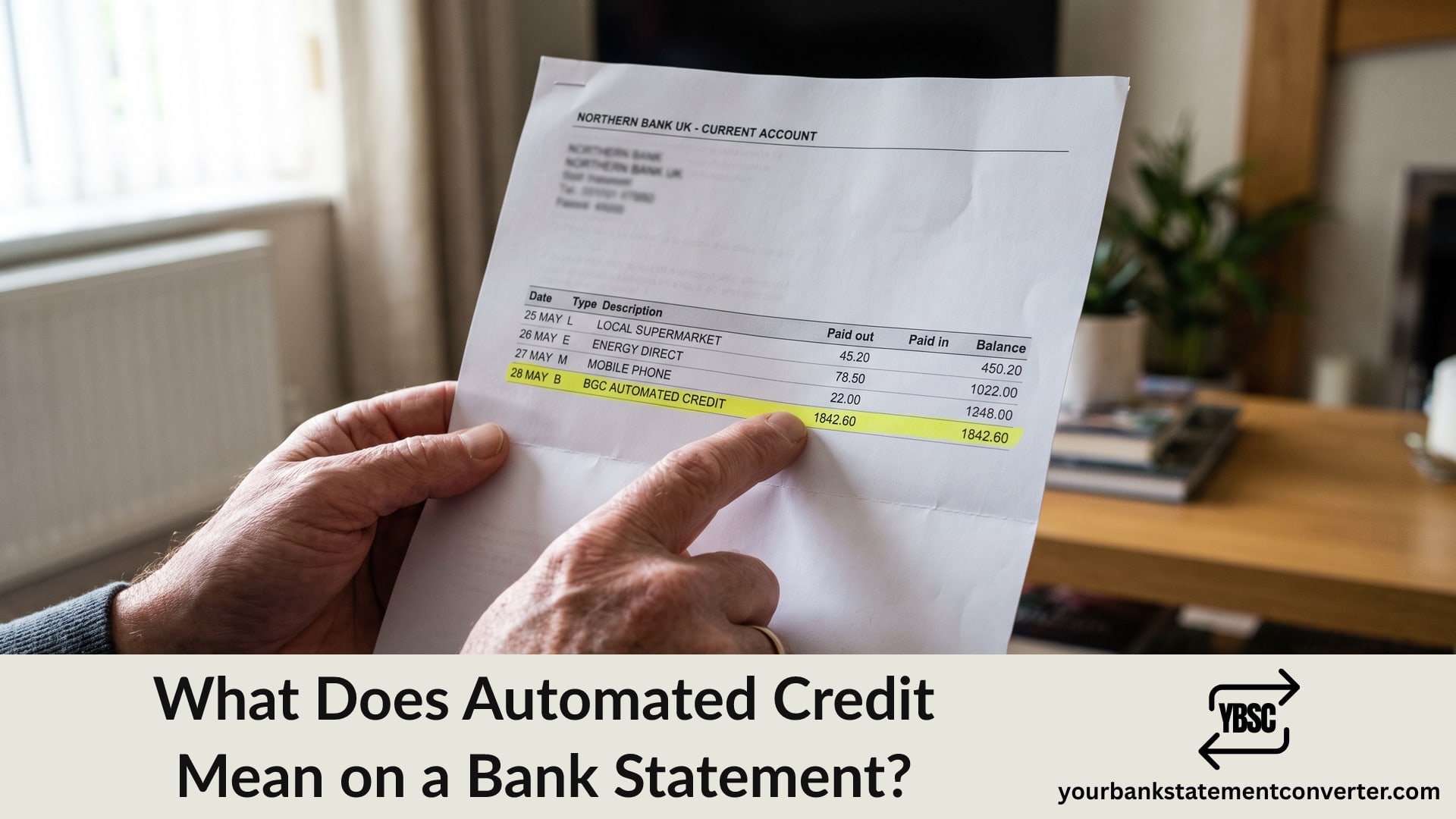
Money arriving is rarely a worry, right up until you cannot work out who sent it. So what does automated credit mean on a bank statement? It means money paid in electronically rather than by cheque or over a counter.
This guide explains what sits behind the phrase, which payments arrive this way, and what to do about a credit you were not expecting.
Key Takeaways
- An automated credit is money paid in electronically, usually through BACS.
- Salary, benefits, pensions and refunds are the most common sources.
- It describes how the money arrived, not who sent it.
- The reference field is where the sender’s identity usually sits.
- Unexpected credits should be left alone and reported, not spent.
What Automated Credit Actually Means
The phrase describes a mechanism rather than a source. Money reached your account through an automated clearing system instead of arriving physically.
In the UK that normally means BACS, the system handling salaries, benefits, pensions and most business payments. The label can also cover Faster Payments and standing orders arriving from someone else’s account.
Different banks label this differently. You may see AUTOMATED CREDIT, BAC, BGC, CREDIT, FP or CR against the same kind of payment, which is why our guide to statement abbreviations is worth a look.
What Usually Arrives as an Automated Credit
Five sources cover almost everything.
- Salary or wages from an employer
- Benefits and tax credits, including Universal Credit and State Pension
- Pension payments from a private or workplace scheme
- Refunds from HMRC, a retailer or a utility company
- Transfers from another person, including from your own other accounts
The amount and its rhythm usually identify which. A consistent monthly figure on the same working day points to salary. A four-weekly payment often indicates a benefit or State Pension, which our guide to what SP stands for covers.
Where the Sender’s Name Actually Sits
This is the practical point. The words “automated credit” tell you nothing about who paid you, because they describe the pipe rather than the source.
The sender’s identity lives in the reference field, which sits alongside or beneath the description. Depending on your bank you may see an employer name, an HMRC reference, a company name or just a string of characters.
Banking apps truncate this aggressively. View the same transaction in online banking or on the PDF statement and the longer reference frequently identifies the payer immediately.
What to Do About an Unexpected Credit
Money you did not expect is not free money, and the safe approach is straightforward.
Do not spend it. Banks can reclaim funds that arrive in error, and spending money you knew was not yours can amount to an offence.
Check the obvious sources first. A tax refund, an insurance payout, a returned Direct Debit, an overpayment refund or a family member repaying you account for most surprises.
Read the full reference on the PDF statement rather than the app version.
Report it to your bank if you still cannot place it. Tell them a credit arrived that you cannot identify and ask them to trace it.
Keep a record of when you reported it, since that protects you if the money is later recalled.
Be wary of anyone contacting you about it. A recognised scam involves money appearing in an account followed by a message asking you to forward it on, which makes you part of a money laundering chain.
Checking a Year of Credits at Once
Where credits arrive from several sources, reconciling them against invoices, payslips or benefit statements is slow work across months of PDFs.
Our bank statement converter turns PDF statements into clean, searchable spreadsheets. Filter to money in, sort by amount, and see every credit across the year in one view with its date and reference.
Conclusion
To sum up, asking what does automated credit mean on a bank statement has a simple answer: money paid in electronically, usually through BACS, covering salary, benefits, pensions, refunds and transfers. The phrase describes how the money arrived rather than who sent it, so look to the reference field on the PDF statement for the payer. Never spend a credit you cannot identify, because banks can reclaim money paid in error.
FAQ
1.What does automated credit mean on a bank statement?
It means money was paid into your account electronically, normally through BACS, rather than by cheque or cash. It describes the payment method, not the sender.
2.Who sent an automated credit?
The description does not say. Look at the reference field beside or beneath it, ideally on the PDF statement rather than your app, since apps truncate the text.
3.Is an automated credit the same as BACS?
Usually. BACS handles most automated credits in the UK, though the label can also cover Faster Payments and standing orders received from another account.
4.What should I do if I receive money I was not expecting?
Do not spend it. Check for refunds, payouts or repayments that might explain it, read the full reference, then report it to your bank and ask them to trace the payment.
5.Can the bank take back money paid in by mistake?
Yes. Where funds arrive in error the bank can reclaim them, and spending money you knew was not yours can have legal consequences.
6.Why does my salary show as an automated credit?
Because employers pay wages through BACS. Your bank records the method, and your employer’s name normally appears in the reference field alongside it.