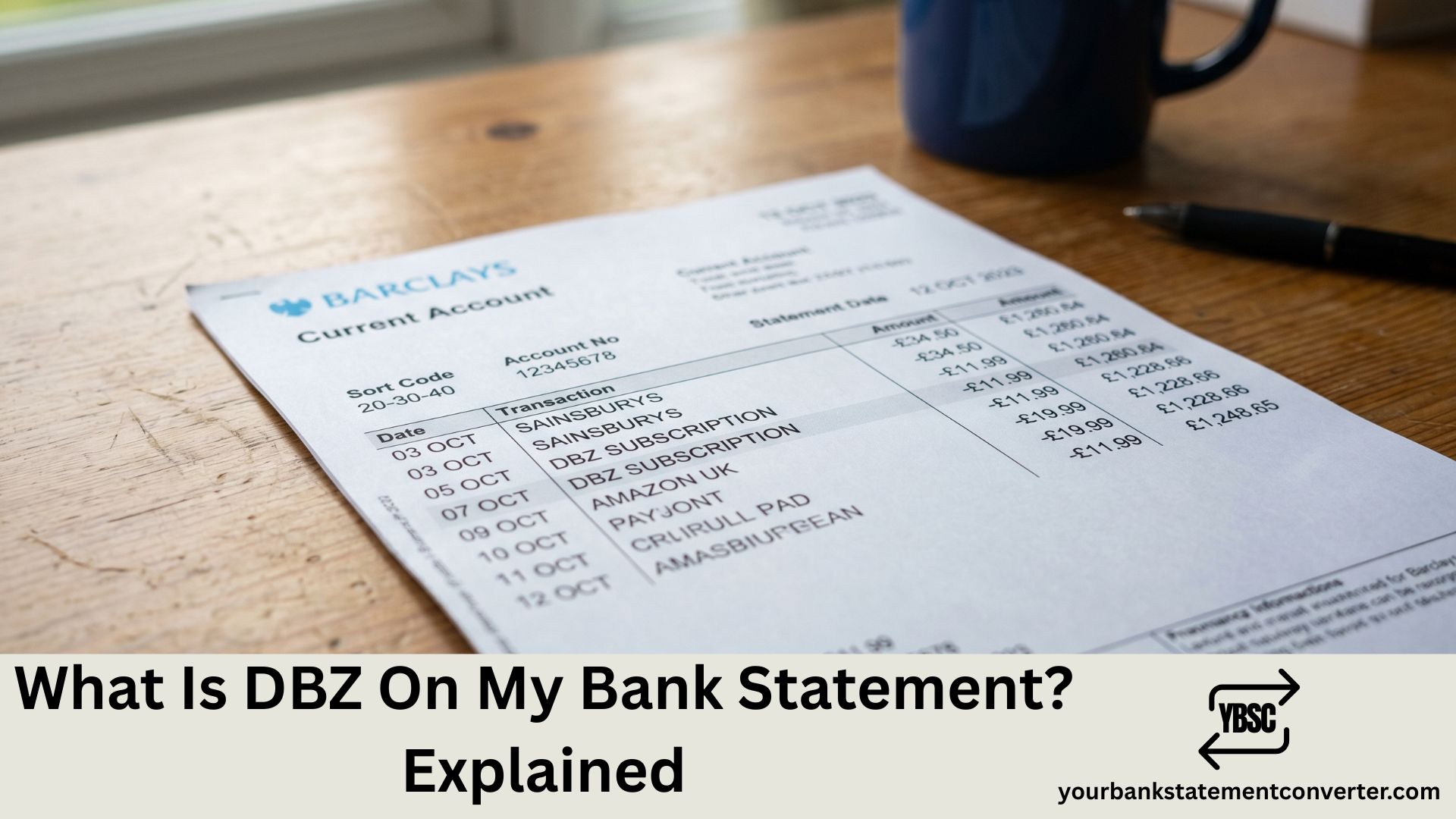
DBZ on your bank statement is most commonly a payment processor prefix, appearing as “DBZ” followed by the actual merchant’s name, such as “DBZJustAnswer.co.uk.”** Unlike a single well-known company, DBZ does not point to one specific business. It typically represents a payment gateway or aggregator that processes transactions on behalf of various online merchants, which means the real answer depends on what comes after the asterisk in your full transaction line.
Key Takeaways
- DBZ generally functions as a payment processor’s short code rather than a single named company, so it’s typically followed by the actual merchant’s name in the full transaction line.
- While JustAnswer-related charges have shown up with a DBZ-style prefix, the code can be associated with other merchants too, so always check the full reference for your specific transaction.
- Not necessarily. It’s a processor prefix, not proof of an unauthorised charge.
- Check the full transaction description in your banking app, search the exact code including anything after the asterisk, and contact your bank if you need more detail than what’s displayed.
- Check for forgotten free trials, ask household members with card access, and if it remains unexplained, dispute it with your bank as a precaution.
Why DBZ Doesn’t Always Mean The Same Thing
Three-letter codes like DBZ are sometimes used by payment processors as a shorthand prefix attached before the merchant’s actual name. This is common practice across card payment systems, where a processor batches transactions for many different online services and stamps its own short code at the front of the full description. Because of this, “DBZ” on its own tells you which payment route was used, but not necessarily which company you paid, unless you look at the full line.
How To Find The Real Merchant Behind A DBZ Charge
- Look at the full transaction description, not just “DBZ.” Most banking apps show more text than the headline summary suggests. Tap or open the transaction to see if there’s a merchant name after “DBZ*” or similar.
- Check recent online subscriptions or one-off purchases. Services like JustAnswer have been associated with this type of processor prefix, so think about whether you’ve recently used an ask-an-expert site, online consultation service, or similar subscription-based platform.
- Search the exact full reference, not just “DBZ.” Searching the complete code, including anything after the asterisk, is far more likely to identify the real merchant than searching “DBZ” alone.
- Check if it matches a print-on-demand purchase. Separately, “DBZ” is also used as a shorthand by some independent online merchandise shops, including franchise-themed apparel sellers, so a forgotten online order is worth ruling out too.
- Ask anyone else with access to the card. A shared card or family member’s subscription is a common, harmless explanation.
Is DBZ A Scam?
Not inherently. A DBZ prefix by itself is not evidence of fraud, it is simply how some payment processors format their transaction descriptions. That said, because the short code gives so little away, it is exactly the kind of entry that’s easy to either dismiss too quickly or panic about unnecessarily. The right approach is to treat it like any unclear charge: trace it properly before deciding whether it’s genuine or not.
What To Do If You Still Can’t Identify The Charge
- Contact your bank and ask for the full merchant reference. Banks can often see more detail behind a short code than what’s displayed in your app or printed statement.
- Compare the amount against any free trial you may have forgotten. Many subscription-based services bill automatically once a trial period ends, and the processor’s short code, rather than the service’s brand name, is what shows up first.
- Dispute it if you genuinely can’t trace it. If your bank can’t identify a clear merchant and you don’t recognise the transaction at all, raise it as a potentially unauthorised charge and request a chargeback.
Final Thoughts
DBZ on your bank statement is best understood as a clue rather than a complete answer. In most cases, it’s a payment processor’s shorthand sitting in front of the real merchant’s name, often linked to an online subscription or one-off digital service. The fastest way to resolve it is to look at the full transaction text rather than just the three letters, and to check your bank app or recent purchase history before assuming the worst. If you want an easier way to spot and trace short, unclear codes like this across your statements, a bank statement converter can turn your PDF statements into clean, searchable spreadsheets, making it much simpler to pull up the full transaction text and compare it against your other records.
FAQ
If other lines on the page are just as puzzling, our guide to statement abbreviations covers the common UK codes, while what is on a bank statement walks through the document section by section.
1.What does DBZ stand for on a bank statement?
DBZ generally functions as a payment processor’s short code rather than a single named company, so it’s typically followed by the actual merchant’s name in the full transaction line.
2.Is DBZ on my statement always linked to JustAnswer?
No. While JustAnswer-related charges have shown up with a DBZ-style prefix, the code can be associated with other merchants too, so always check the full reference for your specific transaction.
3.Is a DBZ charge fraud?
Not necessarily. It’s a processor prefix, not proof of an unauthorised charge. However, if you can’t trace it to any purchase or subscription, you should still treat it as unrecognised and contact your bank.
4.How do I find out which company actually charged me?
Check the full transaction description in your banking app, search the exact code including anything after the asterisk, and contact your bank if you need more detail than what’s displayed.
5.What if I don’t recognise the charge at all?
Check for forgotten free trials, ask household members with card access, and if it remains unexplained, dispute it with your bank as a precaution.
6.Can I block future DBZ charges?
You can cancel the underlying subscription once you identify the merchant, or ask your bank to block further payments to that specific merchant if you no longer want to be charged.