Seeing unfamiliar charges on your bank statement can be confusing. If you’ve recently taken a Lyft ride or signed up for their services, understanding how these transactions appear helps you verify charges and manage your expenses effectively.
Key Takeaways
- Lyft does not display your ride destination on bank statements.
- Lyft transactions display the city where your ride started, not your destination.
- Lyft charges typically appear as pending within minutes of completing a ride.
- Lyft emails receipts after every ride. You can also access all receipts in the Lyft app under Ride History.
- The final charge may be higher due to added tips, route changes, wait time fees, or tolls not included in the initial estimate.
What Does Lyft Show Up as on the Bank Statement?
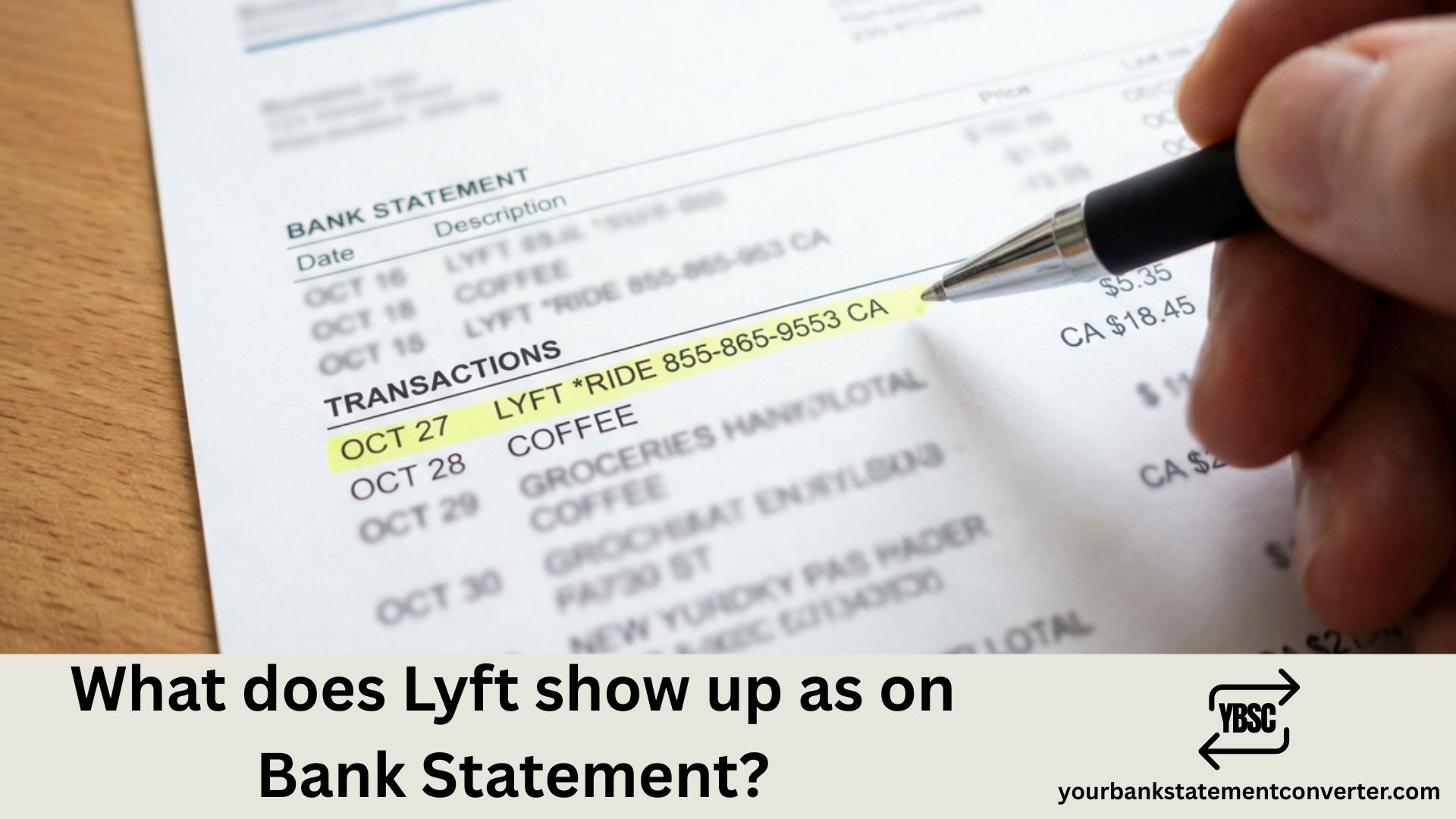
*Lyft transactions typically appear on bank statements as “LYFT RIDE” or “LYFT, INC.” followed by a location identifier. The exact description varies based on the type of service used, but common formats include:
- LYFT *RIDE [City/State]
- LYFT, INC.
- LYFT *PASS (for ride passes)
- LYFT *TIP (for driver tips added later)
- LYFT *BIKE or LYFT *SCOOTER (for bike/scooter rentals)
Common Lyft Transaction Descriptions
| Transaction Type | How It Appears on Statement |
|---|---|
| Standard Ride | LYFT *RIDE SAN FRANCISCO CA |
| Driver Tip | LYFT *TIP |
| Ride Pass Subscription | LYFT *PASS |
| Bike Rental | LYFT *BIKE |
| Scooter Rental | LYFT *SCOOTER |
| Cancelled Ride Fee | LYFT *CANCEL |
| Wait Time Fee | LYFT *RIDE (included in total) |
Key Identifiers in Lyft Charges
Every Lyft transaction on your statement typically contains:
- Company name — Always starts with “LYFT” making it easy to identify
- Service type — Asterisk followed by RIDE, TIP, PASS, etc.
- Location — City and state abbreviation where the ride originated
- Amount and date — Standard transaction details
Need to Track All Your Lyft Expenses?
If you’re tracking Lyft rides for business expense reports, tax deductions, or personal budgeting, our PDF bank statement converter makes it simple.
This tool helps you:
- Convert PDF bank statements to Excel or CSV for easy filtering
- Search and isolate all Lyft transactions across multiple months
- Calculate total rideshare spending for expense reports or tax purposes
- Export clean data for accounting software or reimbursement claims
👉 Try our online bank statement converter — Convert your statements in seconds and take control of your finances.
Why Do Lyft Charges Sometimes Look Different?
Several factors affect how Lyft appears on your statement:
- Pending vs. posted charges — Pending transactions may show as “LYFT” only, with full details appearing once posted
- Authorization holds — Lyft may place a temporary hold that shows differently than the final charge
- Multiple charges for one ride — Tips added after the ride appear as separate transactions
- International rides — May include additional currency conversion details
Why Do I Have Multiple Lyft Charges?
It’s common to see several Lyft charges for what seems like one ride. This happens because:
- Base fare and tip are separate — Tips added after rating your driver post as individual transactions
- Tolls and fees — Some tolls or airport fees may process separately
- Price adjustments — Route changes or wait time additions can create adjusted charges
- Subscription charges — Lyft Pink or ride passes bill separately from individual rides
How to Find Lyft Transactions on Your Bank Statement
To quickly locate all Lyft charges:
- Download your bank statement (PDF format)
- Use Ctrl+F (or Cmd+F on Mac) and search “LYFT”
- Note all matching entries including tips and subscriptions
For comprehensive expense tracking or converting statements into organized spreadsheets, use our free online bank statement converter to transform your PDFs into sortable, filterable data instantly.
Frequently Asked Questions
If other lines on the page are just as puzzling, our guide to statement abbreviations covers the common UK codes, while what is on a bank statement walks through the document section by section.
Does Lyft show the destination on my bank statement?
No, Lyft does not display your ride destination on bank statements. Only the company name, service type, and originating city/state appear. Full trip details are available only in your Lyft app ride history.
Why does my Lyft charge say a different city?
Lyft transactions display the city where your ride started, not your destination. If you took a ride from one city to another, the statement shows your pickup location.
How long does Lyft take to show up on a bank statement?
Lyft charges typically appear as pending within minutes of completing a ride. The final posted charge usually reflects within 1-3 business days, though tips may take slightly longer.
Can I get a receipt instead of relying on my bank statement?
Yes, Lyft emails receipts after every ride. You can also access all receipts in the Lyft app under Ride History. For tax or business purposes, combining receipts with bank statement data provides complete documentation.
Why is my Lyft charge higher than the app showed?
The final charge may be higher due to added tips, route changes, wait time fees, or tolls not included in the initial estimate. Check your Lyft app receipt for a detailed breakdown.
How do I dispute an incorrect Lyft charge?
First, check your Lyft app for ride details. If the charge is incorrect, contact Lyft support through the app. For unauthorized charges, also contact your bank to report potential fraud.
Are Lyft rides tax-deductible?
Business-related Lyft rides may be tax deductible. Use YourBankStatementConverter.com to export and categorize your rideshare expenses for accurate tax reporting and documentation.
Summary
Lyft shows up on bank statements as “LYFT *RIDE” or similar variations depending on the service type, with the originating city included in the description. Tips, subscriptions, and bike/scooter rentals appear as separate line items. For easy expense tracking, tax preparation, or business reimbursements, our bank statement to CSV converter helps you convert and organize your bank statement data effortlessly.