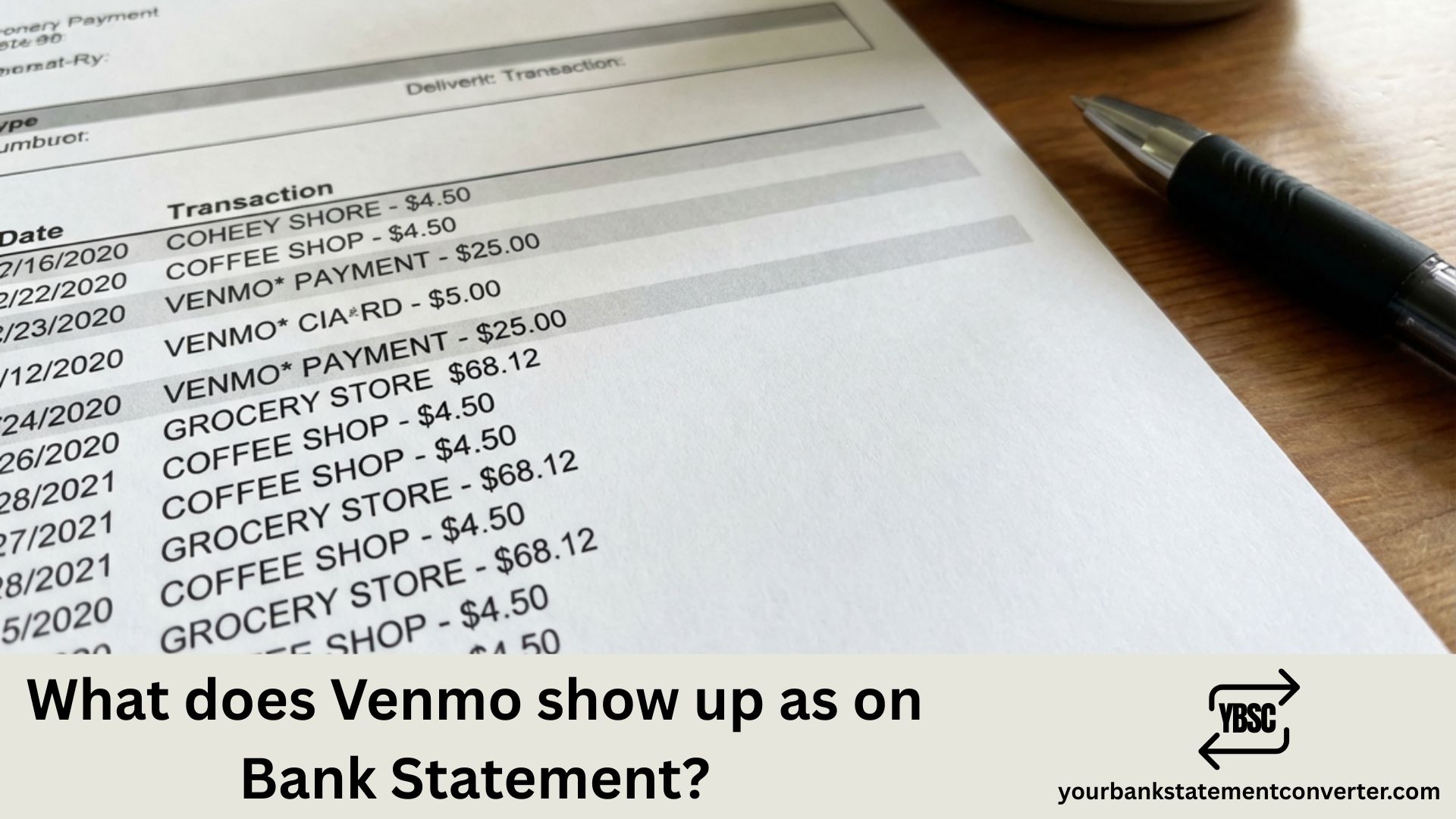
Venmo transactions can appear under various names on your bank or credit card statement, making it confusing to identify specific payments, transfers, or purchases. Since Venmo is owned by PayPal Holdings, Inc., some transactions may reference PayPal in the descriptor—adding another layer of confusion when you’re trying to track peer-to-peer payments or reconcile your accounts.
What Does Venmo Show Up As on Bank Statement?
Venmo typically appears on bank statements with these common descriptors:
Most frequent formats:
- VENMO or VENMO.COM
- VENMO*[username or name]
- VENMO PAYMENT
- VENMO CASHOUT
- VENMO*PAYMENT [last 4 digits]
- VENMO 855-812-4430 (customer service number)
- PAYPAL*VENMO
For adding money to Venmo:
- VENMO*CASHIN
- VENMO INSTANT TRANSFER
- VENMO*ADD CASH
For withdrawing to bank (Cash Out):
- VENMO*CASHOUT
- VENMO TRANSFER
- VENMO INSTANT CASHOUT
- VENMO*STANDARD TRANSFER
For peer-to-peer payments:
- VENMO*[recipient’s name]
- VENMO*[username]
- VENMO PAYMENT*[name]
- VENMO P2P
For Venmo Debit Card purchases:
- VENMO*[merchant name]
- VEN*[merchant name]
- VENMO DEBIT*[merchant]
For Venmo Credit Card transactions:
- VENMO CREDIT CARD
- SYNCHRONY BANK*VENMO (Synchrony issues the Venmo Credit Card)
The exact descriptor depends on transaction type, your bank, whether you’re sending or receiving money, and the payment method used.
Common fees that might appear:
- 1.75% (minimum $0.25, maximum $25) – Instant transfer fee
- 3% – Credit card funding fee for payments
- $0 – Standard transfer (1–3 business days)
- $3.00 – Over-the-counter cash reload fee
Struggling to Track Venmo Transactions Across Your Bank Statements?
With Venmo using multiple descriptors like “VENMOCASHOUT,” “PAYPALVENMO,” and “VEN*[merchant],” finding specific peer-to-peer payments or card purchases buried in PDF bank statements becomes unnecessarily complicated. When you need to track payment history, verify transfers, or reconcile accounts, scrolling through pages of transactions wastes valuable time.
YourBankStatementConverter.com instantly converts your bank statement PDFs into organized, searchable Excel spreadsheets. Upload your statements, search for “VENMO,” “VEN,” or “PAYPAL*VENMO,” and immediately see every Venmo transaction—sortable by date, amount, or description.
Why it’s perfect for Venmo users:
- Instantly find all peer-to-peer payments sent and received
- Track Venmo Debit and Credit Card spending
- Identify transfer fees and cash out transactions
- Export clean data for budgeting, taxes, or expense reports
👉 Convert your statements free at YourBankStatementConverter.com
FAQs
Why does my statement say “PAYPAL*VENMO” instead of just Venmo?
Venmo is owned by PayPal Holdings, Inc. Some banks and payment processors display the parent company name alongside or instead of Venmo. “PAYPAL*VENMO” confirms the transaction is legitimately from Venmo processed through PayPal’s payment infrastructure.
What does “VENMO*CASHOUT” mean on my bank statement?
This indicates you transferred money from your Venmo balance to your linked bank account. “Cash Out” is Venmo’s term for withdrawing funds. You might see “VENMO INSTANT CASHOUT” for instant transfers (which incur a 1.75% fee) or “VENMO*STANDARD TRANSFER” for free 1–3 business day transfers.
Why do I see “VEN” followed by a store name?
When you use your Venmo Debit Card to make purchases at retailers, the transaction typically appears as “VEN*[merchant name]” or “VENMO*[merchant name].” This distinguishes debit card purchases from peer-to-peer transfers.
What does “SYNCHRONY BANK*VENMO” mean?
The Venmo Credit Card is issued by Synchrony Bank. If you see this descriptor, it’s related to your Venmo Credit Card account—either a payment you made toward your credit card balance or a transaction processed through Synchrony’s systems.
I see a Venmo charge I don’t recognize. What should I do?
First, check your Venmo app transaction history for the matching amount and date. Verify if you approved any payment requests or if a recurring payment was processed. If the charge is unauthorized, report it immediately through Venmo (Settings > Get Help > Report Unauthorized Transaction) and contact your bank to dispute the charge.
What does the phone number 855-812-4430 on my Venmo charge mean?
Some banks include the merchant’s customer service number in transaction descriptors. 855-812-4430 is Venmo’s official support line, confirming the transaction is legitimately from Venmo.
Why was I charged a fee for transferring money out of Venmo?
Venmo charges a 1.75% fee (minimum $0.25, maximum $25) for instant transfers to your bank account. Standard transfers, which take 1–3 business days, are free. Additionally, sending money using a credit card incurs a 3% fee—using your bank account or debit card for payments is free.
How can I tell the difference between money I sent vs. money I received?
Bank statements typically only show transactions where money left your account (sending payments, adding to Venmo balance) or entered your account (cash outs, refunds). Money you receive within Venmo stays in your Venmo balance and won’t appear on your bank statement until you transfer it out.
Why don’t I see money someone sent me on my bank statement?
When someone sends you money on Venmo, it goes to your Venmo balance—not directly to your bank account. You’ll only see a bank statement entry when you “cash out” (transfer) that balance to your linked bank. The incoming payment exists only within Venmo until then.
Do Venmo payments show who I paid on my bank statement?
Sometimes. Depending on your bank, Venmo transactions may show the recipient’s name or username (e.g., “VENMO*JANE DOE”). However, some banks only display generic descriptors like “VENMO PAYMENT” without identifying the recipient.
How can I easily track all my Venmo activity alongside other transactions?
Upload your bank statements to YourBankStatementConverter.com and convert them to searchable Excel spreadsheets. Search for “VENMO,” “VEN*,” or “PAYPAL*VENMO” to instantly view every Venmo transaction across multiple months—organized, sortable, and perfect for reconciling payments or preparing financial records.



![What Is FSUK Payment on Bank Statement (Sports Direct Frasers Group)[2026]](https://yourbankstatementconverter.com/blog/wp-content/uploads/2026/03/What-Is-FSUK-Payment-on-Bank-Statement-Sports-Direct-Frasers-Group2026-300x169.jpg)
![What Does CR Mean on a Bank Statement (Credit Explained)[2026]](https://yourbankstatementconverter.com/blog/wp-content/uploads/2026/03/What-Does-CR-Mean-on-a-Bank-Statement-Credit-Explained2026-300x169.jpg)
![What Does BP Mean on a Bank Statement (Both Meanings Explained)[2026]](https://yourbankstatementconverter.com/blog/wp-content/uploads/2026/03/What-Does-BP-Mean-on-a-Bank-Statement-Both-Meanings-Explained2026-1-300x169.jpg)