
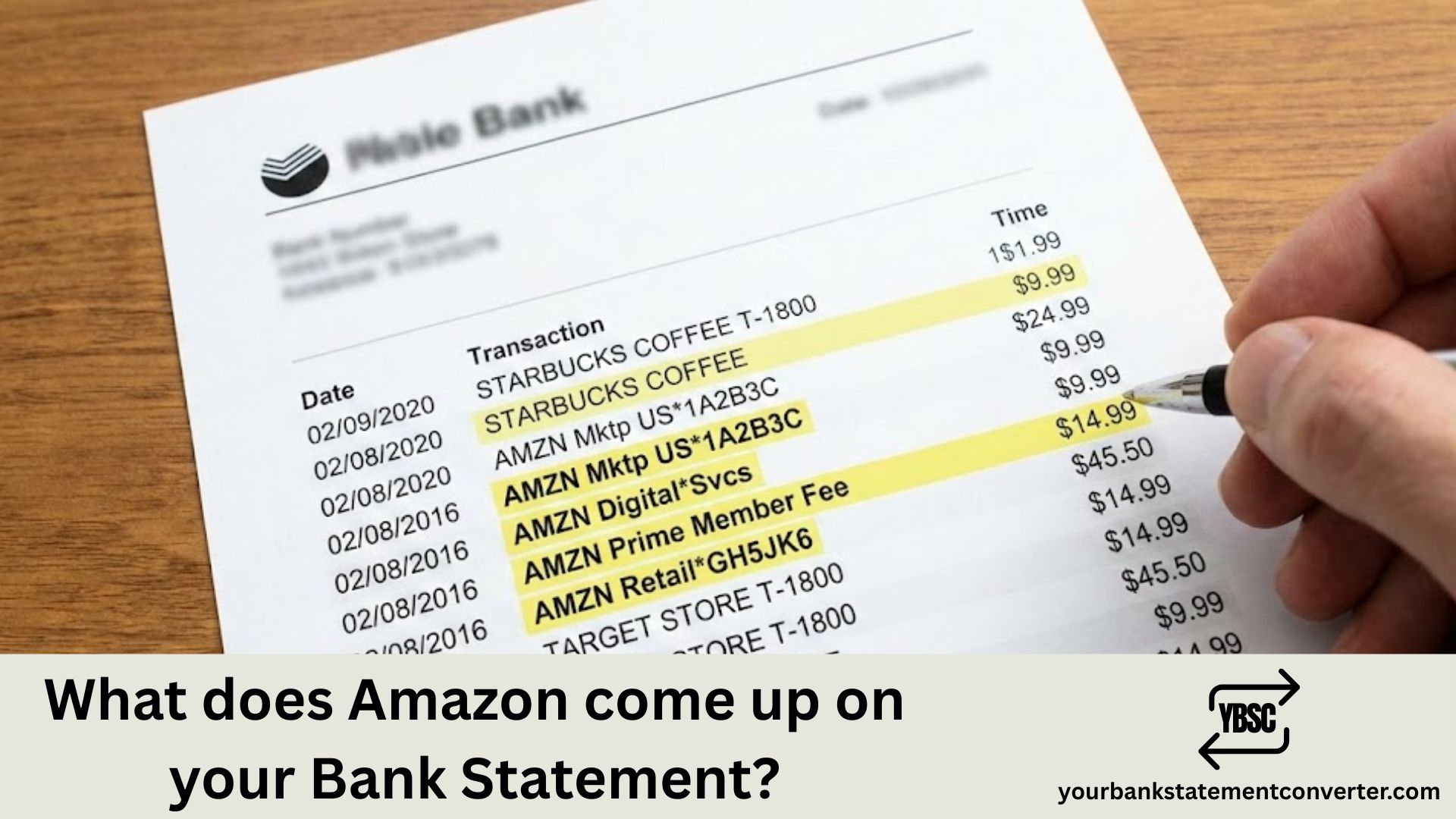
If you’ve ever spotted an unfamiliar charge and wondered “what does Amazon come up on your bank statement,” you’re not alone. Amazon transactions can appear under various names depending on the type of purchase from standard orders to Prime memberships, digital downloads, and third-party marketplace sales. Understanding these different descriptors helps you quickly identify legitimate charges, spot unauthorized transactions, and keep your finances organized.
What Does Amazon Show Up As on Your Bank Statement?
Common Amazon charges you’ll see on your statement:
- AMAZON.COM – Standard marketplace purchases
- AMZN.COM/BILL or AMZN.COM/BILLWA – General Amazon orders (WA refers to their Washington state headquarters)
- AMAZON PRIME or AMZN PRIME – Monthly or annual Prime membership fees
- AMAZON DIGITAL or AMZN DIGITAL – Kindle books, music, apps, or digital content
- AMAZON MKTPLACE – Third-party seller purchases on Amazon’s marketplace
- AWS or AMAZON WEB SERVICES – Cloud computing services charges
- WHOLE FOODS MARKET – Purchases from Amazon-owned Whole Foods stores
- AUDIBLE – Audiobook subscription or purchases
Why Amazon charges can be confusing:
Amazon often splits orders into multiple shipments, meaning one order might generate several separate charges on your statement. Additionally, pending authorizations may appear before the final charge posts, sometimes causing temporary duplicate entries.
Tip: If you’re trying to reconcile Amazon purchases with your bank records, log into your Amazon account and check your order history under “Your Orders” to match transactions.
Need to organize your bank statements for expense tracking or reconciliation? Converting your PDF bank statements to Excel makes it much easier to search, filter, and categorize transactions like Amazon purchases. Try YourBankStatementConverter.com to instantly convert your statements into editable spreadsheet format—perfect for tracking subscriptions, identifying recurring charges, and managing your finances more efficiently.







