If you’ve recently subscribed to Grammarly and noticed an unfamiliar charge on your bank or credit card statement, you’re not alone. Many users wonder what descriptor Grammarly uses for billing, especially when trying to track subscriptions or verify legitimate charges. This guide explains exactly how Grammarly appears on your financial statements and helps you identify whether a charge is authentic.
What Does Grammarly Show Up As on a Bank Statement
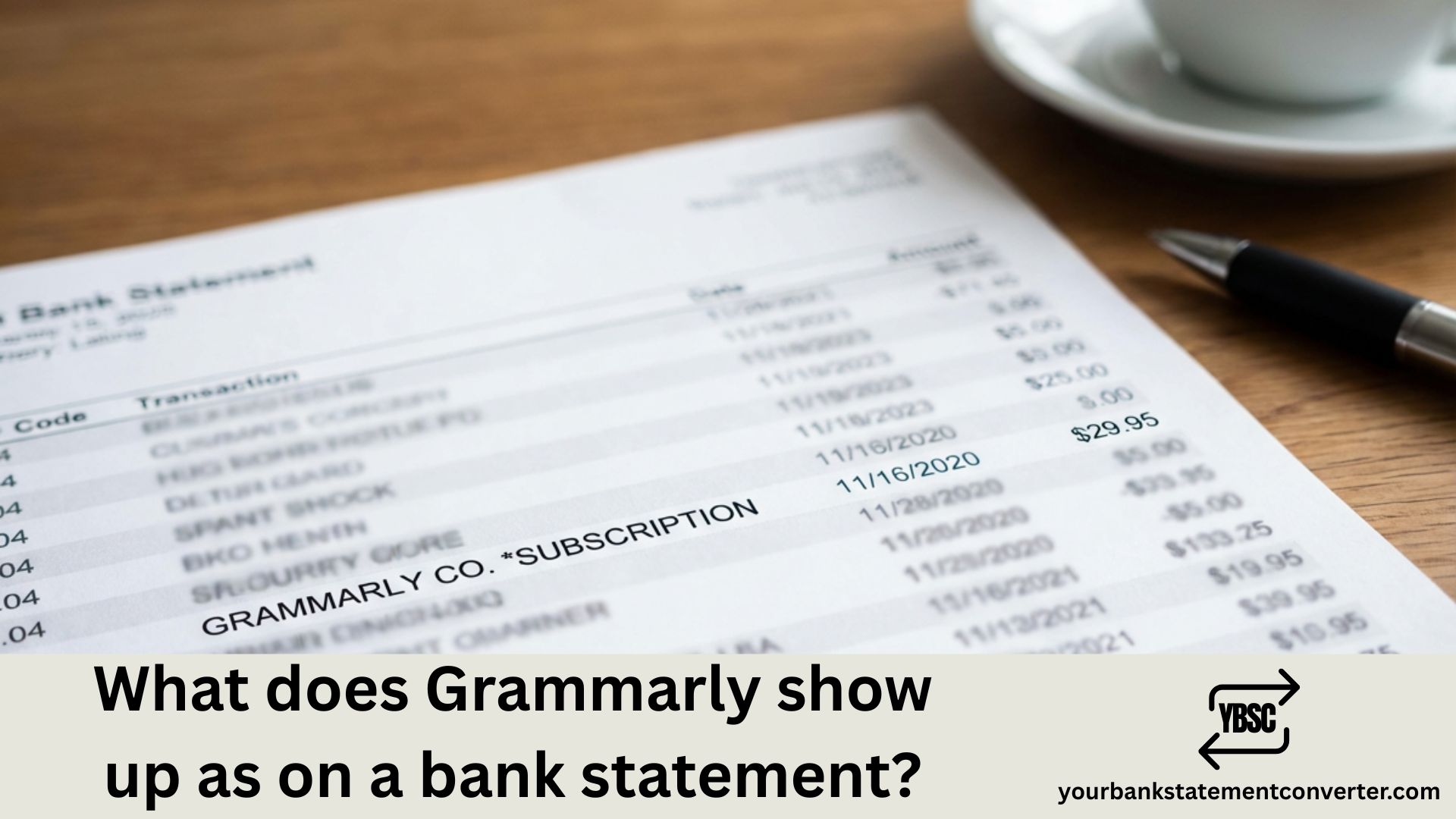
Grammarly charges typically appear on your bank or credit card statement using one of these common descriptors:
- GRAMMARLY 888-318-6146 SAN FRANCISCO CA
- GRAMMARLY CO*XXXX-XXXX (where XXXX is a unique reference code)
- GRAMMARLY 888-318-6146 8883186146 CA
- GRAMMARLY CO5WYD-ZBEF 8883186146
- *PAYPAL GRAMMARLY 888-318-6146 CA (if paid via PayPal)
- GRAMMARLY.COM
- GRAMMARLY CO*XXXX LONDON GREAT BRITAIN (for some international transactions)
The phone number 888-318-6146 is Grammarly’s official customer support line and frequently appears alongside the company name on statements. The alphanumeric codes following “CO” (like CO5DXT-8GCH or CO*CELO-2BGN) are unique transaction reference numbers that help identify specific charges.
Common Grammarly Charge Amounts
Understanding typical Grammarly pricing helps you verify legitimate charges:
| Plan | Billing Frequency | Amount |
|---|---|---|
| Grammarly Pro | Monthly | $30/month |
| Grammarly Pro | Quarterly | $60 ($20/month) |
| Grammarly Pro | Annual | $144 ($12/month) |
| Verification Charge | During free trial | $0 or $1 (temporary) |
Note: Prices may vary by region. Grammarly offers regional pricing in Euros, British Pounds, and Indian Rupees.
Why Is There a Grammarly Charge on My Statement?
Several scenarios can lead to a Grammarly charge appearing on your bank statement:
1. Active Subscription If you’ve subscribed to Grammarly Pro (formerly Premium), charges occur at the start of each billing cycle—monthly, quarterly, or annually.
2. Free Trial Conversion Many users sign up for Grammarly’s 7-day free trial. If you don’t cancel before the trial ends, your payment method is automatically charged for the subscription.
3. Verification Charges During free trials, Grammarly may place a small pending authorization (typically $0-$1) to verify your payment method. This usually disappears within a few days.
4. Multiple Accounts You might have multiple Grammarly accounts linked to different email addresses, each with separate subscriptions.
5. Automatic Card Updates Financial institutions sometimes automatically update billing details when you receive a new card, allowing recurring charges to continue on the new card.
How to Verify a Grammarly Charge
To confirm whether a Grammarly charge is legitimate:
- Check your email – Search all your email accounts for “Grammarly” to find subscription confirmations or receipts
- Log into Grammarly – Visit your Grammarly account’s Subscription page to view billing history
- Match the reference code – The alphanumeric code on your statement (like CO5DXT-8GCH) should match your account’s order history
- Contact Grammarly Support – Reach out at 888-318-6146 or through their support portal with your reference number
Managing Your Bank Statements Efficiently
Tracking subscription charges like Grammarly across multiple bank accounts and statements can be challenging. If you’re a freelancer, small business owner, accountant, or bookkeeper who regularly deals with bank statements, converting them into organized formats saves significant time. Accountants and bookkeepers running this across several clients will find the pricing plans are billed on pages, not seats.
Our bank statement converter offers a reliable solution for converting PDF bank statements into Excel, CSV, or other formats. This makes it incredibly easy to:
- Track recurring subscriptions like Grammarly, Netflix, or other services
- Categorize expenses for tax preparation and bookkeeping
- Identify unauthorized charges quickly across multiple statements
- Reconcile accounts with accounting software
- Prepare financial reports for clients or stakeholders
Whether you’re reviewing personal finances or managing client accounts professionally, having your bank statements in an editable, searchable format streamlines the entire process.
👉 Convert your bank statements now at our free online bank statement converter
How to Cancel or Dispute a Grammarly Charge
To Cancel Your Subscription:
- Log into your Grammarly account
- Go to Account → Subscription
- Click “Cancel Subscription”
- Follow the prompts to confirm
To Dispute an Unauthorized Charge:
If you don’t recognize a Grammarly charge:
- Contact Grammarly Support immediately at support.grammarly.com
- Provide the reference number from your statement
- Grammarly can cancel unauthorized subscriptions and block further charges
- If unresolved, contact your bank to dispute the charge
Grammarly Bank Statement Charge: Key Takeaways
Understanding how Grammarly appears on your bank statement helps you maintain better control over your finances and quickly identify legitimate versus suspicious charges. The company consistently uses identifiable descriptors including their name, San Francisco location, and customer support phone number (888-318-6146).
For anyone managing multiple financial accounts or processing bank statements regularly, tools like our bank statement to Excel converter make tracking subscriptions and expenses significantly more manageable. Converting PDF statements to Excel or CSV formats allows you to search, filter, and analyze all your transactions—including recurring Grammarly charges—in one organized spreadsheet.
Frequently Asked Questions
What does Grammarly look like on a bank statement?
Grammarly typically appears as “GRAMMARLY 888-318-6146 SAN FRANCISCO CA” or “GRAMMARLY CO*” followed by a unique reference code. PayPal users may see “PAYPAL *GRAMMARLY” instead.
Why is Grammarly charging my card?
Grammarly charges your card if you have an active Pro subscription (monthly, quarterly, or annual) or if your free trial converted to a paid plan. Verification holds during trials are temporary and typically reverse within a few days.
How do I find out which Grammarly account is charging me?
Search all your email accounts for “Grammarly” to locate subscription confirmations. You can also contact Grammarly support with the reference code from your statement (format: CO*XXXX-XXXX) to identify the associated account.
Can I get a refund from Grammarly?
Grammarly subscriptions are generally non-refundable. However, unauthorized charges can be investigated and refunded by contacting their support team with your transaction details.
How do I stop Grammarly from charging my card?
Log into your Grammarly account, navigate to Account → Subscription, and click “Cancel Subscription.” This prevents future charges while allowing you to use remaining time on your current billing period.
What is the Grammarly phone number on my statement?
The number 888-318-6146 is Grammarly’s official customer support line. It appears on statements to help users identify and verify charges.
Is Grammarly worth the subscription cost?
Grammarly Pro offers advanced grammar checking, plagiarism detection, tone suggestions, and AI writing assistance. At $12/month (annual plan), it’s valuable for professionals, students, and content creators who write frequently and want to ensure error-free, polished content.
How can I track all my subscription charges easily?
Converting your bank statements to Excel or CSV format using YourBankStatementConverter.com allows you to filter and search all transactions, making it simple to identify and track recurring subscription charges like Grammarly across multiple accounts.