
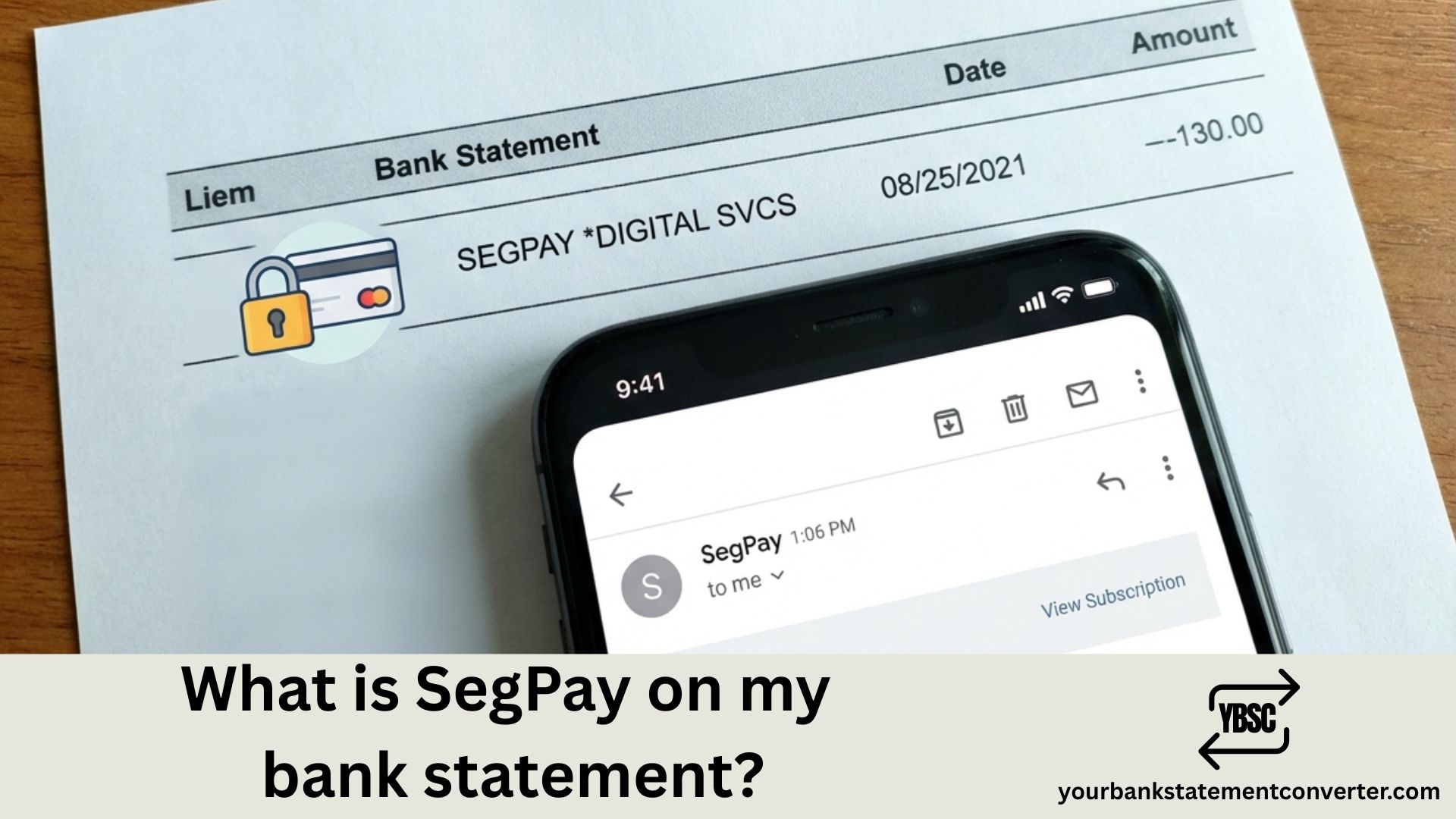
Quick Answer: SegPay is a legitimate online payment processor that handles transactions for subscription-based websites, adult entertainment platforms, dating sites, and digital content services. If you see “SEGPAY” or variations like “SEGPAY*” on your bank statement, it means you or someone with access to your card made a purchase through a merchant using SegPay’s payment processing services.
Discovering an unfamiliar charge on your bank statement can be alarming. SegPay is one of the most common mystery charges that people question, often appearing as “SEGPAY,” “SEGPAY*,” “SP*,” or “EPOCH.CO*SEGPAY.” This comprehensive guide explains exactly what SegPay is, why it appeared on your statement, and what steps to take next.
What is SegPay on my bank statement?
SegPay (Segpay com) is a third-party payment processor based in Fort Lauderdale, Florida. Founded in 2005, the company specializes in processing online payments for merchants who sell digital content, subscription services, and membership-based products. SegPay acts as an intermediary between your bank and the merchant, which is why their name appears on your statement instead of the actual website or service you purchased from.
The company is a legitimate, PCI-compliant payment processor registered with major credit card networks including Visa, Mastercard, American Express, and Discover. They process millions of transactions annually for thousands of merchants worldwide.
Common Reasons for SegPay Charges
SegPay processes payments for various types of online services:
- Adult entertainment websites: Premium memberships and pay-per-view content
- Dating platforms: Subscription fees for dating sites and apps
- Streaming services: Video and audio streaming subscriptions
- Gaming platforms: In-game purchases and gaming subscriptions
- Digital downloads: Software, e-books, and digital media
- Membership sites: Fitness programs, educational content, and exclusive communities
How SegPay Charges Appear on Bank Statements
SegPay transactions may appear under several variations:
- SEGPAY
- SEGPAY*[Merchant Name]
- SP*[Merchant Name]
- SEGPAY.COM
- EPOCH.CO*SEGPAY
- SEGPAY FT LAUDERDALE FL
The descriptor often includes a reference number or partial merchant name that can help identify the specific purchase.
What To Do If You Don’t Recognize a SegPay Charge
Step 1: Check Your Email
Search your email inbox for “SegPay” or the merchant name shown in the transaction. SegPay sends confirmation emails for all purchases, which will reveal the actual service you signed up for.
Step 2: Review Household Members
If you share your card with family members or have authorized users, check if anyone else made the purchase. This is especially common with shared streaming or gaming accounts.
Step 3: Check SegPay’s Consumer Portal
Visit cs.segpay.com and enter your email address or the last four digits of your card. This self-service portal shows all active subscriptions linked to your payment method and allows you to manage or cancel them.
Step 4: Contact SegPay Support
If you still can’t identify the charge, contact SegPay’s customer service at 1-866-450-4000 or through their website. They can provide details about the merchant and transaction.
How to Cancel SegPay Subscriptions
To cancel recurring SegPay charges:
- Visit the SegPay consumer support portal at cs.segpay.com
- Locate your active subscription using your email or card details
- Click “Cancel” or “Unsubscribe” for the relevant membership
- Save the cancellation confirmation for your records
Alternatively, contact the merchant directly or call SegPay customer support for assistance.
Is SegPay Safe and Legitimate?
Yes, SegPay is a legitimate and secure payment processor. The company maintains PCI DSS Level 1 compliance (the highest security standard for payment processors), uses advanced encryption technology, has been operating since 2005 with an established industry reputation, and provides 24/7 customer support and fraud monitoring.
However, like any payment processor, their services can be misused. If you suspect unauthorized charges, take immediate action to protect your account.
Easily Track and Identify Unknown Bank Charges
Struggling to identify charges like SegPay on your bank statements? Manually reviewing PDF bank statements can be time-consuming and frustrating—especially when you need to match transactions across multiple accounts or months.
Your Bank Statement Converter makes this process effortless. This powerful tool instantly converts your PDF bank statements into organized Excel or CSV formats, allowing you to:
- Search and filter transactions quickly: Find all SegPay charges across multiple statements in seconds
- Track recurring subscriptions: Identify patterns in your spending and spot unwanted subscriptions
- Simplify bookkeeping: Import transaction data directly into accounting software
- Secure & private: Your financial data stays protected throughout the conversion process
👉 Try it free today at yourbankstatementconverter.com and take control of your bank statement analysis!
Understanding SegPay Bank Statement Charges: Key Takeaways
SegPay charges on your bank statement indicate a purchase made through their secure payment processing platform. While the company is legitimate and processes payments for various online services, it’s important to verify any unfamiliar transactions. Remember to check your emails, review the SegPay consumer portal, and contact their support team if needed. For those who frequently review bank statements or need to track multiple transactions, converting PDF statements to Excel using tools like Your Bank Statement Converter can save significant time and help you stay on top of your finances.
Frequently Asked Questions
Why is there a SegPay charge on my bank statement?
A SegPay charge appears when you or someone with access to your card made a purchase through a website that uses SegPay as their payment processor. This includes subscriptions to streaming services, dating sites, digital content platforms, and membership websites.
Is SegPay a scam?
No, SegPay is not a scam. It’s a legitimate payment processing company that has been in business since 2005. However, if you don’t recognize a charge, investigate it promptly as unauthorized use of your card is always possible.
How do I get a refund from SegPay?
To request a refund, visit cs.segpay.com, contact SegPay customer service at 1-866-450-4000, or reach out to the merchant directly. Refund policies vary by merchant, and SegPay can help facilitate the process.
What does SEGPAY*[name] mean on my statement?
The text after “SEGPAY*” usually indicates the merchant or website name where the purchase was made. This helps identify which service charged your card.
How do I stop SegPay from charging my card?
Visit cs.segpay.com to find and cancel your active subscriptions. You can also contact SegPay support directly or reach out to the merchant to cancel recurring billing.
Can I dispute a SegPay charge with my bank?
Yes, if you believe a charge is fraudulent or unauthorized, you can dispute it with your bank or credit card company. However, first try to resolve the issue with SegPay directly, as this is often faster and easier.
How do I find out what I purchased through SegPay?
Check your email for purchase confirmations from SegPay, use the consumer portal at cs.segpay.com, or call their customer service at 1-866-450-4000 for transaction details.
Why does SegPay charge different amounts?
Variable charges may occur due to different subscription tiers, promotional pricing ending, currency conversion fees, or multiple subscriptions across different merchants using SegPay.







