
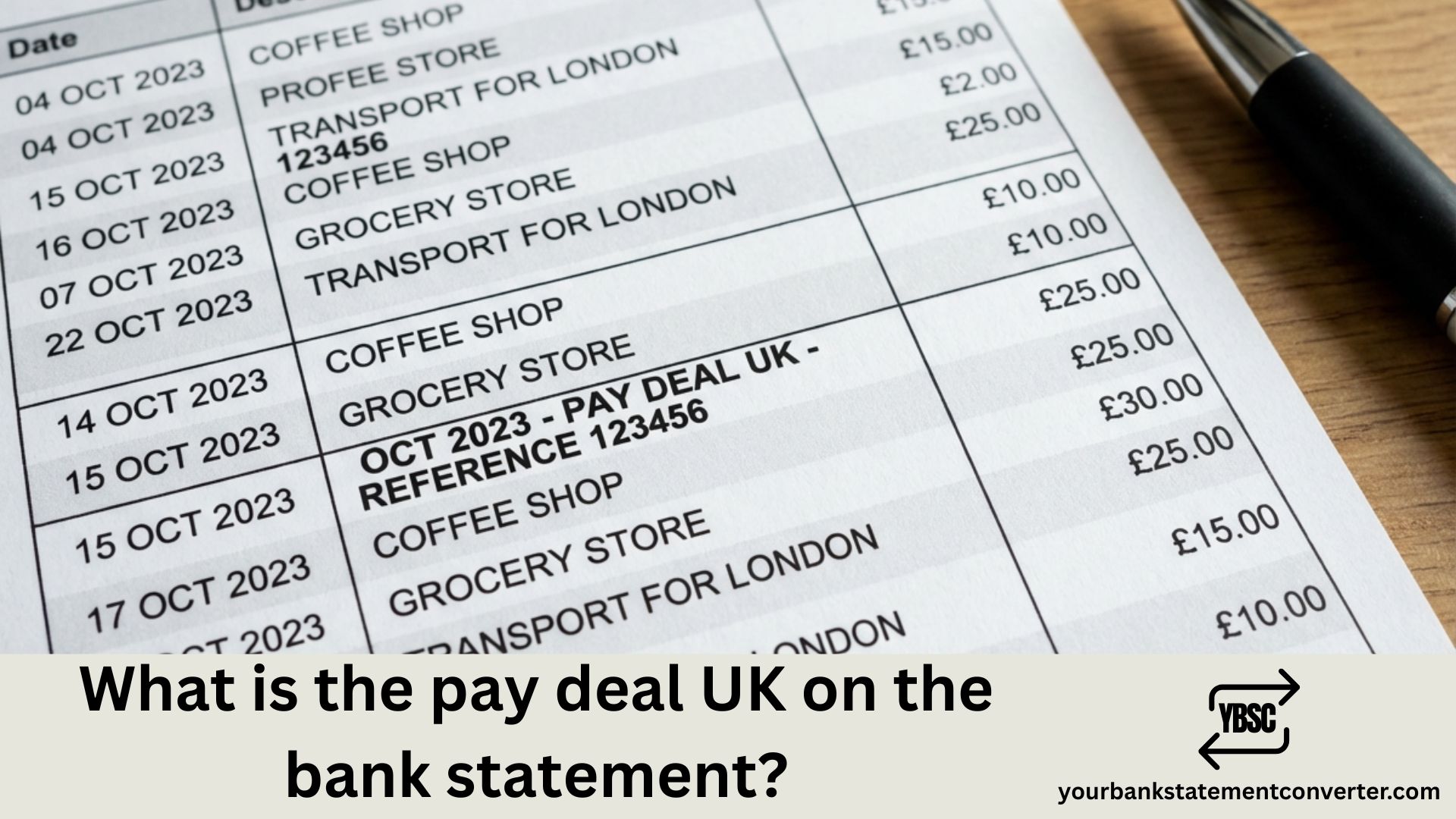
Spotted a confusing “Pay Deal UK” charge on your bank statement and unsure where it came from? You’re not alone. Thousands of UK bank customers see unfamiliar merchant names on their statements every month, causing unnecessary worry about potential fraud or unauthorised transactions.
In this guide, we’ll explain exactly what Pay Deal UK is, why it appears on your statement, and what steps to take if you don’t recognise the charge.
What is Pay Deal UK on Bank Statement?
Pay Deal UK is a transaction descriptor from pay-deal.com, an online fashion and lifestyle retailer operating in the United Kingdom. When you make a purchase from their website, the charge appears on your bank statement as “Pay Deal UK,” “PAYDEAL UK,” or sometimes “AWX PAYDEAL UK.”
The retailer sells a wide range of products including:
- Women’s and men’s clothing
- Shoes and footwear
- Bags and accessories
- Watches and jewellery
- Kids’ toys and clothing
- Home goods and electronics
If you’ve recently shopped on pay-deal.com or a similar online marketplace, this charge is likely legitimate.
Why Does Pay Deal UK Appear on My Statement?
Pay Deal UK transactions typically appear on your bank statement for these reasons:
- Direct purchase from pay-deal.com – You or someone with access to your card bought items from their online store.
- Family or household member purchase – A spouse, partner, or child may have used your card for an online order.
- Subscription or recurring payment – Some retailers set up recurring billing for memberships or repeat orders.
- Forgotten purchase – The transaction may relate to an order placed weeks ago that’s only now being processed.
- Payment processor reference – Pay Deal UK uses payment processors like Airwallex (AWX), so the charge may show as “AWX PAYDEAL UK” on certain bank statements.
How to Verify a Pay Deal UK Charge
If you don’t immediately recognise a Pay Deal UK transaction, follow these steps before contacting your bank:
Step 1: Check your email inbox
Search your email for order confirmations from pay-deal.com or related shipping notifications. Look for subject lines containing “order confirmation,” “dispatch notification,” or “payment receipt.”
Step 2: Review the transaction amount
Compare the charge amount to recent online purchases. Does £15.88 or £38.89 match something you ordered? Even small amounts can be legitimate purchases.
Step 3: Check with household members
Ask family members if they made an online purchase using your card. Shared accounts often lead to unrecognised transactions.
Step 4: Visit the retailer’s website
Go to pay-deal.com and check if the products look familiar. If you created an account, log in to view your order history.
Step 5: Contact Pay Deal customer support
If you’re still unsure, reach out to Pay Deal directly at service@pay-deal.com to verify whether a transaction was made using your payment details.
What to Do If You Don’t Recognise the Charge
If after investigation you’re confident the Pay Deal UK charge is unauthorised, take these steps immediately:
- Contact your bank – Report the unrecognised transaction to your bank’s fraud team. Most UK banks including Barclays, HSBC, Lloyds, NatWest, and Santander have 24/7 fraud hotlines.
- Request a chargeback – Under the Consumer Credit Act and Payment Services Regulations, you may be entitled to a refund for unauthorised transactions.
- Freeze your card – Use your banking app to temporarily freeze your debit or credit card while the investigation is ongoing.
- Monitor your account – Keep an eye on your statement for any additional suspicious activity over the following weeks.
- Report to Action Fraud – If you believe your card details were stolen, report the incident to Action Fraud at actionfraud.police.uk.
Common Pay Deal UK Statement Descriptors
The Pay Deal UK charge may appear differently depending on your bank. Here are common variations:
| Statement Descriptor | Meaning |
|---|---|
| PAY DEAL UK | Standard charge from pay-deal.com |
| PAYDEAL UK | Shortened version |
| AWX PAYDEAL UK | Processed via Airwallex payment gateway |
| AWX*PAYDEAL | Airwallex-processed transaction |
| PAY-DEAL.COM | Direct website reference |
How to Track and Organise Your Bank Transactions
Finding an unfamiliar charge like Pay Deal UK highlights the importance of regularly reviewing your bank statements. If you’re struggling to keep track of multiple transactions across different accounts, converting your PDF bank statements to Excel can make analysis much easier.
YourBankStatementConverter.com instantly transforms your PDF bank statements into organised, searchable spreadsheets—perfect for identifying recurring charges, spotting unfamiliar transactions, and managing your monthly budget.
The tool works with all major UK banks including Barclays, HSBC, Lloyds, NatWest, Santander, and Nationwide, extracting transaction data accurately using AI-powered OCR technology.
👉 Convert Your Bank Statement to Excel Now
Tips for Avoiding Unrecognised Bank Statement Charges
To minimise confusion from unfamiliar transaction names in future:
- Use a dedicated card for online shopping – This makes tracking e-commerce purchases simpler.
- Set up transaction alerts – Most UK banking apps allow real-time notifications for card payments.
- Keep digital receipts organised – Create an email folder for online order confirmations.
- Review statements monthly – Regular checks help you catch issues early.
- Use virtual card numbers – Some banks offer disposable card numbers for added security.
Conclusion: Understanding Pay Deal UK on Your Bank Statement
Pay Deal UK on your bank statement is typically a legitimate charge from pay-deal.com, an online fashion and lifestyle retailer. The transaction may also appear as “AWX PAYDEAL UK” when processed through the Airwallex payment gateway.
Before assuming fraud, check your emails, confirm with household members, and review your recent online purchases. If the charge remains unrecognised after investigation, contact your bank immediately to dispute the transaction and protect your account.
For easier bank statement management and transaction tracking, try YourBankStatementConverter.com—the fastest way to convert PDF statements into organised Excel spreadsheets for UK bank customers.
Frequently Asked Questions (FAQs)
What is Pay Deal UK on my bank statement?
Pay Deal UK is a charge from pay-deal.com, an online fashion and lifestyle retailer. It appears when you or someone using your card makes a purchase from their website. The charge may also show as “AWX PAYDEAL UK” when processed through the Airwallex payment system.
Is Pay Deal UK a scam?
Pay Deal UK is a legitimate online retailer selling clothing, accessories, and home goods. However, if you didn’t make a purchase from pay-deal.com, the charge could indicate unauthorised use of your card. Verify the transaction before reporting it as fraud.
Why does my statement show AWX PAYDEAL UK?
AWX stands for Airwallex, a payment processing company used by many online retailers including Pay Deal. When Pay Deal processes your payment through Airwallex, the charge appears as “AWX PAYDEAL UK” on your bank statement.
How do I get a refund from Pay Deal UK?
To request a refund from Pay Deal, contact their customer service at service@pay-deal.com with your order details. If you didn’t authorise the transaction, contact your bank to initiate a chargeback under UK consumer protection regulations.
How can I identify unknown charges on my bank statement?
Search your emails for order confirmations, check with family members who may have used your card, and review the merchant’s website. Converting your PDF bank statement to Excel makes it easier to search, filter, and categorise transactions.
What should I do if I don’t recognise a Pay Deal UK charge?
First, verify the charge by checking emails and asking household members. If the transaction is genuinely unauthorised, contact your bank’s fraud team immediately, freeze your card, and consider reporting the incident to Action Fraud.
Does Pay Deal UK charge in GBP?
Yes, Pay Deal UK charges in British Pounds (GBP) for UK customers. The transaction will appear in your native currency on your bank statement without foreign exchange fees.
How long does a Pay Deal UK refund take?
Refunds from Pay Deal typically take 5-10 business days to appear in your account, depending on your bank’s processing times. Disputed transactions through your bank may take longer during the investigation.
Related Articles:







