
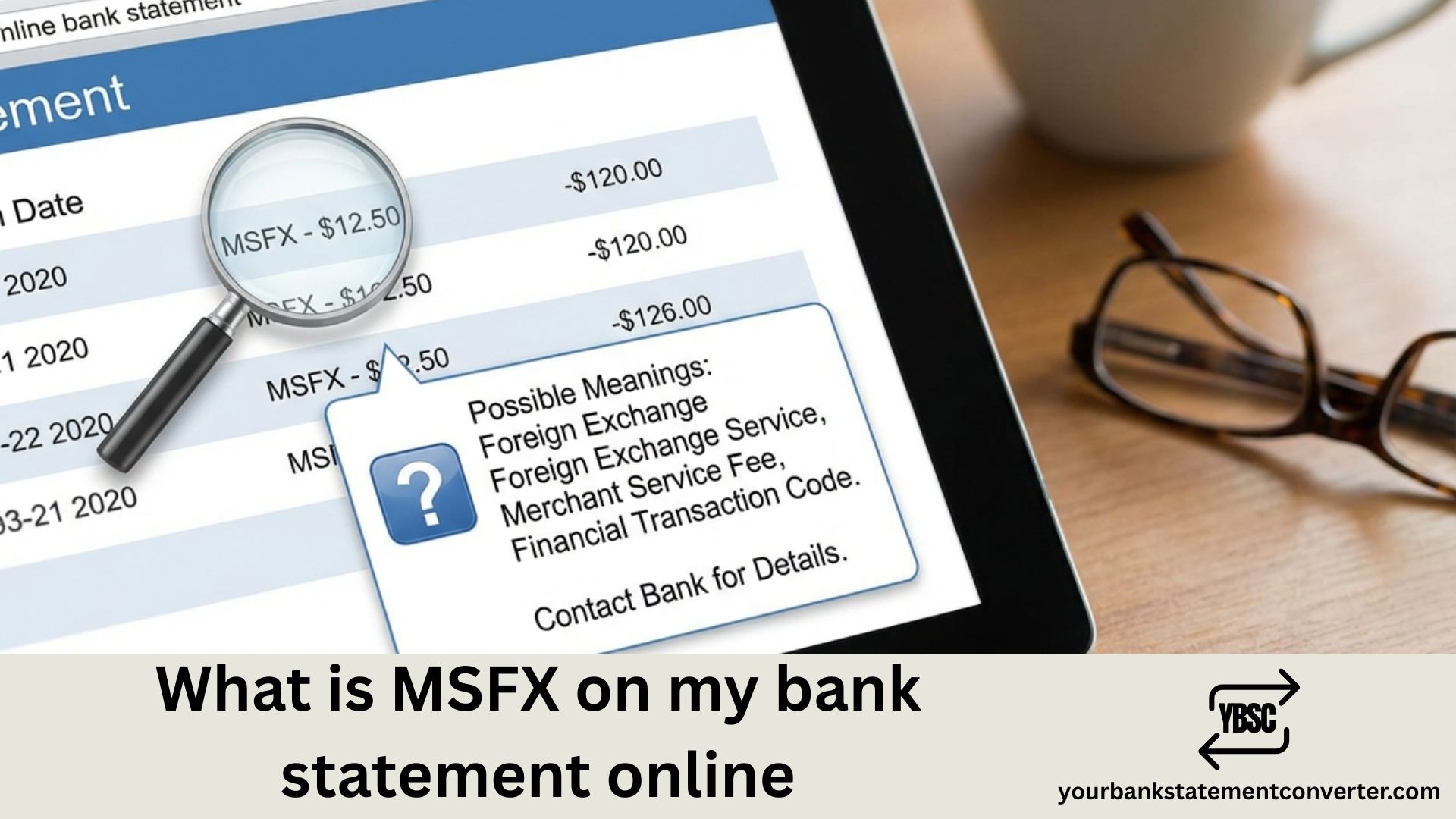
Spotted “MSFX” on your bank statement and wondering what it means? You’re not alone. This mysterious transaction code appears when you’ve used currency exchange services, and understanding it can help you verify legitimate charges versus potential fraud.
Quick Answer: MSFX stands for Marks & Spencer Financial Exchange. It appears on your bank statement when you’ve exchanged currency, purchased travel money, or used foreign exchange services through M&S Bureau de Change locations.
What is MSFX on My Bank Statement Online
MSFX is a transaction descriptor code that identifies charges from Marks & Spencer’s currency exchange division. When this code appears on your online banking statement, it indicates you’ve completed a foreign exchange transaction at an M&S location.
The charge typically appears after:
- Purchasing foreign currency (USD, EUR, GBP, etc.) at an M&S store
- Buying traveler’s checks or travel money cards
- Using M&S prepaid currency cards abroad
- Conducting wire transfers through M&S financial services
For US travelers: If you’ve recently visited the UK and exchanged dollars for pounds at a Marks & Spencer store, you’ll likely see an MSFX charge on your statement.
Common MSFX Transaction Codes on Bank Statements
MSFX charges may appear with location identifiers. Here are common formats you might see:
- MSFX LONDON – Currency exchange at London M&S locations
- MSFX HEATHROW – Airport bureau de change transaction
- MSFX MANCHESTER – Manchester store currency purchase
- MSFX SWINDON 0880 GB – Swindon location with transaction code
- MSFX KINGSTON UPON – Kingston Upon Thames branch
MSFX as a Stock Ticker (For US Investors)
If you’re a US-based investor, MSFX on your brokerage statement has a completely different meaning. MSFX is also the ticker symbol for the T-Rex 2X Long Microsoft Daily Target ETF—a leveraged exchange-traded fund that provides 200% exposure to Microsoft stock (MSFT) on a daily basis.
If you see MSFX charges from brokerages like Schwab, Fidelity, or Robinhood, it’s likely related to ETF purchases, not currency exchange.
How to Verify an MSFX Charge
If you don’t recognize an MSFX transaction, follow these steps:
- Check the transaction date – Does it align with any travel or currency exchange you made?
- Review the amount – Does the charge match what you spent on foreign currency?
- Check the location code – The city name after MSFX indicates where the transaction occurred
- Contact your bank – If nothing matches, report the charge as potentially fraudulent
- Keep receipts – Always save currency exchange receipts for verification
Managing Unknown Charges on Your Bank Statement
Tracking and identifying unfamiliar charges like MSFX becomes much easier when your bank statements are in an editable format. Converting PDF statements to Excel allows you to:
- Search for specific transaction codes quickly
- Filter transactions by date, amount, or merchant
- Categorize foreign exchange fees separately
- Spot recurring or duplicate charges easily
Need to organize your bank statements? Try YourBankStatementConverter.com to instantly convert PDF bank statements to Excel. It makes tracking transactions like MSFX charges simple and efficient.
Is MSFX a Scam or Legitimate Charge?
MSFX is a legitimate transaction code from Marks & Spencer Financial Exchange. It is not a scam. However, if you haven’t used any M&S currency exchange services recently, the charge could indicate unauthorized use of your card.
Signs of a legitimate MSFX charge:
- You recently traveled internationally
- You purchased foreign currency at an M&S store
- The amount matches your currency exchange receipt
- The location code matches where you made the purchase
Understanding MSFX Bank Statement Charges
MSFX on your bank statement online represents a foreign currency exchange transaction through Marks & Spencer Financial Exchange. For US travelers who’ve visited the UK, this is a common charge that appears after purchasing pounds, euros, or other currencies at M&S locations.
Always verify MSFX charges by matching the date, amount, and location with your travel records. If you frequently deal with international transactions, consider using a bank statement converter to organize and track these charges efficiently.
Related Bank Statement Guides
- What Does Amazon Come Up as on Your Bank Statement?
- What Does Audible Show Up as on a Bank Statement?
- How Do I Print a Bank Statement?
- What Does Peacock Show Up as on the Bank Statement?
Frequently Asked Questions
What does MSFX stand for on a bank statement?
MSFX stands for Marks & Spencer Financial Exchange. It’s a transaction code that appears when you use M&S currency exchange services, such as purchasing foreign currency or traveler’s checks.
Why do I have an MSFX charge I don’t recognize?
If you don’t recognize an MSFX charge, first check if you or someone with access to your account recently exchanged currency at a Marks & Spencer location. If not, contact your bank immediately to report the potentially unauthorized transaction.
Is MSFX the same as the Microsoft ETF?
No, these are different. On bank statements, MSFX refers to Marks & Spencer Financial Exchange (currency services). On brokerage statements, MSFX is the ticker symbol for T-Rex 2X Long Microsoft Daily Target ETF. Context determines which one applies.
How can I dispute an MSFX charge?
Contact your bank’s customer service and report the unrecognized charge. Provide the transaction date, amount, and any evidence that you didn’t authorize the transaction. Your bank will investigate and may issue a chargeback if fraud is confirmed.
Are there fees associated with MSFX transactions?
Yes, MSFX transactions typically include currency exchange fees. The fee amount varies based on the currency type, exchange rate, and amount exchanged. Additionally, your bank may charge foreign transaction fees if the purchase was made with a US card.
How long do MSFX charges take to appear on my statement?
MSFX charges typically appear within 1-3 business days after the transaction. International transactions may take longer due to processing times between banks.







