
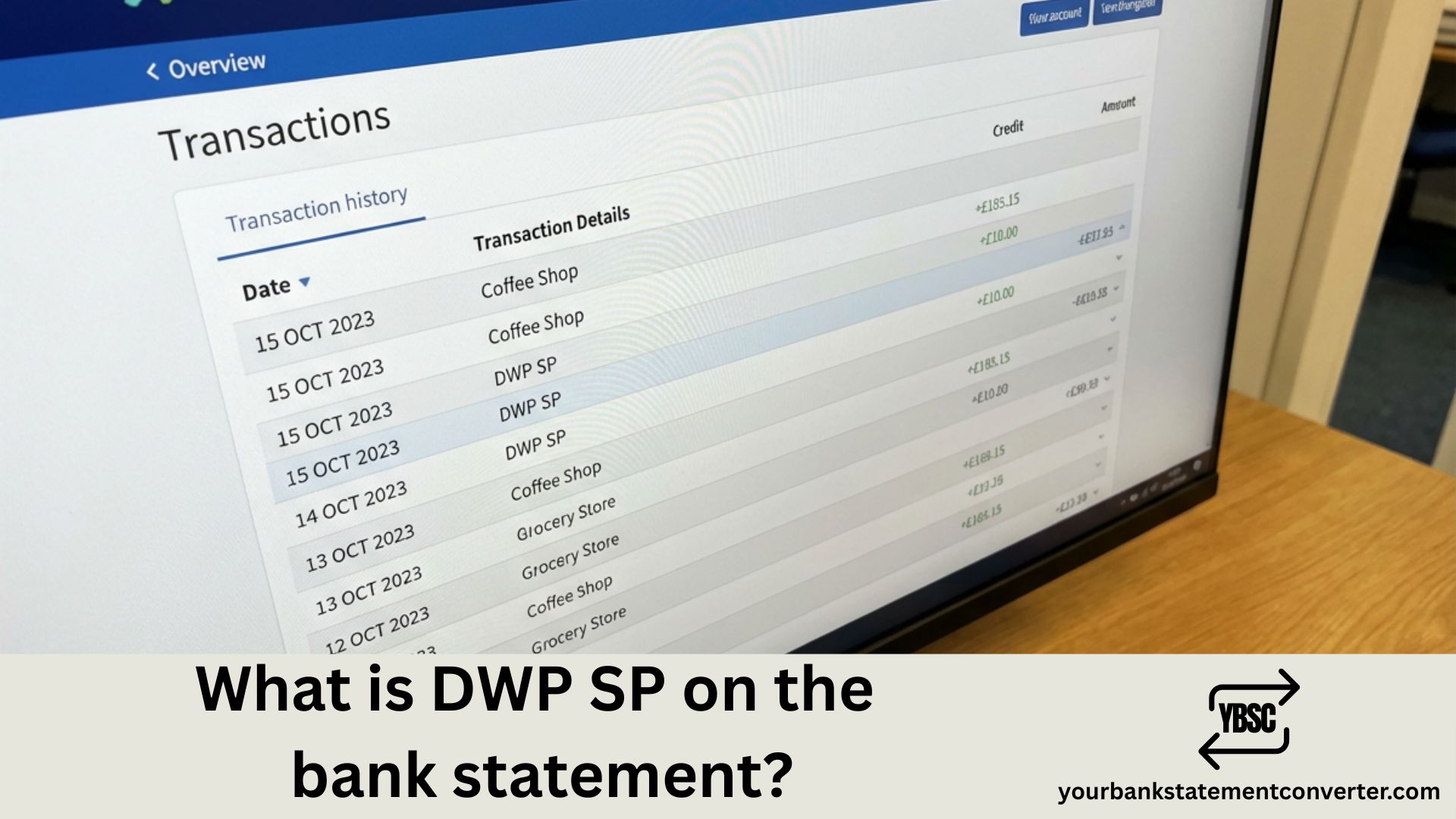
Seeing unfamiliar codes on your bank statement can be confusing, especially when it involves your income. If you’ve spotted ‘DWP SP’ on your statement, don’t worry — it’s a UK government payment. This code indicates your State Pension has been deposited into your account.
What Is DWP SP on a Bank Statement
DWP SP on your bank statement stands for Department for Work and Pensions State Pension — it’s your regular State Pension payment from the UK government.
This code appears when your State Pension is deposited directly into your bank account. Depending on your bank, you might see it displayed as ‘DWP SP’ or ‘DWP STATE PENSION’. Both refer to the same payment — your State Pension from the government.
What Does DWP Stand For
DWP stands for the Department for Work and Pensions. This is the UK government department responsible for welfare, pensions, and child maintenance policy. The DWP manages benefit payments for millions of UK residents, including State Pensions, Universal Credit, Personal Independence Payment, and many other forms of financial support.
Common DWP Codes on UK Bank Statements
The DWP uses different codes for various benefit payments. Here’s a quick reference guide to help you identify what each code means:
| Code | Full Meaning | Payment Type |
|---|---|---|
| DWP SP | DWP State Pension | State Pension |
| DWP PIP | DWP Personal Independence Payment | Disability benefit |
| DWP UC | DWP Universal Credit | Welfare support |
| DWP ESA | DWP Employment Support Allowance | Illness/disability benefit |
| DWP AA | DWP Attendance Allowance | Care needs benefit (65+) |
| DWP CA | DWP Carer’s Allowance | Carer support |
| DWP WFP | DWP Winter Fuel Payment | Heating support |
When Is DWP SP Paid Into Your Account
Your State Pension payment day is determined by the last two digits of your National Insurance number. Here’s the schedule:
| NI Number Ends In | Payment Day |
|---|---|
| 00-19 | Monday |
| 20-39 | Tuesday |
| 40-59 | Wednesday |
| 60-79 | Thursday |
| 80-99 | Friday |
State Pension is paid every 4 weeks, not monthly. If your payment day falls on a bank holiday, you’ll usually receive your payment on the working day before.
Why Your DWP SP Amount Might Vary
You might notice your State Pension amount changes from time to time. There are several reasons why this happens:
- New State Pension vs Basic State Pension: The amount depends on whether you receive the new State Pension (for those reaching State Pension age on or after 6 April 2016) or the basic State Pension.
- Additional State Pension: Some people receive extra amounts from SERPS or S2P built up before 2016.
- Deductions: Tax or repayments may be deducted from your pension.
- Annual uprating: The Triple Lock guarantees your State Pension increases each April by the highest of inflation, average wage growth, or 2.5%.
The full new State Pension rate for 2024/25 is £221.20 per week. Your actual amount may differ based on your National Insurance record.
How to Verify Your DWP SP Payment Is Correct
If you want to check your State Pension payment is accurate, you can take these steps:
- Check your State Pension forecast on GOV.UK to see what you’re entitled to receive.
- Compare your bank statement with your annual pension statement letter.
- Contact the Pension Service on 0800 731 0469 if you notice any discrepancies.
How to Track and Organise Your Pension Payments
Keeping accurate records of your pension payments is important for tax purposes and managing your finances. If you receive multiple DWP payments or want to organise your bank statements more efficiently, converting your statements into a spreadsheet format can make tracking much easier.
Tools like yourbankstatementconverter.com allow you to convert your bank statements into organised Excel or CSV formats. This makes it simple to filter pension payments, prepare for tax returns, and maintain annual records of your income.
Conclusion
DWP SP on your bank statement is simply your State Pension payment from the Department for Work and Pensions. It’s a completely legitimate government payment that millions of UK pensioners receive regularly. If you’d like to keep better track of your pension payments and other transactions, consider using a bank statement converter to organise your financial records into easy-to-manage spreadsheets.
Frequently Asked Questions
1. Is DWP SP on my bank statement legitimate?
Yes, DWP SP is a legitimate payment from the UK Department for Work and Pensions. It represents your State Pension payment deposited directly into your bank account.
2. Why does my statement show DWP instead of State Pension?
Banks use abbreviated codes due to character limits in payment references. DWP SP is the standard abbreviation for Department for Work and Pensions State Pension.
3. How often is DWP SP paid?
DWP SP (State Pension) is paid every 4 weeks, not monthly. Your specific payment day depends on the last two digits of your National Insurance number.
4. Can I change which bank account receives my DWP SP?
Yes, you can change the bank account your State Pension is paid into by contacting the Pension Service or updating your details through your Government Gateway account.
5. What should I do if my DWP SP payment is missing?
If your State Pension payment hasn’t arrived, first check whether your payment day fell on a bank holiday. If the payment is still missing, contact the Pension Service on 0800 731 0469 as soon as possible.







