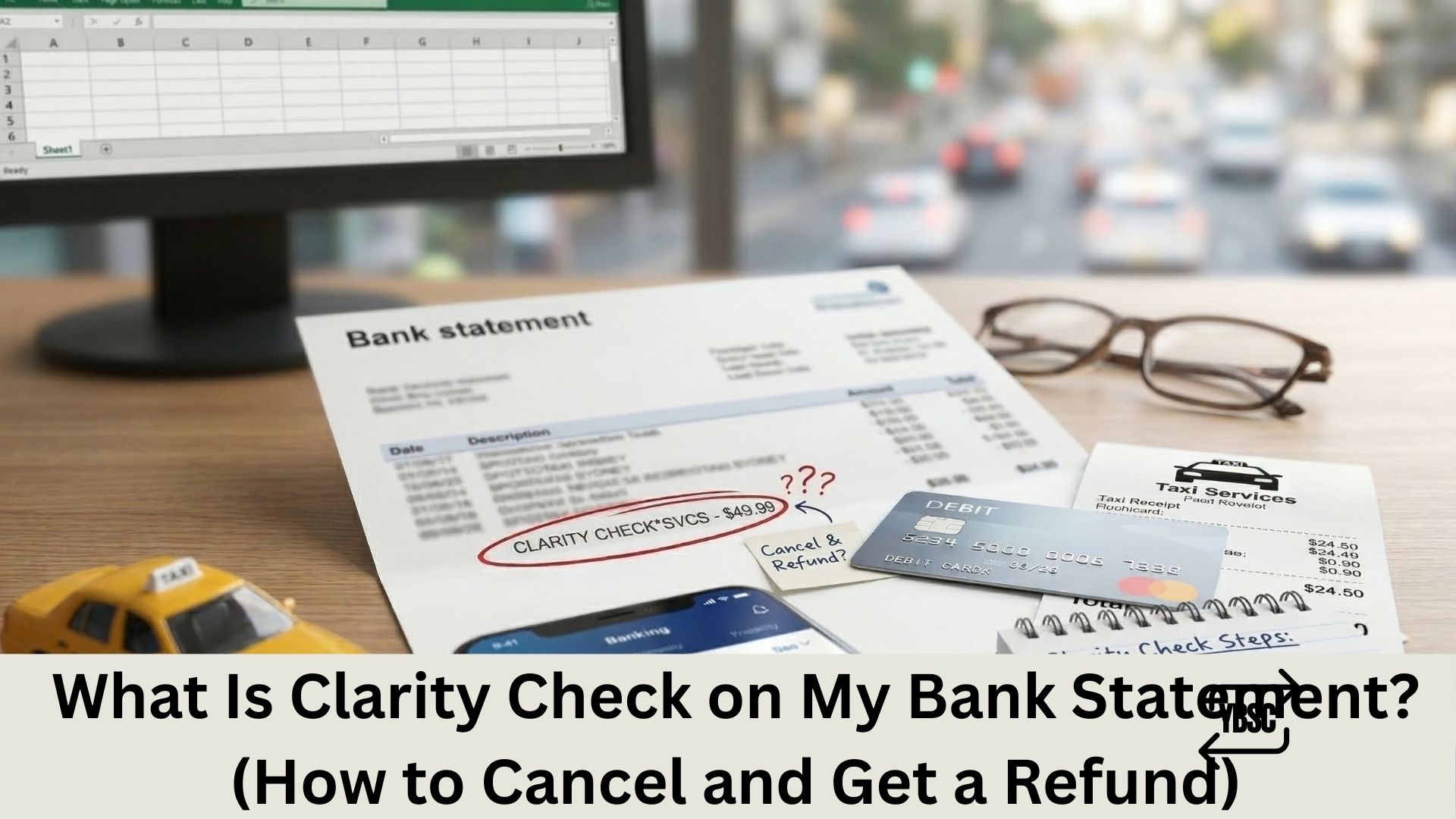
“Clarity Check” on your bank statement is a recurring subscription charge from ClarityCheck (claritycheck.com), a reverse phone lookup, email lookup, and image search service. Most people encounter this charge after paying $0.99 or $0.50 for what they believed was a one-time search. That initial payment actually starts a 7-day trial that automatically converts into a weekly or monthly subscription of up to $29.99 or more.
Key Takeaways
- ClarityCheck is a subscription-based reverse lookup service for phone numbers, emails, and images.
- The 7-day trial costs $0.99 (or $0.50 in some regions). After the trial, it auto-renews at $29.99/month (UK: £29.99, AU: $39.99) unless cancelled.
- Some users report being charged $19.99/week, $14.99/month, or $7.49 per charge depending on region and promotional terms.
- ClarityCheck has over 34,700 reviews on Trustpilot, with widespread complaints about unauthorised recurring charges.
- Many users report never receiving a welcome email or cancellation instructions after signing up.
- The service advertises through Facebook ads and other social media, often prompting users to “check who called you” for under $1.
- To track and identify recurring ClarityCheck charges across your statements, convert your PDF bank statements into searchable spreadsheets using Your Bank Statement Converter.
What Is Clarity Check on My Bank Statement?
ClarityCheck is an online platform that offers reverse phone lookups, reverse email lookups, reverse image searches, data breach reports, and background checks. The service operates at claritycheck.com and markets itself through social media advertisements, particularly Facebook ads.
The charge appears on bank statements as:
- Clarity Check
- ClarityCheck
- Clarity Check London
- ClarityCheck USA
- CLARITYCHECK.COM
The company’s pricing model works as follows: you pay a small trial fee (typically $0.99 or $0.50) to run a search. This payment also enrols you in a 7-day free trial of the full subscription. If you don’t cancel within 7 days, ClarityCheck begins charging a recurring subscription fee.
According to ClarityCheck’s own terms and conditions, subscription prices vary by region. Monthly subscriptions range from $14.99 to $55.99 USD. Weekly subscriptions range from $9.99 to $14.99 USD. PDF download add-ons cost $7.99 to $12.99 USD per report. These prices fluctuate based on location, promotions, and testing initiatives.
Why Are So Many People Surprised by This Charge?
ClarityCheck’s subscription model has generated significant consumer backlash. Thousands of users across Trustpilot, MoneySavingExpert, and other consumer forums report identical experiences:
The trial-to-subscription conversion is not obvious. Users pay under $1 for a single lookup and do not realise they’ve started a recurring subscription. Many describe the subscription disclosure as buried or unclear during the checkout process.
No confirmation email is received. Multiple users report never receiving a welcome email, subscription confirmation, or cancellation instructions after signing up. Without this email, they have no record of the subscription and no easy way to cancel.
Charges appear weeks later. The 7-day trial ends silently. The first full charge often hits the bank account weeks after the initial search, by which point the user has forgotten about the service entirely.
Cancellation is difficult to find. Users report that the chatbot is frequently unavailable, and emails to help@claritycheck.com and support@claritycheck.com often go unanswered. ClarityCheck states support responds within a few hours, but consumer reviews dispute this.
Charges vary and seem irregular. Some users report charges at intervals of 10, 11, or 18 days rather than consistent weekly or monthly cycles, adding to the confusion.
How to Cancel ClarityCheck and Stop the Charges
To cancel your ClarityCheck subscription:
- Go to claritycheck.com/help and navigate to the cancellation hub.
- Log in with the email you used when you first signed up. Access is granted via a magic link sent to your email.
- Follow the cancellation steps in the hub. Your subscription remains active until the end of the current billing period.
- If the cancellation hub doesn’t work, email support@claritycheck.com with your account email, a clear cancellation request, and transaction details. ClarityCheck states requests are processed within 1 to 2 business days.
- Block the merchant through your bank or PayPal to prevent further charges if cancellation attempts fail.
If you paid through PayPal, log into PayPal > Settings > Payments > Manage Pre-approved Payments and remove ClarityCheck from the list.
How to Get a Refund from ClarityCheck
ClarityCheck’s terms state that refunds are not provided for partial or unused subscription time, failure to cancel before the next billing cycle, or changes to subscription plans. However, many users have successfully obtained refunds by:
- Contacting ClarityCheck via Trustpilot. Several reviewers report that ClarityCheck responds to negative Trustpilot reviews and processes refunds when users provide their account details through the platform.
- Disputing through PayPal. If the charge was processed via PayPal, open a dispute in the PayPal Resolution Centre.
- Requesting a chargeback from your bank. Contact your bank or card issuer and explain the charge was not clearly authorised. Provide screenshots of the initial checkout page and any evidence showing lack of subscription disclosure.
Keep your bank statement records organised. Use Your Bank Statement Converter to convert your PDF statements into Excel or CSV files, then filter for “Clarity Check” or “ClarityCheck” to compile every charge date and amount as evidence for your dispute.
How to Protect Yourself from Unwanted Subscription Charges
- Never enter card details for a “one-time” lookup without reading the full terms. If a site asks for payment details for a free or low-cost trial, assume it will auto-renew.
- Use virtual card numbers or one-time use cards for trial services.
- Enable real-time transaction alerts on your banking app.
- Review your bank statements monthly. Converting PDFs into searchable spreadsheets with Your Bank Statement Converter makes it fast to catch recurring charges you didn’t authorise.
Related Bank Statement Guides
- What Is Segpay on My Bank Statement?
- What Is Help Max Com on My Bank Statement?
- What Is Comenity Pay on My Bank Statement?
- What Does SQ Mean on Bank Statement?
- What Does PayPal Show Up as on a Bank Statement?
Conclusion
“Clarity Check” on your bank statement is a recurring subscription charge from ClarityCheck, a reverse phone and email lookup service. The charge almost always stems from a low-cost trial that silently converts into a monthly or weekly subscription. If you didn’t intend to subscribe, cancel immediately through the ClarityCheck help centre, block the merchant through your bank or PayPal, and file a chargeback if needed. Use Your Bank Statement Converter to export and filter your bank statements so you have clean evidence for any dispute.
Frequently Asked Questions
1. What is Clarity Check on my bank statement?
It’s a recurring subscription charge from ClarityCheck (claritycheck.com), a reverse phone lookup and background check service. Most users encounter it after paying $0.99 for a trial search that automatically converts into a subscription of $29.99/month or $19.99/week, depending on your region and the plan selected at checkout.
2. Is Clarity Check a scam?
ClarityCheck is a registered business, but its billing practices have drawn widespread criticism. Over 34,700 Trustpilot reviews highlight issues with unclear subscription disclosures, missing confirmation emails, difficult cancellation processes, and unexpected recurring charges. Many users describe the experience as deceptive.
3. How do I cancel Clarity Check?
Go to claritycheck.com/help and use the cancellation hub. If that doesn’t work, email support@claritycheck.com with your account email and a cancellation request. If you paid through PayPal, remove ClarityCheck from your pre-approved payments in PayPal settings. As a last resort, contact your bank to block the merchant.
4. Can I get a refund from Clarity Check?
ClarityCheck’s terms say refunds aren’t given for unused subscription time. However, users have obtained refunds by responding to ClarityCheck’s replies on Trustpilot, disputing through PayPal’s Resolution Centre, or filing a chargeback with their bank. Provide screenshots of all charges and any evidence that the subscription terms were not clearly disclosed.
5. How can I find all Clarity Check charges on my bank statement?
Upload your PDF bank statement toYour Bank Statement Converter and convert it to CSV or Excel. Search for “Clarity Check” or “ClarityCheck” to see every charge with dates and amounts. This gives you a complete record for cancellation requests or bank disputes. The tool offers 7 free pages with no credit card required.



![What Is FSUK Payment on Bank Statement (Sports Direct Frasers Group)[2026]](https://yourbankstatementconverter.com/blog/wp-content/uploads/2026/03/What-Is-FSUK-Payment-on-Bank-Statement-Sports-Direct-Frasers-Group2026-300x169.jpg)
![What Does CR Mean on a Bank Statement (Credit Explained)[2026]](https://yourbankstatementconverter.com/blog/wp-content/uploads/2026/03/What-Does-CR-Mean-on-a-Bank-Statement-Credit-Explained2026-300x169.jpg)
![What Does BP Mean on a Bank Statement (Both Meanings Explained)[2026]](https://yourbankstatementconverter.com/blog/wp-content/uploads/2026/03/What-Does-BP-Mean-on-a-Bank-Statement-Both-Meanings-Explained2026-1-300x169.jpg)