
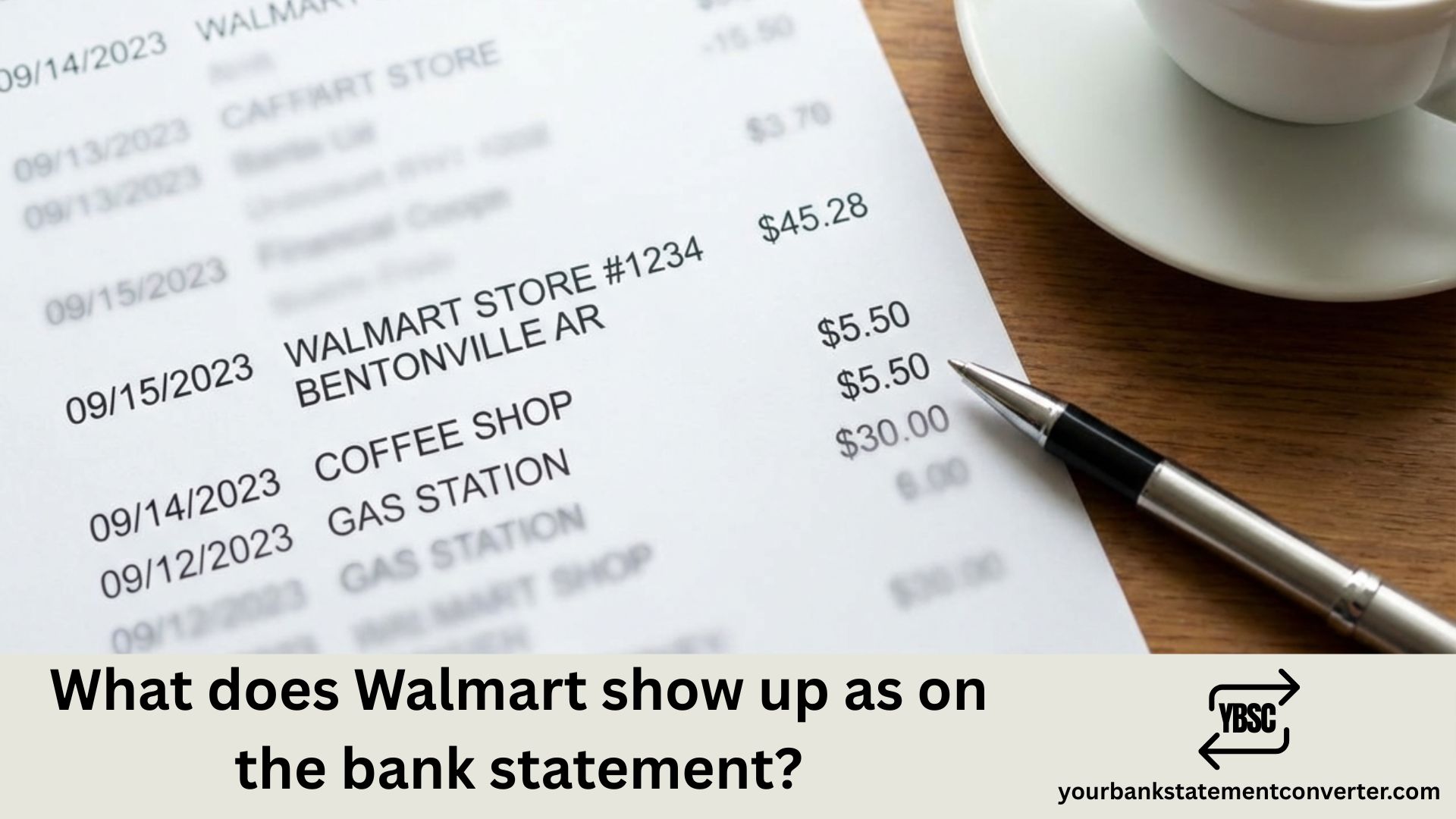
Ever checked your bank statement and spotted a confusing charge like “WMT*” or “WAL-MART BENTONVILLE AR” and wondered what it means? You’re not alone. Millions of shoppers see various Walmart transaction codes on their statements every month and struggle to identify them. This guide explains exactly how Walmart purchases appear on your bank statement, helping you quickly recognize legitimate charges and spot potential fraud.
What Does Walmart Show Up As on a Bank Statement?
Walmart transactions appear differently on bank statements depending on how and where you made your purchase. Here are the most common ways Walmart shows up:
Common Walmart Transaction Codes:
| Transaction Code | What It Means |
|---|---|
| WMT* | Generic Walmart purchase (in-store or online) |
| WALMART | Standard in-store purchase |
| WAL-MART | Alternative spelling for store purchases |
| WMT*STORE#1234 | In-store purchase with specific store number |
| WALMART.COM | Online purchase from Walmart’s website |
| WALMART.COM 8009666546 AR | Online order with customer service number |
| WMT PLUS | Walmart+ membership subscription fee |
| WMT PLUS BENTONVILLE AR | Walmart+ subscription (headquarters reference) |
| WM SUPERCENTER | Walmart Supercenter transaction |
| WALMART GROCERY | Grocery pickup or delivery order |
| WMT SCAN-N-GO | Mobile checkout using Walmart app |
| WALMART CC PAYMENT | Payment to Walmart credit card |
The “AR” or “BENTONVILLE AR” reference you might see indicates Walmart’s corporate headquarters location in Bentonville, Arkansas—this is standard and doesn’t indicate anything unusual about your transaction.
Understanding Different Walmart Charge Types
In-Store Purchases
When you shop at a physical Walmart location, your bank statement typically shows:
- WALMART or WAL-MART followed by the city and state
- WMT*STORE with a 4-digit store number
- Store location details (more common with debit cards than credit cards)
Example: WALMART #5388 HOUSTON TX or WMT*STORE5388
Online Purchases from Walmart.com
Online orders display differently and usually include:
- WALMART.COM as the primary identifier
- Customer service phone number (800-966-6546)
- AR indicating Arkansas headquarters
Example: WALMART.COM 8009666546 AR
Walmart+ Membership Charges
If you’ve subscribed to Walmart+, expect to see:
- WMT PLUS or WMT+ MEMBERSHIP
- Monthly charge: $12.95 (plus tax)
- Annual charge: $98 (plus tax)
These charges renew automatically, so if you signed up for a free trial and didn’t cancel, you’ll see recurring charges.
Walmart Grocery Pickup and Delivery
Grocery orders appear as:
- WALMART GROCERY
- WMT GROCERY PICKUP
- May include delivery fees if applicable
Why Walmart Charges Look Different on Various Banks
Your bank’s processing system affects how Walmart transactions display. Traditional banks may show full location details, while online banks often abbreviate merchant names. Credit card statements typically show simpler descriptors like “WALMART” without store numbers, while debit transactions often include more specific location information.
How to Verify Walmart Charges on Your Statement
If you spot an unfamiliar Walmart charge:
- Check your receipts – Match the transaction amount and date
- Review your Walmart.com account – Log in to see order history
- Check for Walmart+ subscription – Go to Account → Walmart+ in your profile
- Consider family members – Someone with card access may have made the purchase
- Look for pending vs. posted amounts – Authorization holds may differ from final charges
Dealing with Unknown or Fraudulent Walmart Charges
If you don’t recognize a Walmart transaction:
- Contact Walmart Customer Service: Call 800-966-6546 to inquire about the specific charge
- Review your Walmart account: Check order history and subscription status
- Contact your bank: Report unauthorized transactions and request a dispute if needed
- Monitor your account: Watch for additional suspicious activity
Managing Your Walmart Transactions Effectively
Keeping track of retail transactions across multiple bank accounts can be challenging, especially when merchant names appear differently on each statement. If you’re dealing with bank statements from multiple accounts or need to analyze your transaction history for bookkeeping, budgeting, or expense tracking, Your Bank Statement Converter can help.
This tool converts your PDF bank statements into organized Excel, CSV, or QBO formats—making it easy to search, sort, and categorize transactions like Walmart purchases. Whether you’re a small business owner tracking expenses, a bookkeeper reconciling accounts, or simply someone who wants better visibility into their spending, having your bank data in an editable format saves hours of manual work.
Key benefits:
- Instantly convert PDF statements to searchable formats
- Easily identify recurring charges like Walmart+ subscriptions
- Filter and categorize transactions for budgeting
- Match statement entries with receipts for accurate records
👉 Try Your Bank Statement Converter to simplify your financial tracking.
Recognizing Walmart Charges: Key Takeaways
Understanding how Walmart appears on your bank statement helps you maintain accurate financial records and quickly identify legitimate purchases. Whether you see “WMT*,” “WALMART.COM,” or “WMT PLUS BENTONVILLE AR,” you now know exactly what these codes mean. Always cross-reference unfamiliar charges with your receipts and Walmart account history, and don’t hesitate to contact customer service if something seems wrong.
For professionals managing multiple accounts or anyone who wants clearer visibility into their bank transactions, converting PDF statements to organized spreadsheets makes tracking charges like Walmart purchases significantly easier.
FAQs
What does WMT mean on my bank statement?
WMT is the abbreviation for Walmart, commonly used as part of transaction descriptors on bank statements. It may appear as “WMT*” for general purchases, “WMT PLUS” for Walmart+ subscriptions, or “WMT*STORE” followed by a store number for in-store purchases.
Why does my Walmart charge say Bentonville AR?
Bentonville, Arkansas is where Walmart’s global headquarters is located. Many Walmart charges, especially Walmart+ subscriptions and online orders, reference this location in the billing descriptor. This is standard and doesn’t indicate anything unusual about your purchase.
What is the WMT Plus charge on my statement?
WMT Plus is the billing descriptor for Walmart+ membership, Walmart’s subscription service that offers free delivery, fuel discounts, and other benefits. The charge is either $12.95 monthly or $98 annually, plus applicable taxes. If you see this charge unexpectedly, you may have signed up during a promotional offer or forgotten to cancel a free trial.
How do I know if a Walmart charge is legitimate?
Compare the charge amount and date with your receipts or Walmart.com order history. Check if family members with access to your payment method made purchases. Review your Walmart account for active subscriptions. If you still can’t identify the charge, contact Walmart customer service at 800-966-6546.
Why does Walmart show up differently on credit cards vs. debit cards?
Credit card statements typically display simpler descriptors like “WALMART” or “WAL-MART” without location details. Debit card transactions often include store numbers, city names, and phone numbers. This difference relates to how different payment networks process and display transaction information.
What should I do if I see unauthorized Walmart charges?
Immediately contact Walmart customer service to verify the charge details. If confirmed unauthorized, contact your bank to dispute the transaction and request a new card. Change your Walmart account password and monitor your statements for additional suspicious activity.
Can I get a refund for Walmart+ if I didn’t sign up?
While Walmart’s policy generally doesn’t offer refunds on Walmart+ membership fees, you can contact customer support if you believe the charge was made without your authorization. Your bank may also help dispute unauthorized subscription charges.
How long do Walmart charges take to appear on my statement?
Walmart transactions typically appear as pending within minutes of purchase and post to your account within 1-3 business days. Authorization holds may show a slightly different amount than the final posted charge, especially for debit card transactions.







