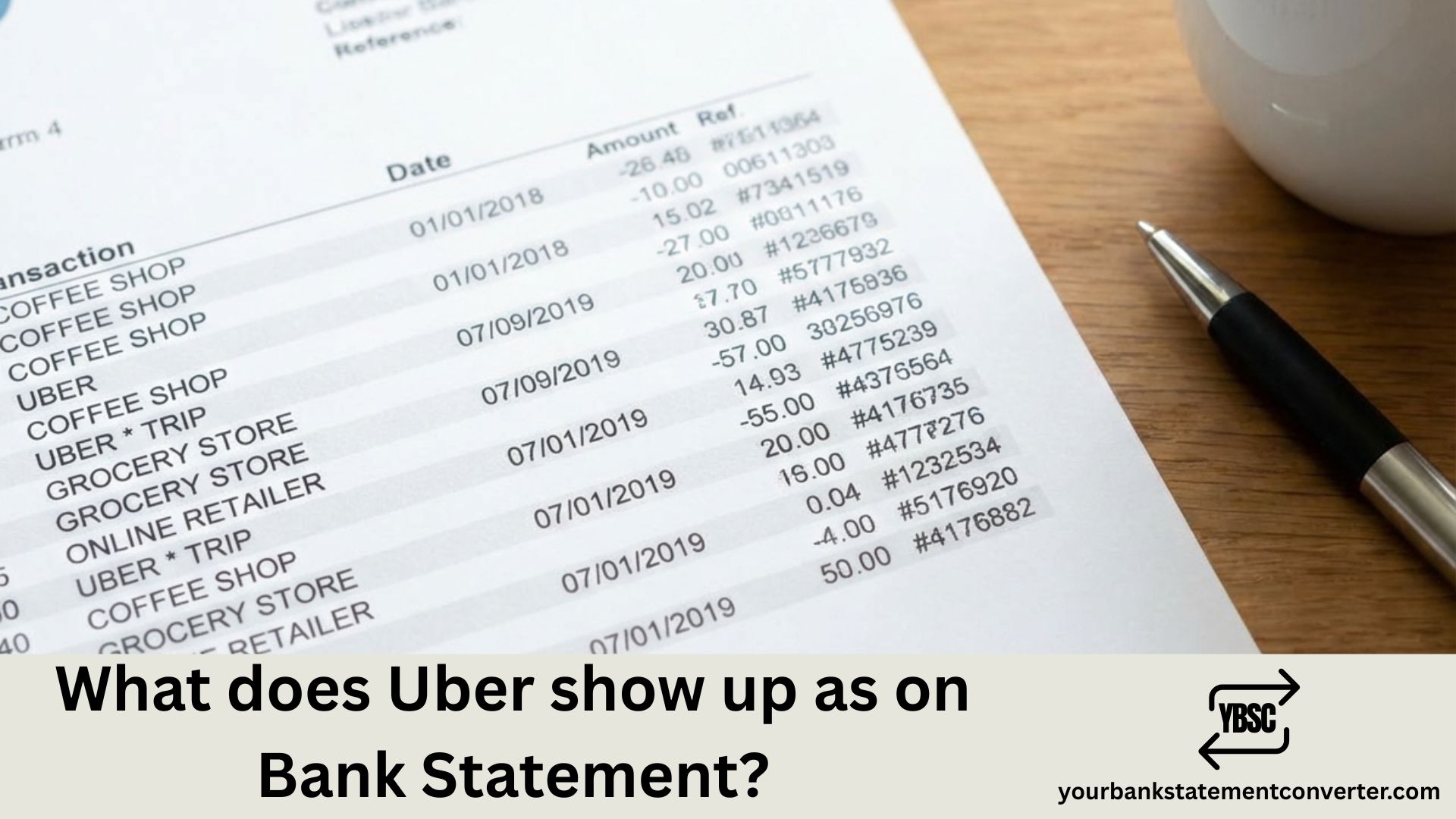
Ever spotted a confusing charge on your bank statement and wondered if it was from Uber? You’re not alone. Uber transactions can appear under several different names depending on the service you used—rides, Uber Eats, or Uber One subscriptions. This guide breaks down exactly what to look for.
What Does Uber Show Up As on the Bank Statement?
Uber typically appears on your bank statement as one of these descriptors:
- *UBER TRIP – Standard Uber ride
- *UBER EATS – Uber Eats food delivery order
- *UBER PENDING – Authorization hold (temporary)
- UBER BV – Common in international transactions
- *UBER HELP – Refunds or adjustments
- *UBER ONE – Uber One membership subscription
- UBER TECHNOLOGIES – General Uber charge
The exact wording may vary slightly based on your bank. Some banks display UBER.COM or include a city name like *UBER TRIP SAN FRAN.
Why Do Uber Charges Look Different?
Uber uses different merchant descriptors for each service line. This helps both Uber and your bank categorize transactions properly. Here’s a quick breakdown:
| Uber Service | Bank Statement Name | Description |
|---|---|---|
| Ride | UBER *TRIP or UBER TRIP | Standard ride-sharing fare |
| Uber Eats | UBER *EATS or UBEREATS | Food delivery order |
| Uber One | UBER *ONE | Monthly subscription ($9.99) |
| Tips | UBER *TRIP (combined) | Usually bundled with ride fare |
| Refunds | UBER *HELP or UBER CREDIT | Adjustment or refund |
Common Reasons for Unexpected Uber Charges
Not recognizing an Uber charge? Check these possibilities:
- Shared account access – Family members using your linked payment method
- Uber One auto-renewal – Subscription charges monthly
- Tip added later – Riders can tip up to 30 days after a trip
- Surge pricing – Final amount higher than estimate
- Toll fees or wait time – Added to final fare
- Authorization holds – Temporary pending charges that adjust later
How to Verify an Uber Charge
To confirm whether a charge is legitimate:
- Open the Uber app
- Tap Account → Wallet → View trip history
- Match the date and amount with your bank statement
- Check your email for Uber receipts
If you still can’t identify the charge, contact Uber Support through the app or visit help.uber.com.
Need to Track Multiple Uber Transactions?
If you’re reviewing bank statements for expense tracking, tax purposes, or bookkeeping, manually searching through PDFs can be tedious.
Your Bank Statement Converter makes this simple. Upload your bank statement PDF and instantly convert it to Excel or CSV format. This lets you:
- Filter all Uber transactions in seconds
- Calculate total ride or food delivery expenses
- Organize charges by date or category
- Export clean data for accounting software
Whether you’re a freelancer tracking business expenses or simply organizing personal finances, converting your statements saves hours of manual work.
👉 Try it free at yourbankstatementconverter.com
FAQs
Does Uber show the exact trip location on bank statements?
No. Bank statements only show the merchant name (like UBER *TRIP) and amount. Specific pickup/drop-off details are only visible in the Uber app or email receipts.
Why does my Uber charge say “pending”?
Uber places a temporary authorization hold when you request a ride. This pending charge updates to the final amount once the trip ends, usually within 1-3 business days.
Can someone else’s Uber trip appear on my statement?
Yes, if your payment method is linked to a family member’s Uber account or added as a business profile payment option.
What does UBER BV mean on my bank statement?
UBER BV refers to Uber’s Netherlands-based entity (Besloten Vennootschap). This appears on international transactions or in certain regions.
How do I get a refund for an incorrect Uber charge?
Open the Uber app, go to your trip history, select the trip in question, and tap “Help.” You can dispute charges or request adjustments directly through the app.
Why was I charged twice for one Uber trip?
This usually happens when an authorization hold doesn’t clear before the final charge posts. The pending amount should disappear within a few days. If both charges post permanently, contact Uber support.
Does Uber Eats show separately from Uber rides?
Yes. Uber Eats orders typically appear as *UBER EATS or UBEREATS, making them distinguishable from ride charges.
Summary
Uber charges appear on bank statements under names like *UBER TRIP, *UBER EATS, UBER BV, or *UBER ONE depending on the service. To verify any charge, cross-reference your Uber app trip history with your statement. For easier expense tracking across multiple transactions, use Your Bank Statement Converter to transform PDF statements into searchable spreadsheets.



![What Is FSUK Payment on Bank Statement (Sports Direct Frasers Group)[2026]](https://yourbankstatementconverter.com/blog/wp-content/uploads/2026/03/What-Is-FSUK-Payment-on-Bank-Statement-Sports-Direct-Frasers-Group2026-300x169.jpg)
![What Does CR Mean on a Bank Statement (Credit Explained)[2026]](https://yourbankstatementconverter.com/blog/wp-content/uploads/2026/03/What-Does-CR-Mean-on-a-Bank-Statement-Credit-Explained2026-300x169.jpg)
![What Does BP Mean on a Bank Statement (Both Meanings Explained)[2026]](https://yourbankstatementconverter.com/blog/wp-content/uploads/2026/03/What-Does-BP-Mean-on-a-Bank-Statement-Both-Meanings-Explained2026-1-300x169.jpg)