
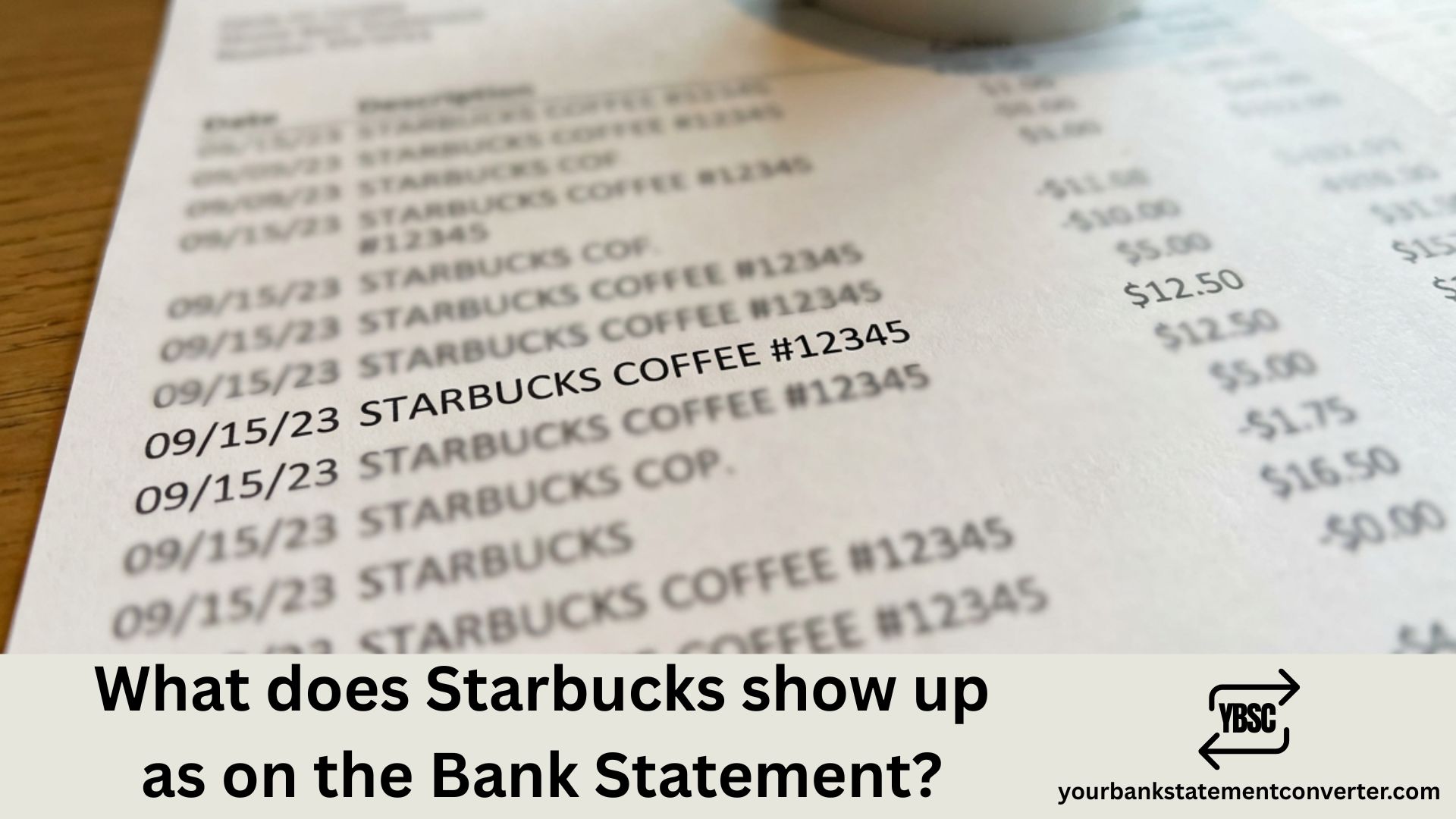
Ever glanced at your bank statement and spotted a mysterious charge you couldn’t recognize? If you’re a regular Starbucks customer, you might be wondering exactly how your favorite coffee purchases appear on your financial records. Understanding these transaction descriptors helps you track spending, verify legitimate charges, and quickly spot any unauthorized activity.
What Does Starbucks Show Up As on Bank Statement
Starbucks transactions typically appear on your bank statement with variations of the company name, often including location details or transaction codes. The exact format depends on your bank, the payment method used, and whether you visited a company-operated store or a licensed location.
Common Starbucks Bank Statement Descriptors
Here are the most frequently seen ways Starbucks charges appear:
Standard In-Store Purchases:
- STARBUCKS STORE #[NUMBER]
- STARBUCKS [CITY NAME]
- STARBUCKS COFFEE [LOCATION]
- SBX[STORE NUMBER] [CITY, STATE]
- STARBUCKS [CITY] [STATE/COUNTRY CODE]
Starbucks Card Reloads:
- STARBUCKS CARD RELOAD
- STARBUCKS CARD RELOAD (IN-APP)
- STARBUCKS CARD REL [PHONE NUMBER]
- STARBUCKS CARD RELOAD [REFERENCE NUMBER]
Mobile App & Online Purchases:
- STARBUCKS MOBILE ORDER
- STARBUCKS APP RELOAD
- STARBUCKS.COM
- STARBUCKS ONLINE
DoorDash/Delivery Orders:
- DD DOORDASH STARBU
- POS DEBIT DD DOORDASH STARBU
Why Does Starbucks Appear Differently on Different Statements?
Several factors determine how a Starbucks transaction displays on your bank statement:
1. Company-Operated vs. Licensed Stores
Not all Starbucks locations are owned directly by Starbucks Corporation. Many stores in airports, hotels, grocery stores, universities, and hospitals are licensed locations operated by third-party companies. These licensed stores may show different merchant names:
- HMSHost (airport locations)
- Target (Target stores with Starbucks)
- Kroger/Safeway (grocery store locations)
- Marriott/Hilton (hotel locations)
- Aramark (university campuses)
For example, a Starbucks purchase at an airport might appear as “HMSHOST STARBUCKS” or simply the licensee name like “OUTTAKES” or the airport vendor name.
2. Bank Processing Differences
Different financial institutions format transaction descriptions differently. Some banks truncate long merchant names, add location codes, or include specific transaction reference numbers.
3. Payment Method Variations
- Debit Card: Often shows “POS DEBIT” or “DEBIT PURCHASE” prefix
- Credit Card: May display differently based on card network (Visa, Mastercard, etc.)
- Starbucks Card/App: Shows as card reload rather than individual purchases
- Mobile Wallet (Apple Pay, Google Pay): May include additional identifiers
Regional Starbucks Bank Statement Examples
Depending on your location, Starbucks charges may include country or regional codes:
| Region | Example Statement Description |
|---|---|
| USA | STARBUCKS SEATTLE WA |
| UK | STARBUCKS LONDON GBR |
| Canada | STARBUCKS TORONTO CA |
| Australia | STARBUCKS SYDNEY AUS |
How to Verify a Starbucks Charge on Your Bank Statement
If you see an unfamiliar Starbucks charge, follow these steps:
Step 1: Check Your Starbucks Account
Log into the Starbucks app or website to review your transaction history. This shows detailed purchase records including date, time, location, and items ordered.
Step 2: Cross-Reference Dates and Amounts
Match the transaction date and amount on your bank statement with your Starbucks account history or receipts.
Step 3: Consider Family Members
If you have a shared account, check if family members made the purchase using a linked card.
Step 4: Contact Your Bank
If you cannot verify the charge, contact your bank immediately to dispute the transaction.
Simplify Your Bank Statement Analysis with Professional Tools
Tracking multiple transactions across different merchants can become overwhelming, especially when statement descriptions vary so much. YourBankStatementConverter.com offers a powerful solution to convert and organize your bank statements into clean, readable formats.
Whether you need to:
- Convert PDF bank statements to Excel or CSV
- Categorize transactions automatically
- Identify merchant names from cryptic codes
- Prepare financial records for accounting or loan applications
YourBankStatementConverter.com makes bank statement management effortless. The tool recognizes common merchant descriptors like Starbucks variations and helps you maintain accurate financial records without the manual hassle.
Try YourBankStatementConverter.com today →
Starbucks Pending Charges and Authorization Holds
Sometimes you might notice a Starbucks charge appears differently when pending versus when it’s fully processed:
Why Pending Charges Look Different
- Banks display preliminary information during authorization
- The full merchant descriptor may not populate until settlement
- Some banks show generic “Card Purchase” initially
Authorization Hold Amounts
When you reload your Starbucks card using a credit or debit card, your bank may place a temporary authorization hold. This hold amount may differ slightly from the final charge and typically clears within 1-5 business days.
Starbucks Rewards and How They Appear on Statements
If you use the Starbucks Rewards program, your payment patterns might change how charges appear:
Auto-Reload Charges
Setting up auto-reload means periodic charges labeled as:
- STARBUCKS CARD RELOAD AUTO
- STARBUCKS AUTO RELOAD
- STARBUCKS RECURRING
Starbucks Gift Card Redemptions
When paying with a Starbucks gift card or app balance, individual purchases may not appear on your bank statement since you’re using pre-loaded funds. Only the reload transactions will show.
Recognizing Fraudulent Starbucks Charges
Watch for these red flags that might indicate fraudulent activity:
- Unfamiliar Locations: Charges from cities or countries you haven’t visited
- Unusual Amounts: Significantly higher amounts than typical coffee purchases ($50+ for what should be a drink)
- Multiple Same-Day Charges: Several transactions in quick succession from different locations
- Misspelled Merchant Names: Slightly altered spellings like “STARBUCK” or “STARBVCKS”
If you identify suspicious activity, immediately:
- Contact your bank to freeze the card
- Report the fraud to your bank’s dispute department
- Monitor subsequent statements for additional unauthorized charges
Understanding Starbucks Bank Statement Entries: Key Takeaways
Knowing how Starbucks appears on your bank statement helps you maintain accurate financial records and quickly identify legitimate versus suspicious transactions. The transaction descriptor varies based on store type (company-operated vs. licensed), your location, payment method, and bank processing systems.
For regular Starbucks customers who want streamlined financial tracking, using tools like YourBankStatementConverter.com can save hours of manual reconciliation while ensuring you never miss an unfamiliar charge.
Frequently Asked Questions (FAQs)
What does Starbucks show up as on a credit card statement?
Starbucks typically appears as “STARBUCKS” followed by the store number, city, or state. Common formats include “STARBUCKS STORE #12345,” “STARBUCKS [CITY NAME],” or “SBX [STORE NUMBER].” The exact format depends on your credit card issuer and the specific store location.
Why does my Starbucks charge say a different name?
If your Starbucks purchase shows a different company name, you likely visited a licensed store rather than a company-operated location. Licensed Starbucks locations in airports, grocery stores, hotels, and universities are operated by third parties like HMSHost, Target, Kroger, or Marriott, and their company name may appear instead of Starbucks.
How do I identify a Starbucks charge on my bank statement?
Look for transaction descriptions containing “STARBUCKS,” “SBX,” “SBUX,” or “STARBUCKS CARD.” You can also match the transaction date and amount with your Starbucks app purchase history or email receipts. If using a licensed location, search for the venue name (airport, hotel, grocery store) where you made the purchase.
What does Starbucks Card Reload mean on my statement?
“STARBUCKS CARD RELOAD” indicates you added money to your Starbucks Card or app balance. This is different from individual purchase transactions. When you pay at Starbucks using your loaded card balance, those individual purchases won’t appear on your bank statement since you’re spending pre-loaded funds.
Can I see what I bought at Starbucks from my bank statement?
No, bank statements only show the merchant name, transaction amount, and date. To see itemized purchase details (specific drinks or food items), log into your Starbucks account through the app or website and check your order history.
Why do I have multiple Starbucks charges on the same day?
Multiple same-day charges could indicate separate purchases (morning coffee and afternoon snack), split transactions, or multiple card reloads. However, if you don’t recall making multiple purchases, check your Starbucks app history and contact your bank if the charges appear fraudulent.
Does Starbucks charge appear immediately on bank statements?
Starbucks charges typically appear as pending transactions within minutes of purchase. The final posted transaction may take 1-3 business days to appear, depending on your bank’s processing schedule. Card reload authorization holds may take slightly longer to settle.
How do I dispute an unauthorized Starbucks charge?
Contact your bank immediately to report the suspicious transaction. Most banks have fraud departments available 24/7. You should also change your Starbucks account password if you suspect your account was compromised, and monitor subsequent statements for additional unauthorized activity.
What is the best way to track Starbucks spending on my bank statement?
Use a bank statement converter tool like YourBankStatementConverter.com to export your transactions into spreadsheet format. This allows you to filter, categorize, and analyze your Starbucks spending patterns easily. You can also enable transaction alerts through your bank’s mobile app for real-time purchase notifications.
Why does my Starbucks transaction show a different city?
The city shown on your statement corresponds to where the payment was processed, which is usually the store’s location. If you used mobile order or the app, the processing city might differ from your current location. For licensed stores, the transaction might show the licensee’s corporate headquarters city.
Need help organizing your bank statements? Visit YourBankStatementConverter.com for easy PDF to Excel conversion and transaction categorization.







