
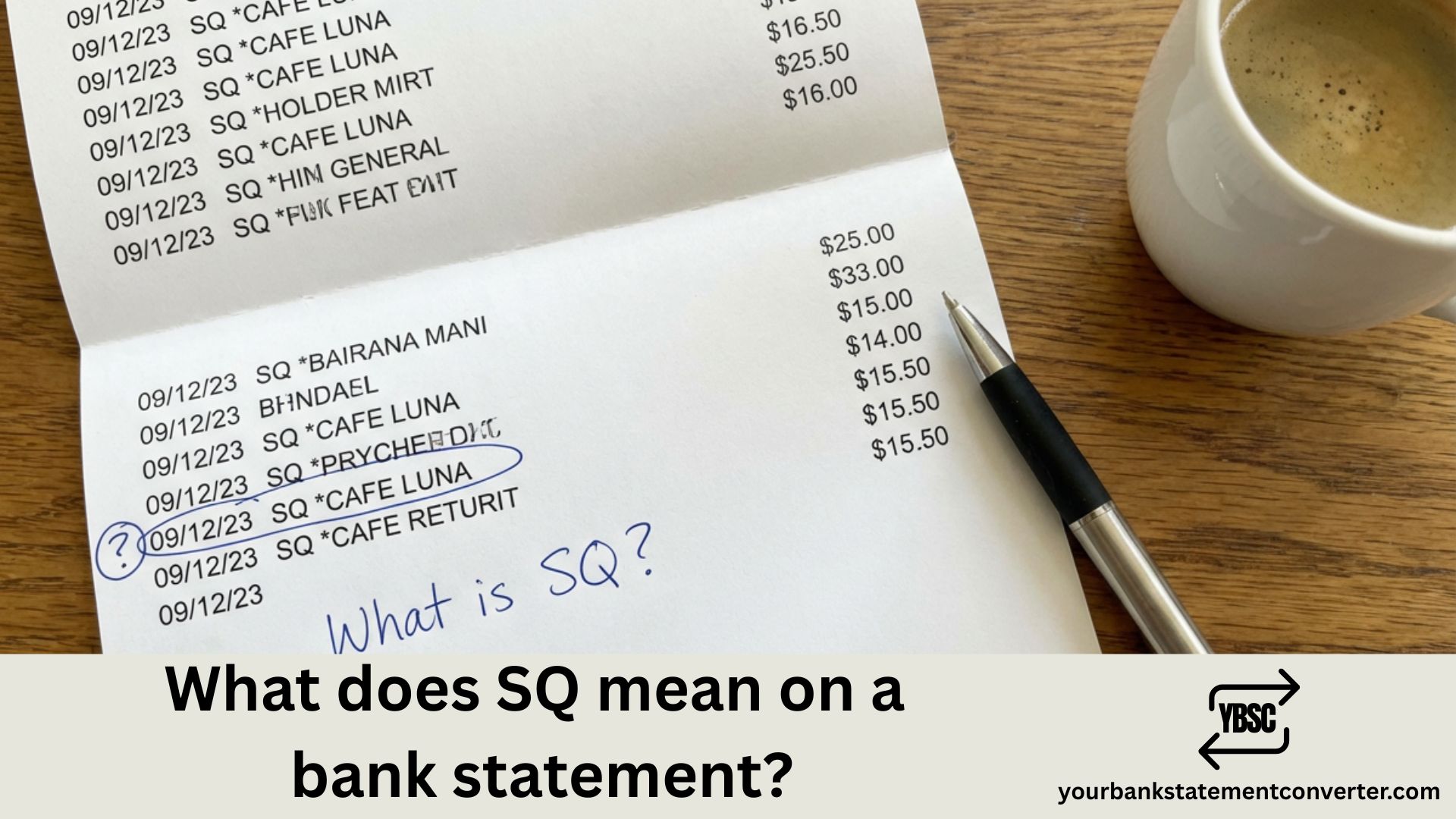
Noticed “SQ” on your bank statement and wondering what it means? You’re not alone—thousands of Americans see this cryptic code every day and aren’t sure where the charge came from.
Quick Answer: SQ stands for Square, Inc.—a popular payment processing company. When you purchase from a business using Square’s point-of-sale system, the transaction appears as “SQ*” followed by the merchant name on your statement.
What Does SQ Mean on Bank Statement?
SQ is the billing descriptor for Square, a financial technology company that provides payment processing services to millions of small businesses across the United States. When you pay at a coffee shop, food truck, farmer’s market, salon, or online store that uses Square to accept card payments, the charge shows up with the “SQ” prefix.
Common SQ transaction formats you’ll see:
| Statement Descriptor | Meaning |
|---|---|
| SQ *BUSINESS NAME | Standard Square transaction |
| SQ *COFFEE SHOP | Purchase at a coffee shop |
| GOSQ.COM | Square online payment |
| SQC* | Square Cash (Cash App related) |
| SQUAREUP | Square payment processing |
The descriptor typically includes the merchant name after “SQ*”—for example, “SQ *JOES TACOS” or “SQ *MAIN ST SALON.”
Why Do Businesses Use Square?
Square has become the go-to payment processor for small and medium-sized businesses because:
- Easy setup – No merchant account required
- Affordable pricing – Flat-rate fees starting at 2.6% + 10¢ per transaction
- Mobile payments – Accept cards anywhere with a smartphone
- No monthly fees – Pay only when you process payments
This is why you’ll see SQ charges from local vendors, pop-up shops, independent contractors, and small retail stores.
How to Identify an SQ Charge
If you don’t recognize an SQ transaction, here’s how to verify it:
1. Check the merchant name – The business name usually appears after “SQ*” on your statement.
2. Recall recent purchases – Think about where you shopped recently. Food trucks, farmer’s markets, and local shops commonly use Square.
3. Look up your receipt – Visit squareup.com/receipts to search for your transaction using your card details.
4. Review the transaction date and amount – Match these against your recent shopping activity.
Pro Tip: If you’re tracking multiple unfamiliar charges across your bank statements, YourBankStatementConverter.com can convert your PDF statements to Excel format—making it easy to search, filter, and identify transactions like SQ charges instantly.
Is an SQ Charge Legitimate?
In most cases, yes. SQ charges are legitimate purchases from businesses using Square’s payment platform. However, if you’re certain you didn’t make the purchase:
- Contact your bank immediately – Report the unauthorized transaction
- Review your Square receipts – Check if a family member or authorized user made the purchase
- Dispute the charge – File a chargeback if the transaction is fraudulent
Square processes billions of transactions annually, so seeing SQ on your statement is completely normal.
What to Do If You Don’t Recognize an SQ Transaction
If an SQ charge looks unfamiliar:
- Don’t panic – Many legitimate purchases show different names than expected
- Check shared accounts – Family members with access to your card may have made the purchase
- Contact the merchant – If visible, reach out to the business directly
- Use Square’s receipt lookup – Enter your card details at squareup.com/receipts
- Call your bank – If still unrecognized, report it as potentially fraudulent
Managing bank statements with cryptic codes like SQ, Amazon transaction descriptors, or Venmo charges can be confusing. Converting your statements to a searchable format makes tracking these transactions significantly easier.
Understanding SQ Bank Statement Codes
Understanding what SQ means on your credit card or bank statement helps you stay on top of your finances and quickly spot any unauthorized charges. Square is a trusted, widely-used payment processor, so most SQ transactions are simply purchases you made at local businesses.
If you regularly need to reconcile bank statements, identify recurring charges, or track business expenses, consider using YourBankStatementConverter.com to convert your PDF statements into organized, searchable Excel spreadsheets—saving hours of manual review.
Frequently Asked Questions
What does SQ * mean on my credit card statement?
SQ * indicates a transaction processed through Square, Inc. The asterisk is followed by the merchant’s business name. It’s a standard format Square uses for billing descriptors.
Is SQ a legitimate charge?
Yes, SQ charges are legitimate transactions from businesses using Square for payment processing. However, if you don’t recognize the specific merchant, verify the purchase or contact your bank.
Why does my bank statement say SQ instead of the store name?
Square acts as the payment facilitator, so its prefix “SQ” appears first on your statement. The merchant name typically follows after the asterisk (SQ *MERCHANT NAME).
How do I find out what an SQ charge is for?
Visit squareup.com/receipts and enter your card details to look up your transaction. You can also match the date and amount against your recent purchases.
Can I dispute an SQ charge?
Yes. If you don’t recognize an SQ transaction and have confirmed it’s not from you or an authorized user, contact your bank to dispute the charge.
What businesses commonly show up as SQ on bank statements?
Food trucks, coffee shops, farmer’s market vendors, salons, barbershops, small retail stores, independent contractors, and online sellers frequently use Square.
Is GOSQ.COM the same as SQ?
Yes. GOSQ.COM is Square’s domain and may appear on statements for certain Square-processed transactions, particularly online payments.







