
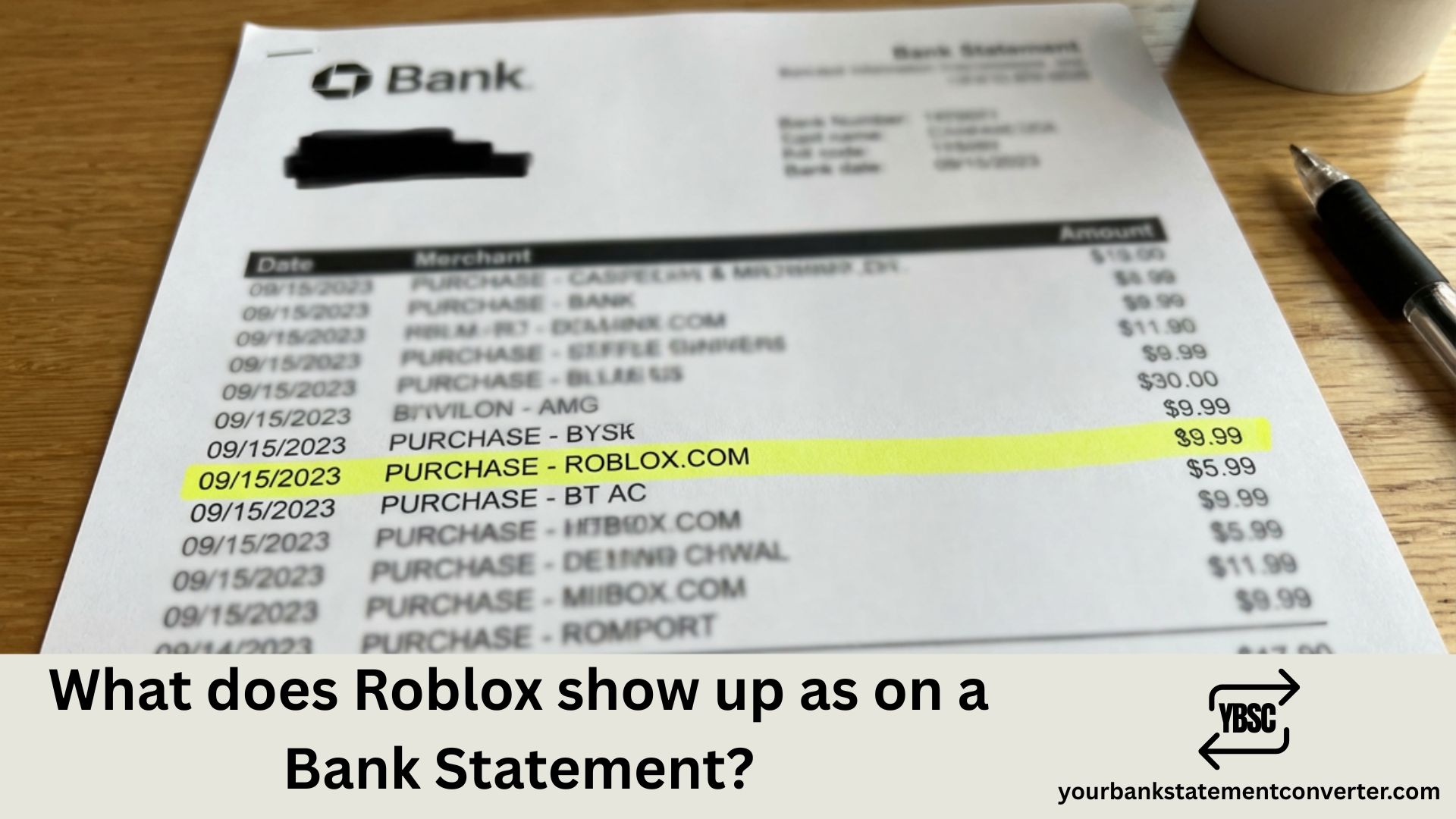
If you or your child has made purchases on Roblox for Robux or Premium subscriptions, you might see unfamiliar charges on your bank or credit card statement. Knowing exactly how Roblox transactions appear helps parents monitor gaming expenses and ensures you can quickly identify legitimate charges versus unauthorized purchases.
What Does Roblox Show Up As on Bank Statement
Roblox charges appear on your bank statement under several different descriptors depending on the payment method and platform used:
Most Common Descriptors:
- ROBLOX or ROBLOX.COM
- ROBLOX*ROBLOX.COM followed by location
- ROBLOX CORP or ROBLOX CORPORATION
- ROBLOX 888-858-XXXX CA (with customer service number)
- BILL.ROBLOX.COM
Platform-Specific Descriptors:
- APPLE.COM/BILL – For purchases made through iOS devices
- GOOGLE*ROBLOX or GOOGLE PLAY*ROBLOX – For Android purchases
- MICROSOFT*ROBLOX or XBOX*ROBLOX – For Xbox console purchases
- PAYPAL*ROBLOX – When PayPal is the payment method
The descriptor varies based on whether purchases were made directly through Roblox.com or through app stores on mobile devices and gaming consoles. Roblox Corporation is headquartered in San Mateo, California, which is why “CA” often appears in the charge description.
Common Charge Amounts to Recognize:
- 400 Robux: Approximately $4.99 USD
- 800 Robux: Approximately $9.99 USD
- 1,700 Robux: Approximately $19.99 USD
- 4,500 Robux: Approximately $49.99 USD
- 10,000 Robux: Approximately $99.99 USD
- Roblox Premium Monthly: $4.99 to $19.99 USD depending on tier
If you notice multiple small charges, this could indicate in-game purchases made by a child who has access to your payment method. Roblox allows users to buy Robux (the in-game currency) and Premium subscriptions, and these purchases can add up quickly.
Overwhelmed by Gaming Charges on Your Bank Statements?
Tracking gaming subscriptions and in-app purchases across multiple platforms can become a bookkeeping nightmare, especially for families monitoring children’s spending or freelancers managing business expenses.
Your Bank Statement Converter simplifies this process instantly. Upload your bank statement PDF and convert it into clean, organized Excel or CSV formats. Filter transactions by merchant name to see exactly how much has been spent on Roblox, gaming subscriptions, or any other recurring charges.
Whether you’re a parent keeping tabs on gaming expenses, a bookkeeper reconciling client accounts, or a small business owner tracking subscriptions, this tool transforms messy PDF statements into actionable financial data in seconds.
👉 Convert your bank statements today and take control of your transaction tracking.
How to Check Roblox Purchase History
Before disputing any charge, verify the transaction through official channels. Log into your Roblox account at roblox.com and click on the gear icon to access Settings. Navigate to Billing and you’ll find a complete record of all purchases made on that account, including dates, amounts, and what was purchased.
For purchases made through app stores, check your purchase history directly on Apple App Store, Google Play Store, or Microsoft Store, as these transactions are processed through those platforms rather than Roblox directly.
Setting Up Parental Controls for Roblox Spending
Parents can prevent unexpected charges by enabling spending controls. Within Roblox account settings, you can set up a PIN that’s required for all purchases. Additionally, remove saved payment methods from the account and require password authentication for every transaction.
On mobile devices, enable purchase restrictions through your device settings. iOS users can set up Screen Time with purchase approval requirements, while Android users can require authentication for Google Play purchases.
Understanding Roblox Subscription Charges
Roblox Premium is a subscription service that charges monthly and provides a Robux stipend plus additional benefits. If you see recurring monthly charges, this indicates an active Premium subscription. The three tiers are Premium 450 at $4.99 per month, Premium 1000 at $9.99 per month, and Premium 2200 at $19.99 per month.
To cancel a Premium subscription, go to the Roblox website, access Settings, then Billing, and select Cancel Renewal. The subscription benefits continue until the end of the current billing period.
Disputing Unauthorized Roblox Charges
If you identify charges you didn’t authorize, Roblox offers support through their Help Center. For purchases made within the last 30 days, you may be eligible for a refund, particularly if the purchase was made by a minor without permission.
For app store purchases, contact Apple Support, Google Play Support, or Microsoft Support directly, as they handle refunds for transactions processed through their platforms.
Tracking Gaming Expenses: Essential Insights
Identifying how Roblox appears on your bank statement is crucial for monitoring gaming expenses, especially in households with young gamers. Look for descriptors containing “ROBLOX,” platform-specific billing names like “APPLE.COM/BILL” or “GOOGLE*ROBLOX,” and charges in common Robux purchase amounts. Regular statement reviews help catch unauthorized purchases early, and converting your bank statements into searchable spreadsheet formats through tools like Your Bank Statement Converter makes tracking gaming expenses across multiple months significantly easier.
Frequently Asked Questions
Why does my Roblox charge show APPLE.COM/BILL instead of Roblox?
When Roblox purchases are made through an iPhone or iPad, Apple processes the payment. Apple bundles all App Store purchases under their billing descriptor, so you’ll need to check your Apple purchase history to confirm it was a Roblox transaction.
What is GOOGLE*ROBLOX on my bank statement?
This indicates a Roblox purchase made through an Android device via the Google Play Store. Google processes these payments and adds their identifier to the transaction descriptor.
How do I stop my child from making Roblox purchases?
Enable parental controls within Roblox settings by setting up an account PIN for purchases. Also configure your device’s app store to require password authentication for all purchases and remove saved payment methods from the account.
Can I get a refund for Roblox purchases?
Roblox considers refund requests on a case-by-case basis, particularly for unauthorized purchases made by minors. Submit a request through the Roblox Support page within 30 days of the transaction. For app store purchases, contact Apple, Google, or Microsoft support directly.
Why are there multiple small Roblox charges on my statement?
Multiple charges usually indicate separate Robux purchases or in-game item purchases made over time. Check the Roblox account’s billing history to see exactly what was purchased and when.
What does ROBLOX 888-858-XXXX CA mean on my statement?
This is Roblox’s customer service number and location included in the transaction descriptor. The “CA” refers to California, where Roblox Corporation is headquartered. This is a legitimate Roblox charge format.
How do I cancel a Roblox Premium subscription?
Log in to your Roblox account, go to Settings, select Billing, and click Cancel Renewal under your Premium membership. Your benefits remain active until the current billing period ends, and you won’t be charged again.
Why don’t I recognize a Roblox charge if no one in my family plays?
This could indicate fraudulent activity. Check if your payment information was compromised or if someone else has access to your card. Contact your bank to dispute the charge and consider requesting a new card number.







