If you’ve spotted an unfamiliar charge on your bank statement and suspect it might be from Paramount Plus, you’re not alone. Many subscribers find themselves confused by how streaming services appear on their financial records. Let me clear this up for you.
What Does Paramount Plus Show Up as on Bank Statement?
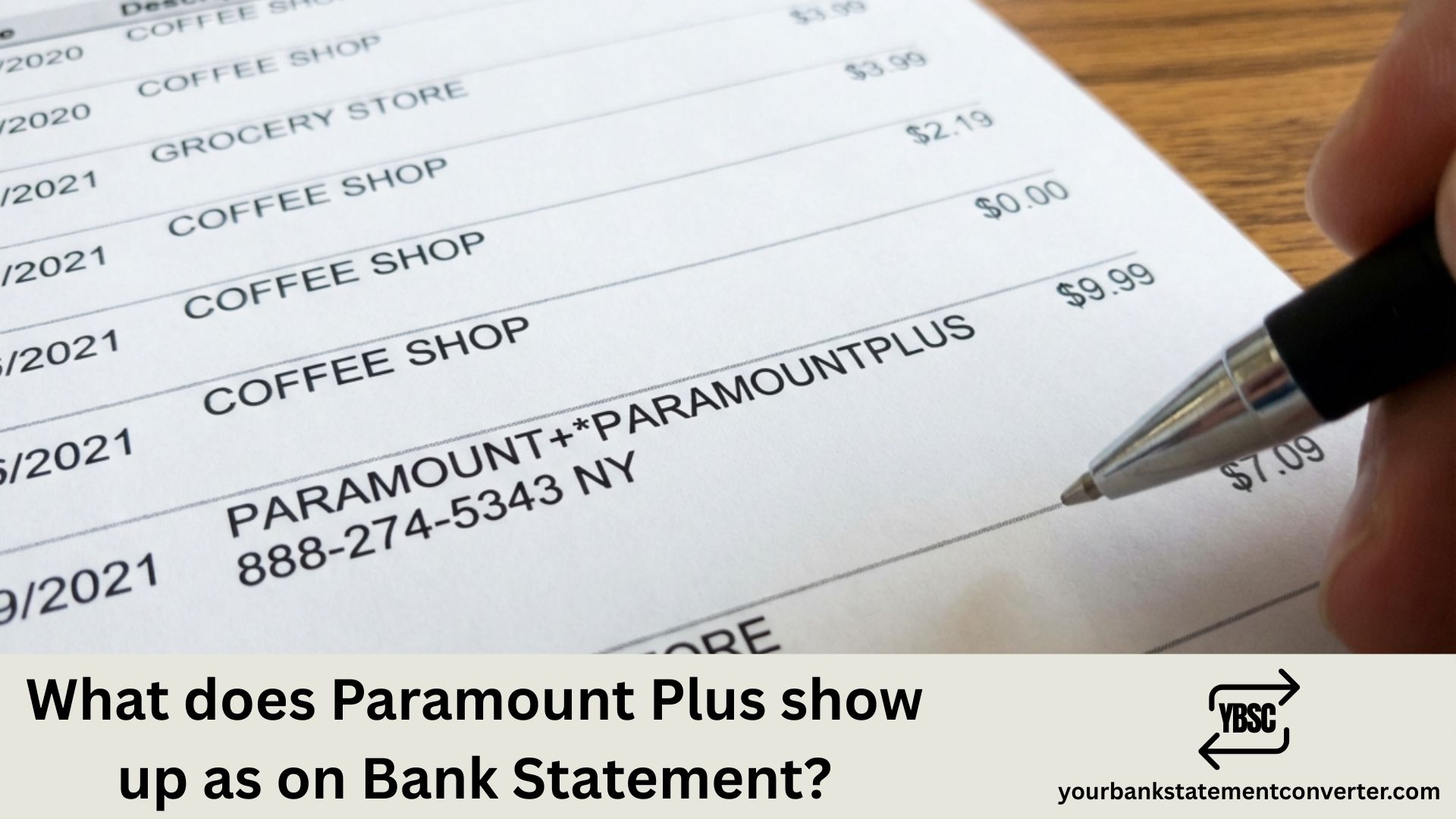
Paramount Plus typically appears on bank statements as one of these variations:
PARAMOUNT+ or PARAMOUNTPLUS followed by a reference number, PAR*Paramount Plus, PARAMOUNT PLUS, or CBS*PARAMOUNT+ (especially for legacy CBS All Access subscribers who were migrated to the new platform)
The exact descriptor depends on your payment method and bank. If you subscribed through a third party like Apple, Google Play, Amazon, or Roku, the charge may show under that platform’s name instead, such as APPLE.COM/BILL, GOOGLE*Paramount, AMAZON DIGITAL, or ROKU INC.
Your subscription cost will be either $7.99 per month for the Essential plan with ads or $12.99 per month for the Paramount+ with Showtime bundle.
Managing multiple subscriptions and need to track your expenses more effectively? YourBankStatementConverter.com helps you convert messy bank statements into clean, organized formats. Whether you’re reconciling streaming charges, preparing financial documents, or simply trying to make sense of your monthly spending, this tool transforms your PDF bank statements into editable Excel or CSV files in seconds.
Why Doesn’t My Charge Say “Paramount Plus”?
Banks have character limits for transaction descriptions. Payment processors often abbreviate or use internal codes, and third-party billing through app stores uses their own naming conventions.
How to Verify a Paramount Plus Charge
If you’re unsure whether a charge is legitimate, check your Paramount Plus account settings under subscription details, review your email for billing confirmations from Paramount, and match the charge date with your billing cycle.
How to Cancel Paramount Plus
To stop future charges, log into your Paramount Plus account, go to Account settings, select Cancel Subscription, and follow the prompts to confirm.
If you subscribed through Apple, Google, or another platform, you’ll need to cancel through that service instead.
Frequently Asked Questions
1) What if I see a Paramount Plus charge but never signed up?
Check if a family member used your payment method. Also verify whether you signed up for a free trial that converted to a paid subscription. If neither applies, contact your bank to dispute the charge.
2) Can Paramount Plus charge me twice in one month?
This can happen if you upgraded your plan mid-cycle or if there was a billing error. Contact Paramount Plus support to clarify any duplicate charges.
3) How do I get a refund from Paramount Plus?
Contact Paramount Plus customer support directly through their help center. Refund policies vary, but they typically accommodate recent charges, especially for accidental sign-ups.
4) Does Paramount Plus offer annual billing?
Yes, annual plans are available and often come with a discount compared to monthly billing. These appear as a single larger charge once per year.
5) Why does my statement show CBS instead of Paramount Plus?
Paramount Plus was previously known as CBS All Access. Some billing systems still reference the old branding, particularly for long-term subscribers.
Keeping track of streaming subscriptions across multiple platforms can get overwhelming. If you need to organize your bank statements for budgeting, loan applications, or accounting purposes, YourBankStatementConverter.com makes the process simple and fast.



![What Is FSUK Payment on Bank Statement (Sports Direct Frasers Group)[2026]](https://yourbankstatementconverter.com/blog/wp-content/uploads/2026/03/What-Is-FSUK-Payment-on-Bank-Statement-Sports-Direct-Frasers-Group2026-300x169.jpg)
![What Does CR Mean on a Bank Statement (Credit Explained)[2026]](https://yourbankstatementconverter.com/blog/wp-content/uploads/2026/03/What-Does-CR-Mean-on-a-Bank-Statement-Credit-Explained2026-300x169.jpg)
![What Does BP Mean on a Bank Statement (Both Meanings Explained)[2026]](https://yourbankstatementconverter.com/blog/wp-content/uploads/2026/03/What-Does-BP-Mean-on-a-Bank-Statement-Both-Meanings-Explained2026-1-300x169.jpg)