
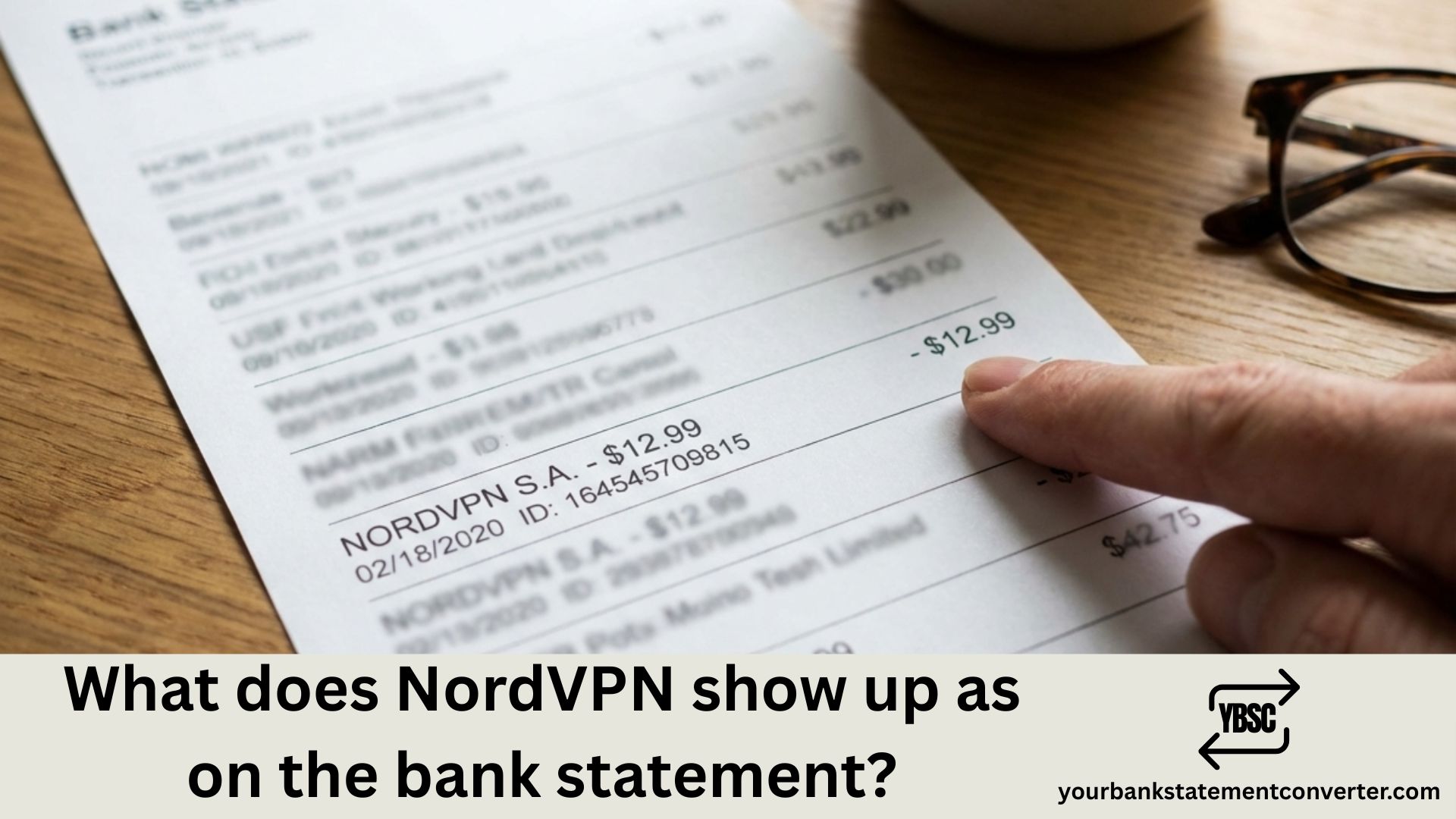
Ever spotted an unfamiliar charge on your credit card or bank statement and wondered if it’s your VPN subscription? You’re not alone. Thousands of NordVPN subscribers search for answers about how their VPN payment appears on financial records each month.
Understanding how NordVPN transactions display on your bank statement helps you track recurring charges, verify legitimate payments, and quickly identify any unauthorized transactions. Whether you’re reviewing your monthly expenses, doing bookkeeping, or simply trying to recognize a mystery charge, this guide covers everything you need to know.
What Does NordVPN Show Up As on Bank Statement?
NordVPN charges typically appear on your bank statement under one of these merchant names:
| Merchant Name | Region/Payment Method |
|---|---|
| NORDVPN.COM | Direct payments (most common) |
| NORDVPN | Standard descriptor |
| Lagosec Inc | US, Canada, Mexico payments |
| *PAYPAL LAGOSEC INC | PayPal transactions in North America |
| SL.NORD PRODUCTS* | Some credit card processors |
| Mollymind AG | European Union residents |
| NordSec B.V. | EU PayPal payments |
| Moonflash Limited | United Kingdom residents |
| Nord Security JP | Japanese residents |
| Cyberpost Intermediacao | Brazilian residents |
The exact descriptor depends on your geographic location and payment method. NordVPN uses different billing partners and merchant processors across various regions to handle subscription payments securely.
Common NordVPN Charge Amounts
Here are typical transaction amounts you might see on your statement:
- $2.99 – $3.89/month: 2-year plan charges (billed as ~$80-$105 upfront)
- $4.59 – $6.49/month: 1-year plan charges (billed as ~$68-$97 upfront)
- $12.99 – $16.59: Monthly subscription charges
- $80.73 – $186.03: Full 2-year subscription payment
- $68.85 – $97.35: Full 1-year subscription payment
Why Does NordVPN Appear Under Different Names?
NordVPN operates through Nord Security, which uses regional payment processors to handle billing across 129+ countries. This structure ensures:
- Faster payment processing in local currencies
- Compliance with regional financial regulations
- Secure transactions through established payment partners
- Multiple payment options including cards, PayPal, and cryptocurrency
Understanding Lagosec Inc Charges
If you’re in the United States, Canada, or Mexico and see “Lagosec Inc” on your bank statement, don’t panic. Lagosec Inc is NordVPN’s legitimate billing partner for North American customers. This Delaware-based company processes payments exclusively for Nord Security products including:
- NordVPN (VPN service)
- NordPass (password manager)
- NordLocker (encrypted cloud storage)
- Saily (mobile eSIM service)
How to Verify a NordVPN Charge Is Legitimate
Found a NordVPN-related charge you don’t recognize? Follow these verification steps:
Step 1: Check Your Email
Search your inbox for emails from NordVPN containing:
- Payment confirmations
- Subscription receipts
- Renewal notifications
Step 2: Log Into Your Nord Account
Visit account.nordvpn.com and check:
- Active subscriptions
- Billing history
- Payment dates and amounts
Step 3: Cross-Reference the Amount
Compare the charge amount with NordVPN’s current pricing to identify which plan was purchased.
Step 4: Check Family Access
Ask family members if they signed up for NordVPN using your payment card.
Managing Your Bank Statements and Financial Records
Tracking VPN subscriptions alongside other recurring charges becomes easier when you have organized financial records. If you’re an accountant, bookkeeper, or business owner dealing with multiple bank statements from various financial institutions, manually converting and categorizing these documents can be time-consuming.
Simplify your bank statement management with Your Bank Statement Converter — the fastest way to convert PDF bank statements into Excel, CSV, or other formats for easy analysis and bookkeeping.
Why Use a Bank Statement Converter?
- Save Hours: Automatically extract transaction data instead of manual entry
- Multiple Bank Support: Works with statements from virtually any bank
- Accurate Conversion: Preserve all transaction details including dates, descriptions, and amounts
- Easy Categorization: Quickly identify and sort recurring charges like NordVPN subscriptions
- Professional Formats: Export to Excel, CSV, QBO, or other accounting-friendly formats
Whether you’re reconciling personal accounts, managing client books, or tracking business expenses, yourbankstatementconverter.com streamlines the entire process.
How to Dispute Unauthorized NordVPN Charges
If you’ve verified the charge isn’t from your account or a family member, take these steps:
Contact NordVPN Support
- Email: support@nordvpn.com
- Live Chat: Available 24/7 on their website
- Provide: First six and last four digits of your card, cardholder name, transaction date, and amount
Contact Your Bank
- Report the unauthorized charge
- Request a chargeback under the Fair Credit Billing Act
- Freeze your card temporarily if needed
Document Everything
Keep records of all communications with NordVPN and your financial institution for potential disputes.
NordVPN Subscription and Billing FAQs
Does NordVPN auto-renew subscriptions?
Yes. All NordVPN subscriptions (except cryptocurrency, prepaid, and gift card payments) automatically renew. You can disable auto-renewal in your Nord Account dashboard under “Manage Subscription.”
Can I get a refund from NordVPN?
NordVPN offers a 30-day money-back guarantee on all plans. Contact their customer support to request a refund within this period.
Why was I charged more than expected?
You may have purchased additional add-ons during checkout, such as:
- Threat Protection Pro
- NordPass password manager
- NordLocker cloud storage
- Dedicated IP address ($3.69/month extra)
What payment methods does NordVPN accept?
NordVPN accepts:
- Credit/debit cards (Visa, Mastercard, American Express, Discover)
- PayPal
- Cryptocurrency (Bitcoin, Ethereum, Litecoin)
- Google Pay, Apple Pay, Amazon Pay
- Bank transfers (Sofort, iDEAL)
- Retail gift cards (available at Walmart, Target, Best Buy)
How do I cancel my NordVPN subscription?
Log into your Nord Account, navigate to “Billing,” select “Manage subscription,” and toggle off auto-renewal. Your service continues until the paid period ends.
Will NordVPN charge me again after the first payment?
Only if auto-renewal is enabled. You’ll be charged at the regular renewal rate when your subscription term ends, which is typically higher than the initial promotional price.
Tips for Tracking VPN and Subscription Charges
Keeping your financial records organized helps you:
- Identify legitimate charges quickly without confusion
- Budget accurately for recurring expenses
- Detect fraud early by spotting unfamiliar transactions
- Simplify tax preparation with categorized expenses
For business owners and financial professionals managing multiple clients or accounts, using a bank statement converter tool eliminates the tedious process of manual data entry and helps maintain accurate, organized records.
Conclusion: Recognizing NordVPN on Your Bank Statement
NordVPN charges appear on bank statements under various merchant names including NORDVPN.COM, Lagosec Inc, Mollymind AG, and other regional payment processors. The specific descriptor depends on your location and payment method.
Key takeaways for identifying NordVPN bank statement charges:
- North American users: Look for “Lagosec Inc” or “PAYPAL *LAGOSEC INC”
- European users: Check for “Mollymind AG” or “NordSec B.V.”
- UK users: Look for “Moonflash Limited”
- Universal: “NORDVPN.COM” or “NORDVPN”
Always verify unexpected charges through your Nord Account before disputing with your bank. And if you’re managing multiple bank statements and need to organize transaction data efficiently, visit yourbankstatementconverter.com to streamline your financial record-keeping process.
Frequently Asked Questions
What is Lagosec Inc on my bank statement?
Lagosec Inc is NordVPN’s official payment processor for customers in the United States, Canada, and Mexico. If you see a Lagosec Inc charge, it’s related to a Nord Security product subscription like NordVPN, NordPass, or NordLocker.
Why doesn’t my bank statement say NordVPN?
NordVPN uses regional billing partners to process payments in different countries. These third-party processors appear on statements instead of “NordVPN” directly. This is standard practice for international subscription services.
Is a NORDVPN.COM charge legitimate?
If you or a family member subscribed to NordVPN, this charge is legitimate. Verify by logging into your Nord Account at account.nordvpn.com to check your billing history and active subscriptions.
How do I stop NordVPN from charging my card?
Log in to your Nord Account, go to “Billing,” click “Manage subscription,” and disable auto-renewal. This prevents future charges while allowing you to use the service until your current term expires.
Can I pay for NordVPN anonymously?
Yes. NordVPN accepts cryptocurrency payments (Bitcoin, Ethereum, Litecoin) and retail gift cards purchased with cash, allowing for anonymous subscriptions without linking to your bank account.
What does SL.NORD PRODUCTS mean on my statement?
SL.NORD* PRODUCTS is another merchant descriptor used by NordVPN’s payment processors. It indicates a charge related to Nord Security products.
How often does NordVPN charge?
NordVPN charges once per billing cycle: monthly for month-to-month plans, annually for 1-year plans, or once every two years for 2-year plans. The full amount is charged upfront at the beginning of each billing period.
Why was I charged twice by NordVPN?
Possible reasons include: Signing up for multiple accounts, Temporary authorization holds, Purchasing separate Nord products (NordVPN + NordPass), Processing errors (contact NordVPN support for resolution)







