
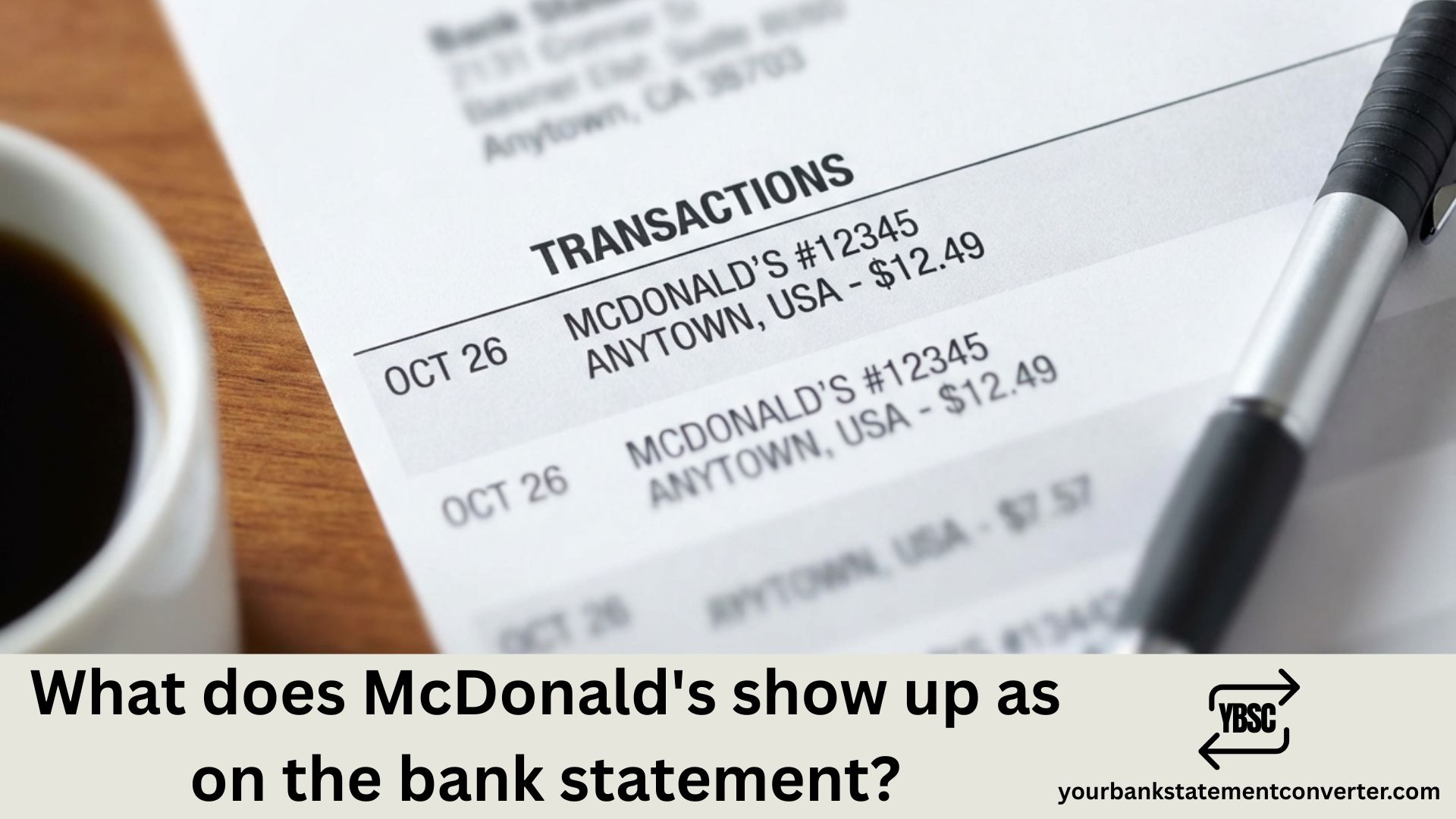
Spotted a charge from “MCDONALD’S F12345” or “MCD’S” on your bank statement and can’t remember when you last grabbed a Big Mac? With millions of McDonald’s transactions processed daily across 40,000+ locations worldwide, it’s common to see confusing charge descriptions on your statement. This guide explains exactly how McDonald’s purchases appear on your bank or credit card statement, helping you identify legitimate charges and catch potential fraud.
What Does McDonald’s Show Up As on a Bank Statement?
McDonald’s transactions appear on bank statements in various formats depending on the location, how you ordered, and your bank’s processing system. Here are the most common ways McDonald’s shows up:
Common McDonald’s Transaction Codes:
| Transaction Code | What It Means |
|---|---|
| MCDONALD’S | Standard in-store or drive-thru purchase |
| MCD’S | Abbreviated version of McDonald’s |
| MCDONALD’S F12345 | Purchase at a specific franchise location (F = franchise number) |
| MCDONALD’S #12345 | Restaurant store number reference |
| MCDONALD’S MOBILE | Order placed through the McDonald’s app |
| MCDONALDS KIOSK | Self-service kiosk order |
| MCDONALD’S + City/State | Location-specific transaction (e.g., “MCDONALD’S CHICAGO IL”) |
| MCD*MCDONALD’S | Alternate format with merchant code prefix |
| MCDONALD’S CORP | Corporate location or special event |
The numbers following “MCDONALD’S” (like F12345 or #12345) typically represent the specific restaurant’s franchise or store identification number, helping you pinpoint exactly where the purchase was made.
Understanding Different McDonald’s Charge Types
In-Store and Drive-Thru Purchases
When you order at a McDonald’s counter or drive-thru, your statement typically shows:
- MCDONALD’S followed by the city and state
- Restaurant number (varies by bank display)
- May include a franchise identifier (F#####)
Example: MCDONALD'S F18923 HOUSTON TX or MCD'S #4521 NEW YORK NY
McDonald’s App (Mobile Order & Pay)
Orders placed through the McDonald’s mobile app appear as:
- MCDONALD’S MOBILE or MCDONALD’S APP
- May show the pickup restaurant’s location
- Charged when you place the order, not at pickup
The McDonald’s app charges your registered payment card immediately when you submit your order, regardless of your chosen pickup method (Curbside, Front Counter, Drive-Thru, or Table Service).
Self-Service Kiosk Orders
If you ordered through an in-store digital kiosk:
- MCDONALDS KIOSK or standard MCDONALD’S descriptor
- Same location information as counter orders
- May appear identical to regular in-store purchases
Third-Party Delivery Orders
Orders through DoorDash, Uber Eats, or Grubhub will NOT show as McDonald’s—they’ll appear under the delivery service’s name:
- DOORDASH*MCDONALD’S or simply DOORDASH
- UBER EATS or UBER PENDING*
- GRUBHUB
Why McDonald’s Charges Look Different Across Banks
Your bank’s processing system affects how McDonald’s transactions display. Some factors include:
- Character limits: Banks truncate merchant names differently, resulting in “MCD’S” vs. “MCDONALD’S”
- Location data: Some banks show full city/state information while others only display the store number
- Franchise vs. corporate: Franchise-owned locations may display differently than corporate-owned stores
- International purchases: McDonald’s abroad may show with country codes or local currency conversions
Common McDonald’s Charge Amounts to Recognize
Familiar with typical McDonald’s pricing? These common charge ranges can help you verify transactions:
| Amount Range | Likely Purchase |
|---|---|
| $1 – $3 | Single item, drink, or small snack |
| $5 – $10 | Value meal or combo |
| $10 – $20 | Multiple items or family order |
| $20 – $40 | Large family meal or group order |
| $0.01 – $1.00 (pending) | Pre-authorization hold |
How to Verify McDonald’s Charges on Your Statement
If you see an unfamiliar McDonald’s charge:
- Check your McDonald’s app – If you use Mobile Order & Pay, review your order history in the app
- Review your receipts – Match the transaction amount and date with paper or email receipts
- Consider the location – Does the city/state match somewhere you’ve been?
- Check family members – Did someone with access to your card visit McDonald’s?
- Look for pending holds – Small authorization amounts may appear before the final charge
Finding Receipt Information
On a McDonald’s receipt, you’ll find:
- Restaurant number: Listed as “McDonald’s Restaurant #XXXX” near the top
- Visit date and time: On the right side of the receipt
- Order number: Two-digit number below the date/time
- Order total: Listed as “Take-Out Total” or similar
Dealing with Unknown or Unauthorized McDonald’s Charges
If you don’t recognize a McDonald’s transaction:
- Contact the restaurant: Use McDonald’s Restaurant Locator to find the store’s contact information based on the location shown on your statement
- Check for double charges: McDonald’s acknowledges double-charging can occur—contact the store first, then your bank if unresolved
- Report to your bank: If confirmed unauthorized, dispute the charge and request investigation
- Update your passwords: If you suspect fraud, immediately change your McDonald’s app password and any linked payment accounts
McDonald’s Customer Service: Visit mcdonalds.com/contact-us or contact your local restaurant directly.
Simplify Your Transaction Tracking
Keeping track of fast-food purchases alongside other transactions can be challenging, especially when merchant names appear abbreviated or cryptic on your statements. If you’re managing multiple bank accounts or need to categorize spending for budgeting purposes, Your Bank Statement Converter can help.
This tool transforms your PDF bank statements into organized Excel, CSV, or QBO formats—making it simple to search for specific merchants like McDonald’s, filter transactions by date or amount, and categorize your dining expenses. Whether you’re tracking business meals, managing family budgets, or reconciling expenses, having searchable financial data saves hours of manual review.
Why it helps:
- Convert PDF statements to editable, searchable formats instantly
- Filter and find all fast-food transactions quickly
- Categorize dining expenses for budgeting or tax purposes
- Match statement entries with receipts easily
👉 Try Your Bank Statement Converter to simplify your financial record-keeping.
Recognizing McDonald’s Charges: Key Takeaways
Understanding how McDonald’s appears on your bank statement—whether as “MCDONALD’S,” “MCD’S,” or with a franchise number like “F12345″—helps you accurately track spending and quickly verify purchases. The restaurant number on your statement can help you identify the exact location of your purchase if you need to investigate further.
Always match unfamiliar charges with your receipts, app order history, or recent travels. If something doesn’t add up, contact the specific McDonald’s location first before escalating to your bank for a dispute.
FAQs
What does MCD’S mean on my bank statement?
MCD’S is simply an abbreviated version of McDonald’s that appears on some bank statements due to character limits in the bank’s display system. It represents a standard McDonald’s purchase, whether made in-store, at the drive-thru, or through the mobile app.
What do the numbers after McDonald’s mean on my statement?
The numbers following McDonald’s (like F12345 or #4521) represent the specific restaurant’s identification number. The “F” typically indicates a franchise location, while “#” followed by numbers is the store number. This helps identify exactly which McDonald’s location processed your transaction.
Why does my McDonald’s charge show a different city?
Your charge may show a different city if you made the purchase while traveling, if the franchise’s billing address differs from its physical location, or if a family member with access to your card visited a McDonald’s in another area. Check your travel history and verify with household members before disputing.
Can McDonald’s double charge my card?
Yes, double charges can occasionally occur at McDonald’s due to payment processing errors. If you notice duplicate charges for the same amount on the same day, first contact the specific restaurant using McDonald’s Restaurant Locator. If they can’t resolve it, contact your bank to dispute the duplicate charge.
How long do McDonald’s charges take to appear on my statement?
McDonald’s charges typically appear as pending within minutes and post to your account within 1-3 business days. Mobile app orders are charged immediately when you place the order. Small pre-authorization holds ($0.01 – $1.00) may appear briefly before the final amount posts.
Why is there a small pending charge from McDonald’s?
A small pending charge (often $1 or less) from McDonald’s is typically a pre-authorization hold to verify your card is valid before processing the full transaction. This hold will either be replaced by the actual purchase amount or drop off within a few days if no purchase was completed.
Does McDonald’s show up differently on credit cards vs. debit cards?
The basic descriptor (MCDONALD’S or MCD’S) remains similar, but credit card statements may show less location detail than debit card transactions. Credit cards often display just the merchant name, while debit transactions may include more specific store numbers or addresses.
What should I do if I see fraud from McDonald’s on my statement?
If you believe a McDonald’s charge is fraudulent, immediately contact your bank to report unauthorized activity and request a new card. Also update your McDonald’s app password if you have an account. McDonald’s recommends using complex passwords and different credentials for each account to protect against fraud.







