
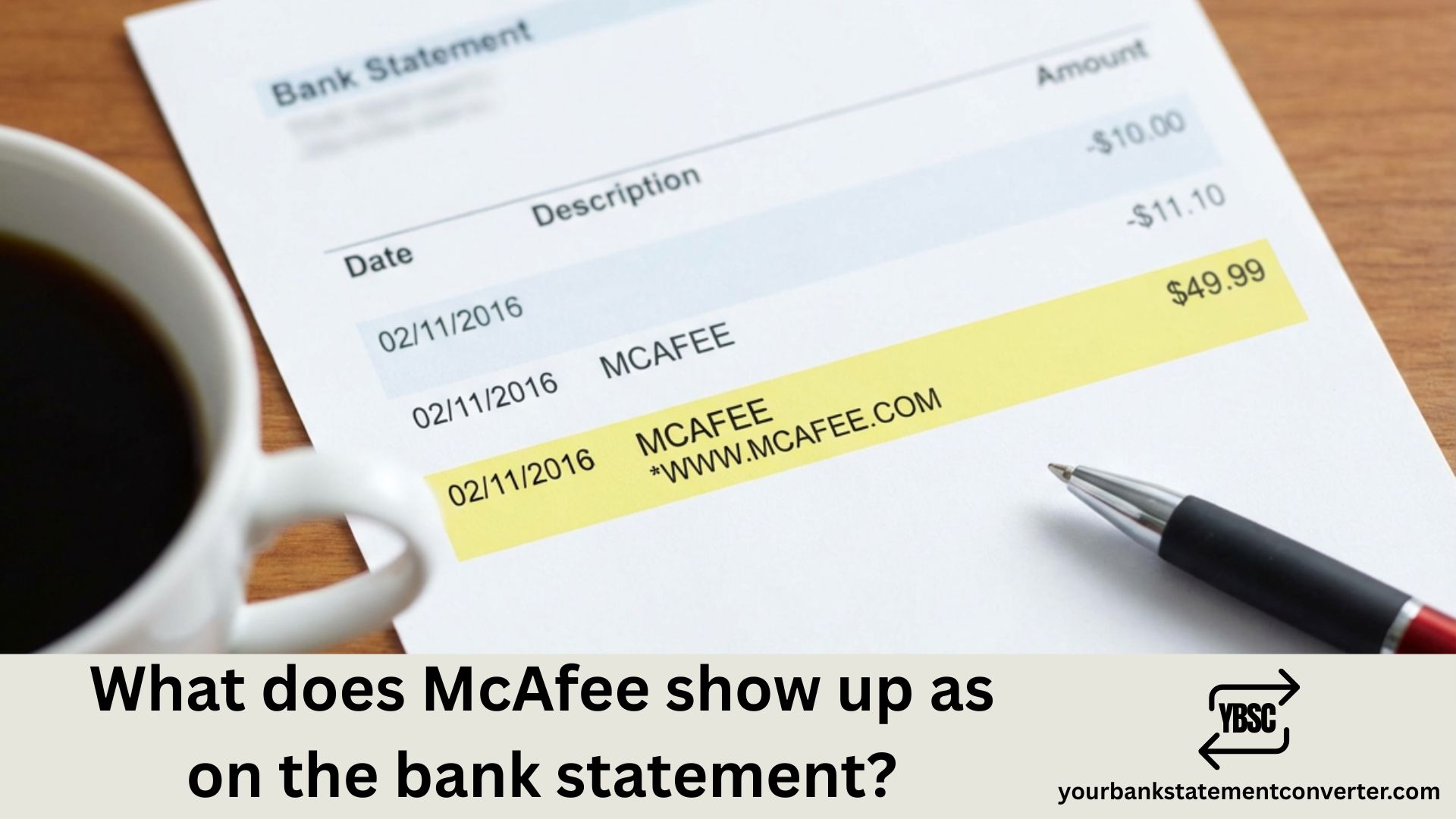
Spotted an unfamiliar charge on your bank statement and wondering if it’s McAfee? You’re not alone. McAfee antivirus subscription charges can appear under several different transaction names, which often confuses account holders reviewing their financial statements.
What Does McAfee Show Up As on Bank Statement
McAfee charges typically appear on your bank or credit card statement using these common billing descriptors:
| Descriptor Name | Description |
|---|---|
| MCAFEE | Standard charge for direct purchases |
| MCAFEE*SUBSCRIPTION | Subscription renewal charge |
| MCAFEE.COM | Online purchase from McAfee website |
| MCAFEE INC | Corporate billing name |
| WWW.MCAFEE.COM/CHARGE | Website purchase descriptor |
| GOOGLE-MCAFEE | McAfee purchased through Google Play |
| DRI*MCAFEE | Digital River (McAfee’s payment processor) |
The exact descriptor varies based on your payment method, purchase location, and whether it’s a new subscription or auto-renewal.
Why McAfee Charges Appear on Your Statement
Common reasons for McAfee bank statement charges include:
Auto-Renewal: Most McAfee subscriptions renew automatically. If you signed up for antivirus protection, your card gets charged annually unless you disable auto-renewal.
Free Trial Conversion: Started a McAfee free trial? It automatically converts to a paid subscription after the trial period ends.
Pre-installed Software: Some new computers come with McAfee pre-installed. Activating it may trigger a subscription charge.
Bundled Purchases: McAfee security purchased through Google Play, Apple App Store, or third-party retailers shows up with combined descriptors.
How to Verify if a McAfee Charge is Legitimate
Before disputing any charge, verify its authenticity:
- Check your McAfee account at mcafee.com for active subscriptions
- Search your email for McAfee purchase confirmations or renewal notices
- Review the charge amount against McAfee’s standard pricing ($29.99 – $119.99/year)
- Contact McAfee support directly through their official website
⚠️ Scam Alert: Be cautious of phishing emails claiming McAfee charged you $299-$599. Legitimate McAfee emails come from @mcafee.com addresses only.
Managing Your Financial Records with Bank Statement Converter
Tracking subscription charges like McAfee across multiple bank statements can be tedious. If you’re an accountant, bookkeeper, or business owner managing numerous financial records, converting bank statements to organized formats saves hours of manual work.
YourBankStatementConverter.com helps you:
- Convert PDF bank statements to Excel, CSV, or QuickBooks-ready formats
- Easily search and identify recurring charges like McAfee subscriptions
- Organize transaction data for accurate bookkeeping
- Streamline financial reconciliation across multiple accounts
Whether you’re tracking software subscriptions or managing client finances, automated bank statement conversion eliminates manual data entry errors.
How to Stop Unwanted McAfee Charges
To prevent future McAfee charges:
- Log into your McAfee account
- Navigate to My Account → Subscriptions
- Click Turn Off Auto-Renewal
- Confirm cancellation via email
For refund requests, contact McAfee within 30-60 days of the charge.
McAfee Bank Statement Charge: Legitimate or Fraudulent?
Understanding how McAfee appears on your bank statement helps you quickly identify legitimate subscription charges versus potential fraud. Always verify unfamiliar charges through official McAfee channels, and consider using tools like YourBankStatementConverter.com to better organize and monitor your financial transactions.
Frequently Asked Questions
What does a McAfee charge look like on a bank statement?
McAfee charges typically appear as “MCAFEE,” “MCAFEESUBSCRIPTION,” “MCAFEE.COM,” or “DRIMCAFEE” on your bank or credit card statement.
Why was I charged by McAfee without authorization?
Most unexpected McAfee charges result from automatic subscription renewals, free trial conversions, or pre-installed software activation on new devices.
How do I get a refund for McAfee charges?
Contact McAfee customer support within 30-60 days of purchase. Log into your account, navigate to billing history, and request a refund through official support channels.
Is the McAfee charge on my statement a scam?
Verify by logging into your McAfee account and checking subscription status. Scam emails often show inflated amounts ($300-$600) and request you call suspicious phone numbers.
How do I stop McAfee from charging my card?
Disable auto-renewal in your McAfee account settings under My Account → Subscriptions → Auto-Renewal Settings. You’ll receive confirmation via email once canceled.
What does DRI*MCAFEE mean on my statement?
DRI stands for Digital River Inc., McAfee’s authorized payment processor. This is a legitimate charge for McAfee products or subscriptions.







