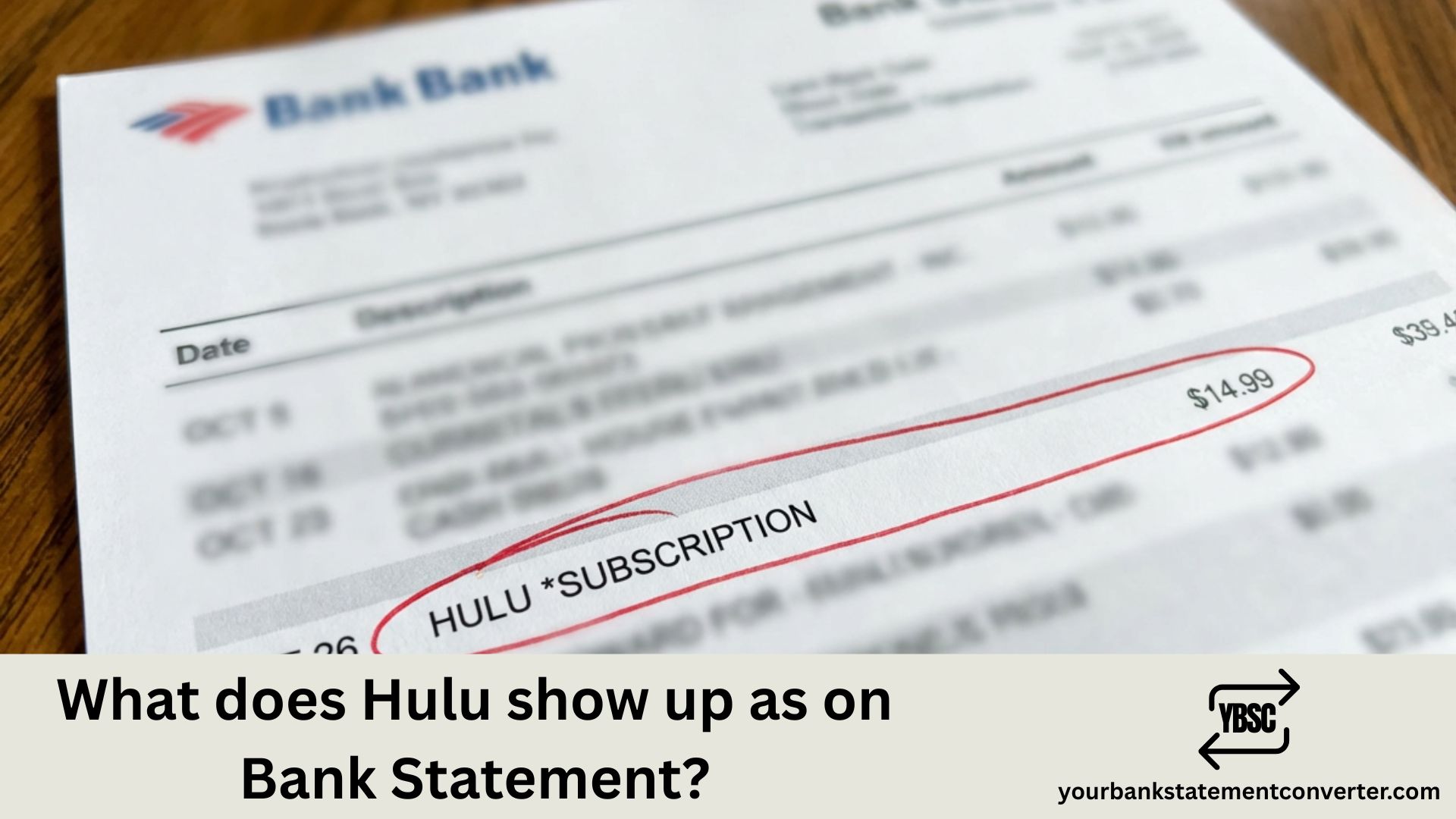
Hulu subscription charges can appear under various names on your bank or credit card statement, making it tricky to identify legitimate payments or spot unauthorized transactions. Understanding the exact descriptors Hulu uses helps you manage your entertainment budget, verify billing accuracy, and quickly detect any suspicious activity on your accounts.
What Does Hulu Show Up As on Bank Statement?
Hulu typically appears on bank statements with these common descriptors:
Most frequent formats:
- HULU or HULU.COM
- HULU LLC
- HULU*[plan type] (e.g., HULULIVE, HULUPREMIUM)
- HULU [random numbers]
- HULU SANTA MONICA CA
- HULU 877-824-4858 (customer service number included)
The exact wording depends on your bank, card issuer, and the specific Hulu plan you’ve subscribed to. The Santa Monica, CA reference appears because Hulu’s headquarters is located there.
Common billing amounts to recognize (US pricing):
- $7.99/month – Hulu (with ads)
- $17.99/month – Hulu (no ads)
- $76.99/month – Hulu + Live TV (with ads)
- $89.99/month – Hulu + Live TV (no ads)
- $9.99/month or $99.99/year – Disney Bundle Duo Basic
- $19.99/month or $199.99/year – Disney Bundle Duo Premium
Bundle billing descriptors: If you’ve subscribed to Hulu through the Disney Bundle (Hulu + Disney+ + ESPN+), look for “DISNEY BUNDLE,” “THE DISNEY BUNDLE,” or “DISNEYPLUS” rather than a separate Hulu charge. Similarly, if you added Hulu through your Spotify Premium subscription, the charge appears under Spotify’s descriptor instead.
Tired of Hunting for Hulu Charges in Your Bank Statements?
Manually scanning through PDF bank statements to find streaming subscriptions is tedious and time-consuming—especially when charges appear as cryptic codes like “HULU LLC” mixed among dozens of other transactions.
YourBankStatementConverter.com converts your bank statement PDFs into organized, searchable Excel spreadsheets within seconds. Simply upload your statement, and instantly gain the ability to search, filter, and sort every transaction—making Hulu charges and all your subscriptions easy to find.
How it helps you:
- Search for “Hulu” across months of statements instantly
- Identify all recurring subscriptions in one organized view
- Track entertainment spending with sortable data
- Export clean spreadsheets for budgeting or bookkeeping
👉 Convert your statements free at YourBankStatementConverter.com
FAQs
Why does my statement say “HULU SANTA MONICA CA”?
Hulu’s corporate headquarters is located in Santa Monica, California. Banks often append the merchant’s business location to transaction descriptors, which is why this geographical reference appears on many Hulu charges.
What does the phone number 877-824-4858 on my Hulu charge mean?
Some banks include the merchant’s customer service number in transaction descriptors. 877-824-4858 is Hulu’s official support line, so this confirms the charge is legitimately from Hulu.
I cancelled Hulu but still see charges. What should I do?
First, verify your cancellation by logging into your Hulu account and checking your subscription status. If you cancelled through a third party (Apple, Google, Roku, or your TV provider), ensure cancellation was completed through that platform. If charges persist after confirmed cancellation, contact Hulu support and your bank.
How do I know if my Hulu charge is part of a bundle?
If you subscribed to the Disney Bundle, your statement will show a single charge from Disney rather than separate Hulu, Disney+, and ESPN+ charges. Log into your Disney+ or Hulu account to view your subscription details and confirm bundle status.
Why is my Hulu charge higher than expected?
Common reasons include: plan upgrades, add-on purchases (HBO Max, Showtime, etc.), price increases, or the end of a promotional period. Review your Hulu account under “Manage Subscription” to see your current plan and any active add-ons.
Can I get a refund from Hulu for unwanted charges?
Hulu offers refunds on a case-by-case basis. Contact their support team at help.hulu.com within a few days of the charge. If you subscribed through a third party like Apple or Roku, you’ll need to request the refund through that platform.
I see a Hulu charge but never signed up. What happened?
Check if someone in your household created an account using your payment method. Also verify whether Hulu is included in another subscription (Sprint/T-Mobile plans sometimes include Hulu). If the charge is truly unauthorized, dispute it with your bank and contact Hulu support immediately.
What’s the easiest way to track all my streaming subscriptions?
Convert your bank statements to Excel using YourBankStatementConverter.com, then filter for recurring monthly charges. This reveals every subscription—Hulu, Netflix, Disney+, Spotify, and any you might have forgotten—in one searchable spreadsheet.



![What Is FSUK Payment on Bank Statement (Sports Direct Frasers Group)[2026]](https://yourbankstatementconverter.com/blog/wp-content/uploads/2026/03/What-Is-FSUK-Payment-on-Bank-Statement-Sports-Direct-Frasers-Group2026-300x169.jpg)
![What Does CR Mean on a Bank Statement (Credit Explained)[2026]](https://yourbankstatementconverter.com/blog/wp-content/uploads/2026/03/What-Does-CR-Mean-on-a-Bank-Statement-Credit-Explained2026-300x169.jpg)
![What Does BP Mean on a Bank Statement (Both Meanings Explained)[2026]](https://yourbankstatementconverter.com/blog/wp-content/uploads/2026/03/What-Does-BP-Mean-on-a-Bank-Statement-Both-Meanings-Explained2026-1-300x169.jpg)