
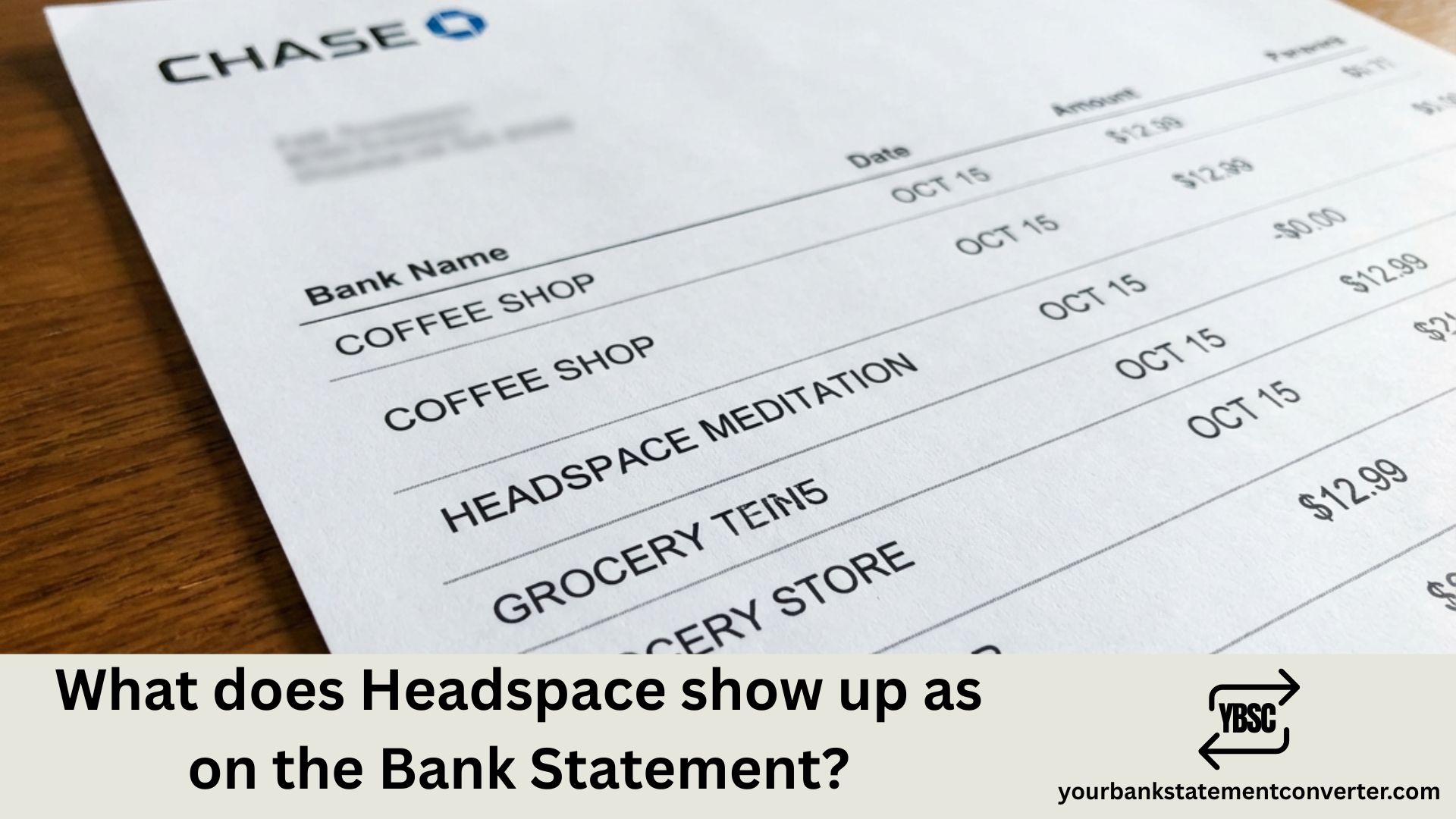
What Does Headspace Show Up As on Bank Statement?
Quick Answer: Headspace typically shows up on your bank statement as “HDS*HEADSPACE,” “HEADSPACE INC,” “HEADSPACE MEDITATION LTD,” or *“GOOGLE HEADSPACE INC” (if purchased via Google Play). The descriptor may also include phone numbers like “855-4323822” or “310-5264494” and location codes such as “CA” or “LONDON GBR.”
Noticed an unfamiliar meditation or wellness charge on your bank statement? You’re not alone. With over 70 million users worldwide, Headspace is one of the most popular mindfulness apps—but its billing descriptors can be confusing when they appear on your credit card or bank statement.
Whether you’re trying to verify a legitimate subscription charge, track your wellness spending, or identify a potentially unauthorized transaction, understanding how Headspace appears on banking records is essential. This guide covers every possible way Headspace transactions show up on your statements, along with typical charge amounts and cancellation procedures.
What Does Headspace Show Up As on Bank Statement?
Headspace charges can appear under several different transaction descriptors depending on how and where you purchased your subscription. The variation occurs because Headspace uses different billing systems for direct purchases, Apple App Store subscriptions, and Google Play subscriptions.
The company is officially registered as Headspace Inc. in the United States (based in Los Angeles, California) and Headspace Meditation Ltd in the United Kingdom (based in London), which explains why you might see either entity name on your statement.
Common Headspace Bank Statement Descriptors
Here are the most frequently seen transaction names for Headspace charges:
Direct Purchase Descriptors
- HDS*HEADSPACE – Most common descriptor for direct website purchases
- HEADSPACE INC – Official US company name
- HEADSPACE MEDITATION LTD – Official UK company name
- HEADSPACE MEDITATION LTD LONDON GB – UK entity with location
- HEADSPACE MEDITATI LONDON GBR – Abbreviated UK descriptor
- HEADSPACE MEDITATI – Shortened company name
- HEADSPACE 310-5264494 CA – With California phone number
- HDS*HEADSPACE 855-4323822 CA – With toll-free number and state
- HDS*HEADSPACE 310-5264494 CA – Alternate format with local number
- HDS*HEADSPACE 855-4323822 CA 90291 US – Full format with ZIP code
App Store Purchase Descriptors
- *GOOGLE HEADSPACE INC – Google Play subscription
- HEADSPACE INC G.CO/HELPPAY# GBR – Google Play with help reference
- HEADSPACE INC G.CO/HELPPAY# GB – Alternate Google Play format
- HEADSPACE INC G.CO/HELPPAY – Shortened Google Play descriptor
- APPLE.COM/BILL – Apple App Store (appears as Apple, not Headspace)
- Payment to Headspace Meditation Ltd – Bank transfer format
Understanding Headspace Charge Amounts
Recognizing the descriptor is only part of identifying Headspace transactions. Knowing the typical subscription costs helps you quickly verify whether a charge is legitimate:
Individual Subscription Plans
| Plan Type | Price | Billing Frequency |
|---|---|---|
| Monthly | $12.99 USD | Every month |
| Annual | $69.99 USD | Once per year |
| Student Annual | $9.99 USD | Once per year |
Family Plan
- Family Annual: $99.99 USD per year (up to 6 family members)
- Family Monthly: $19.99 USD per month
Mental Health Coaching
- First Month (Promotional): $49.99 USD
- Regular Monthly: $99.99 USD per month
Currency Variations
If you’re outside the United States, you may see charges in local currencies:
- UK: £7.99 (student), standard pricing in GBP
- Australia: $12.99 AUD (student), standard pricing in AUD
- Canada: $12.99 CAD (student), standard pricing in CAD
- Europe: €8.99 (student), standard pricing in EUR
Why Different Descriptors Appear
The variation in how Headspace shows up on your statement depends on several factors:
Purchase Method
- Website purchase: Shows as “HDS*HEADSPACE” or “HEADSPACE INC”
- Google Play: Shows as “GOOGLE *HEADSPACE INC” or with “G.CO/HELPPAY”
- Apple App Store: Shows as “APPLE.COM/BILL” (not Headspace name)
- Spotify Bundle: May show as Spotify charge, not Headspace
Geographic Location
- US purchases: Typically show “HEADSPACE INC” with CA (California) location
- UK purchases: Show “HEADSPACE MEDITATION LTD LONDON”
- Other countries: May show either US or UK entity depending on billing
Payment Processor
Headspace uses third-party payment processors including Stripe and Zuora. These processors may occasionally appear in the descriptor, though this is less common.
Simplify Your Subscription Tracking
Struggling to identify recurring charges like Headspace across multiple bank accounts and credit cards? Managing PDF bank statements to track wellness app subscriptions can be tedious, especially when you’re budgeting or preparing expense reports.
With Your Bank Statement Converter, you can instantly convert your PDF bank statements into Excel or CSV formats, making it simple to search, filter, and categorize transactions like Headspace charges. Whether you’re tracking personal wellness expenses, managing family subscriptions, or organizing finances for tax purposes, our tool transforms complex PDF statements into clean, organized spreadsheets within seconds.
Key benefits include:
- Instant PDF to Excel/CSV conversion
- Easy search for specific merchants like Headspace
- Identify all recurring subscription charges at a glance
- Track wellness and self-care spending across accounts
- Secure, private processing of your financial documents
Visit yourbankstatementconverter.com to take control of your subscription tracking today.
How to Verify Headspace Charges
If you’re unsure whether a Headspace charge is legitimate, follow these steps:
- Log into your Headspace account at headspace.com or through the mobile app to view your subscription status and billing history
- Check the charge amount against standard Headspace pricing ($12.99 monthly, $69.99 annual, or promotional rates)
- Verify the billing date matches your subscription renewal cycle
- Review your email for Headspace billing receipts or renewal notifications
- Check App Store subscriptions if you purchased through Apple or Google—the charge may appear under their billing names instead
- Contact Headspace Support at help@headspace.com for billing inquiries
Didn’t Subscribe? Check These Possibilities
If you see a Headspace charge but don’t remember subscribing, consider these scenarios:
Free Trial Conversion
Headspace offers 7-day (monthly plan) or 14-day (annual plan) free trials. If you signed up for a trial and didn’t cancel before it ended, your payment method was automatically charged for a full subscription.
Family Plan Membership
Someone in your household may have added you to their Headspace Family plan, or you may have been given access through a shared account.
Employer or Health Plan Benefit
Many employers and health insurance plans offer Headspace as a free benefit. If you signed up through work but later left the company, your personal payment method may have been charged when the employer benefit ended.
Spotify Bundle
If you have Spotify Premium, you may have activated a Headspace subscription through their partnership. Check your Spotify account settings.
How to Cancel Headspace Subscription
The cancellation process depends on where you originally subscribed:
Purchased on Headspace Website
- Log in at www.headspace.com
- Visit https://www.headspace.com/subscription/manage
- Click “Cancel Membership”
- If no cancel button appears, email help@headspace.com
Purchased via Apple App Store
- Open Settings on your iPhone/iPad
- Tap your name at the top
- Tap “Subscriptions”
- Select Headspace
- Tap “Cancel Subscription”
Purchased via Google Play
- Open Google Play Store app
- Tap your profile icon
- Tap “Payments & subscriptions” → “Subscriptions”
- Select Headspace
- Tap “Cancel subscription”
Important: Headspace subscriptions are generally non-refundable once charged. The system makes four attempts to renew your subscription if payment fails. Cancel before your renewal date to avoid charges.
Final Thoughts on Headspace Bank Statement Charges
Understanding what Headspace shows up as on your bank statement helps you monitor your wellness spending, verify legitimate charges, and quickly spot potential fraud. Whether you see “HDS*HEADSPACE,” “HEADSPACE INC,” “HEADSPACE MEDITATION LTD LONDON,” or a Google Play descriptor, you now know exactly what these transactions represent.
With subscription apps becoming a significant part of monthly budgets, staying on top of recurring charges is more important than ever. For a clearer view of all your subscriptions and transactions, try Your Bank Statement Converter to transform your PDF statements into organized, searchable spreadsheets.
Frequently Asked Questions
What is “HDS*HEADSPACE” on my bank statement?
“HDS*HEADSPACE” is the standard billing descriptor for Headspace meditation app subscription charges. “HDS” is an abbreviation used in the merchant descriptor. This charge represents your monthly or annual Headspace subscription fee.
Why does Headspace show up as “HEADSPACE MEDITATION LTD LONDON”?
Headspace operates two main legal entities: Headspace Inc. (US) and Headspace Meditation Ltd (UK). If you see “HEADSPACE MEDITATION LTD LONDON” on your statement, your payment was processed through their UK-based entity, which is common for subscribers outside the United States.
What is the $69.99 Headspace charge on my statement?
The $69.99 charge is Headspace’s annual subscription fee. This amount covers 12 months of full access to all Headspace content including meditations, sleep sounds, and mindfulness exercises. Annual subscriptions automatically renew unless cancelled.
Why was I charged by Headspace if I have a free account?
Free Headspace accounts have limited content. If you see a charge, you likely signed up for a free trial that converted to a paid subscription when the trial period ended. Headspace requires a payment method for free trials, which is charged automatically if not cancelled in time.
How do I stop Headspace from charging my card?
To stop Headspace charges, you must cancel your subscription before the next billing date. Visit headspace.com/subscription/manage to cancel direct subscriptions, or manage through Apple/Google settings if you subscribed via an app store. Note that subscriptions are typically non-refundable once charged.
Why does my Headspace charge show “GOOGLE” in the name?
If you subscribed to Headspace through the Google Play Store, your charge will show as “GOOGLE *HEADSPACE INC” or include “G.CO/HELPPAY” in the descriptor. Google processes these payments on behalf of Headspace.
Can I get a refund from Headspace?
Headspace subscriptions purchased directly through their website are generally non-refundable. For App Store purchases, you must request refunds through Apple. For Google Play purchases, contact Google Play Support. Refund policies may vary by situation—contact help@headspace.com to inquire.
How can I find all my Headspace charges quickly?
You can convert your bank statements to Excel or CSV format using Your Bank Statement Converter, then search for “Headspace,” “HDS,” or “meditation” to quickly locate all related charges across your accounts.
What phone numbers appear on Headspace bank charges?
Headspace charges commonly include these phone numbers: 855-432-3822 (toll-free) or 310-526-4494 (Los Angeles area code). These are legitimate Headspace contact numbers that appear in billing descriptors.
Does Headspace charge my card automatically every year?
Yes, Headspace subscriptions auto-renew by default. Your payment method will be charged automatically at the end of each billing period (monthly or annually) unless you cancel before the renewal date. Headspace sends renewal notification emails before charging.







