
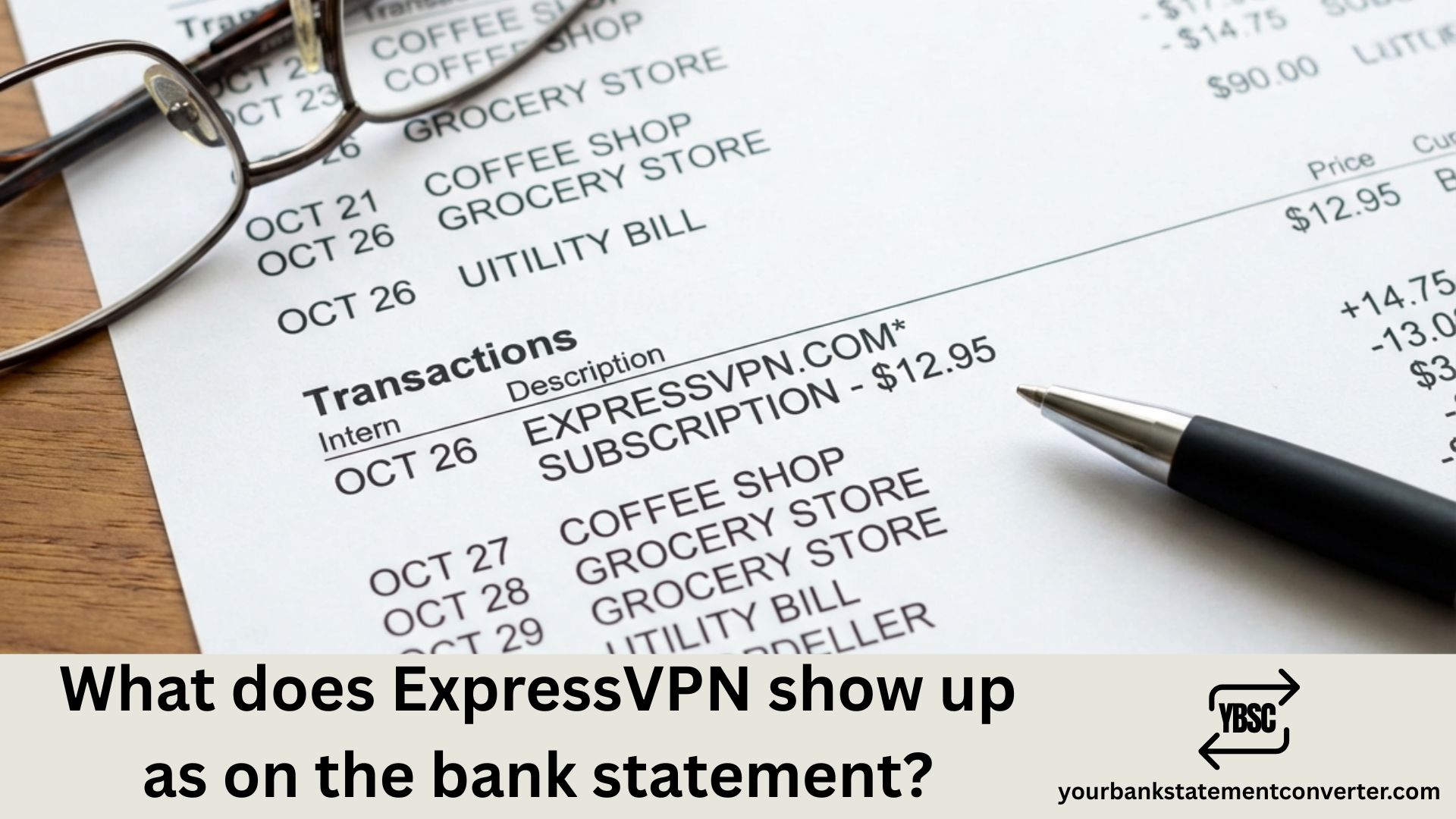
Noticed an unfamiliar charge on your bank or credit card statement? If you’re an ExpressVPN subscriber, you might be wondering how the VPN service appears on your billing statements. Here’s everything you need to know about ExpressVPN transaction descriptors.
What Does ExpressVPN Show Up as on Bank Statement?
ExpressVPN typically appears on your bank statement as “EXPRESSVPN” or variations like “EXPRESS VPN.” The exact billing descriptor depends on your payment method:
| Payment Method | How It Appears on Statement |
|---|---|
| Direct Credit Card | EXPRESSVPN, EXPRESS VPN |
| PayPal | PAYPAL *EXPRESSVPN or PAYPAL DES:INST XFER ID:EXPRESSVPN |
| Apple Pay | APPLE.COM/BILL – EXPRESSVPN |
| Google Pay | GOOGLE *EXPRESSVPN |
Common ExpressVPN charge amounts you may see:
- $12.95 (monthly plan)
- $59.95 (6-month plan)
- $99.95 (annual plan)
If you spot an ExpressVPN charge but don’t remember subscribing, check your email for confirmation receipts or log into your ExpressVPN account to verify your subscription status.
How to Verify ExpressVPN Charges on Your Statement
Not sure if that VPN charge is legitimate? Follow these steps:
- Check your email for ExpressVPN subscription confirmations
- Log into your ExpressVPN account and navigate to “Account & Billing” to view payment history
- Match the transaction date and amount with your bank statement
- Contact ExpressVPN support if the charge doesn’t match your records
Managing Your VPN Subscription Transactions
Keeping track of recurring VPN subscription charges can be challenging, especially when managing multiple financial accounts. If you’re a bookkeeper, accountant, or financial professional dealing with various client statements, manually tracking these charges becomes time-consuming.
Need to convert bank statements for easier transaction tracking? YourBankStatementConverter.com helps you instantly convert PDF bank statements to Excel, CSV, or other formats—making it simple to search, categorize, and reconcile VPN subscription charges and other recurring transactions across multiple accounts.
What If You Don’t Recognize the ExpressVPN Charge?
If you see an ExpressVPN charge but never signed up for the service:
- Check with family members who may have access to your payment method
- Review any free trial signups that may have converted to paid subscriptions
- Contact your bank to dispute the charge if unauthorized
- Reach out to ExpressVPN support with transaction details for clarification
ExpressVPN Bank Statement: Key Takeaways
Understanding how ExpressVPN billing appears helps you quickly identify legitimate VPN charges and spot potential unauthorized transactions. The merchant descriptor typically includes “EXPRESSVPN” or a payment processor prefix followed by the company name.
For accountants and bookkeepers managing client financials, efficiently processing and categorizing these subscription charges across multiple bank statements is essential. Converting statements to searchable formats streamlines the reconciliation process significantly.
FAQs
Does ExpressVPN show up discreetly on bank statements?
No, ExpressVPN charges appear with the company name visible on your statement. If privacy is a concern, consider using cryptocurrency payments through BitPay, which doesn’t display “ExpressVPN” on banking records.
Why do I see multiple ExpressVPN charges on my statement?
Multiple charges may occur due to subscription renewals, plan upgrades, currency conversion differences, or processing fees. Review your ExpressVPN account billing history to verify each transaction.
How do I cancel ExpressVPN to stop bank statement charges?
Log into your ExpressVPN account, go to “Subscription” or “Account & Billing,” select “Edit subscription settings,” and turn off automatic renewal. This prevents future charges on your statement.
What is the $12.95 ExpressVPN charge on my credit card?
The $12.95 charge represents ExpressVPN’s monthly subscription plan. This is a recurring charge that appears each billing cycle unless you cancel or switch to an annual plan.
Can I get a refund for an ExpressVPN charge on my bank statement?
Yes, ExpressVPN offers a 30-day money-back guarantee for new subscriptions and a 14-day guarantee for renewals. Contact their support team to request a refund.
How do I find my ExpressVPN invoice for accounting purposes?
Sign into your ExpressVPN account, select “Account & Billing” from the sidebar, click “View” under Payment History, and download receipts for any transaction date.







