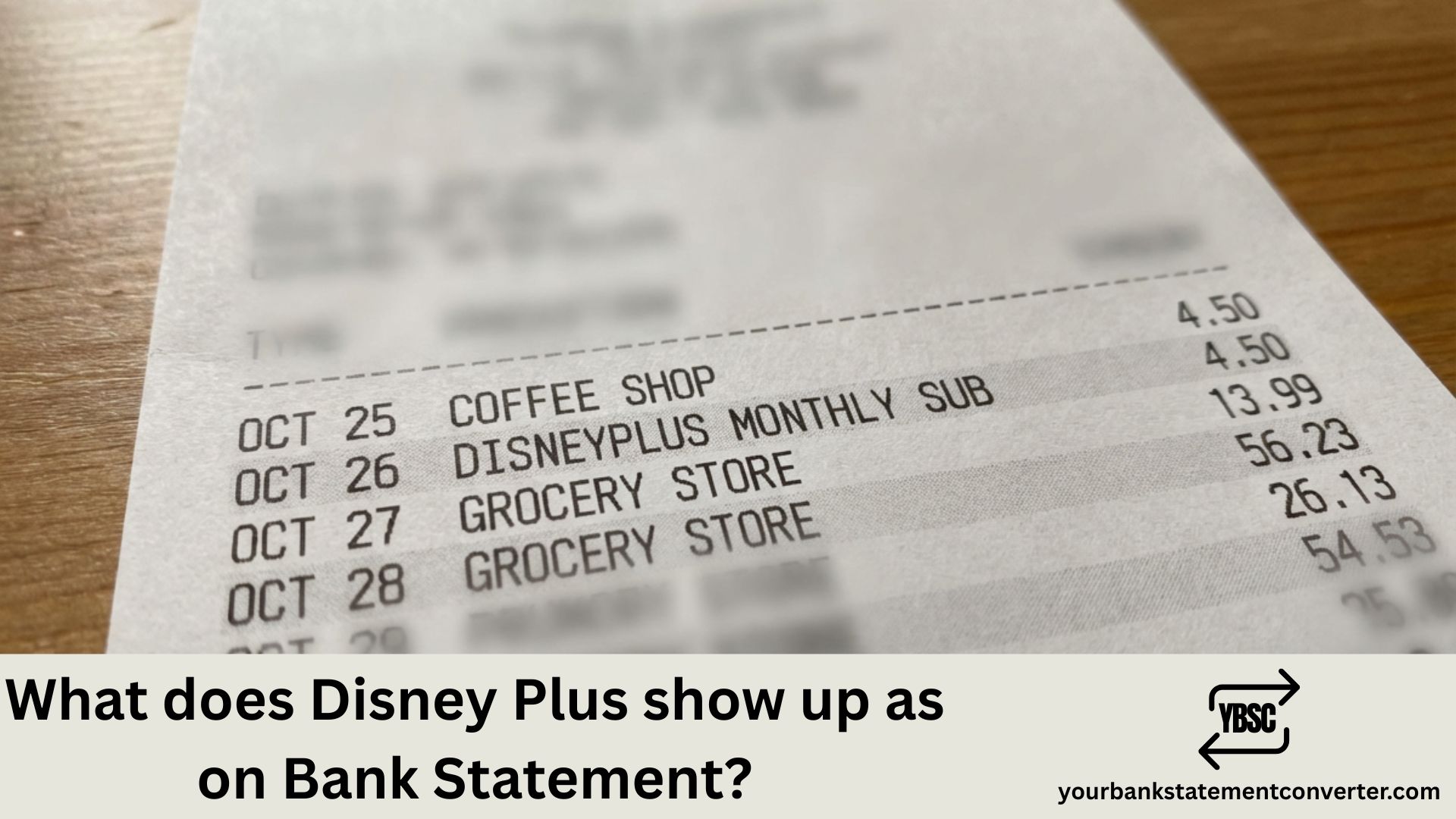
When you subscribe to Disney+, the charge appears on your bank or credit card statement in ways that might not immediately scream “streaming service.” Understanding these transaction descriptors helps you track subscriptions, spot unauthorized charges, and manage your household budget effectively.
What Does Disney Plus Show Up As on Bank Statement?
Disney Plus typically appears on bank statements with these common descriptors:
Most frequent formats:
- DISNEYPLUS or DISNEY PLUS
- DISNEY+
- DSNP or DSNP*DISNEYPLUS
- DISNEYPLUS.COM
- DISNEY PLUS HELP.DISNEYPLUS.COM
The exact wording varies depending on your bank, card issuer, and billing country. Some statements also include a location reference such as “BURBANK CA” or “NL” (Netherlands, where Disney’s European billing is processed).
Billing amounts to look for:
- ₹299/month or ₹2,999/year (India – Disney+ Hotstar)
- $7.99–$13.99/month (US, depending on plan)
- £7.99–£10.99/month (UK)
If you’ve bundled Disney+ with Hulu and ESPN+ in the US, look for “DISNEY BUNDLE” or “THE DISNEY BUNDLE” instead.
Struggling to Find That Disney+ Charge in Your Statements?
If you’re searching through months of PDF bank statements trying to track down streaming subscriptions, there’s a faster way.
YourBankStatementConverter.com instantly converts your bank statement PDFs into organized Excel spreadsheets. Simply upload your statement, and within seconds you’ll have searchable, sortable data that makes finding recurring charges like Disney+, Netflix, or any subscription effortless.
Perfect for:
- Tracking all your streaming subscriptions in one view
- Identifying forgotten recurring charges
- Preparing financial records for tax season or bookkeeping
👉 Try it free at YourBankStatementConverter.com
FAQs
Why doesn’t my statement say “Disney Plus” clearly?
Banks use merchant category codes and abbreviated descriptors due to character limits. Disney’s payment processor may also display differently based on your region.
What if I see a Disney+ charge I didn’t authorize?
First, check if a family member subscribed. If the charge is truly unauthorized, contact your bank immediately to dispute it, then reach out to Disney+ support at help.disneyplus.com.
How do I cancel Disney+ to stop future charges?
Log into your Disney+ account, go to Account > Subscription > Cancel Subscription. If you subscribed through Apple, Google, or your TV provider, cancel through that platform instead.
Does Disney+ charge immediately or at the end of a trial?
Disney+ charges at the start of your billing cycle. If you signed up for a free trial (when available), you’re charged once the trial ends unless you cancel beforehand.
How can I easily track all my streaming subscriptions?
Convert your bank statements to Excel using YourBankStatementConverter.com, then filter or search for recurring monthly charges to see every subscription in one organized view.



![What Is FSUK Payment on Bank Statement (Sports Direct Frasers Group)[2026]](https://yourbankstatementconverter.com/blog/wp-content/uploads/2026/03/What-Is-FSUK-Payment-on-Bank-Statement-Sports-Direct-Frasers-Group2026-300x169.jpg)
![What Does CR Mean on a Bank Statement (Credit Explained)[2026]](https://yourbankstatementconverter.com/blog/wp-content/uploads/2026/03/What-Does-CR-Mean-on-a-Bank-Statement-Credit-Explained2026-300x169.jpg)
![What Does BP Mean on a Bank Statement (Both Meanings Explained)[2026]](https://yourbankstatementconverter.com/blog/wp-content/uploads/2026/03/What-Does-BP-Mean-on-a-Bank-Statement-Both-Meanings-Explained2026-1-300x169.jpg)