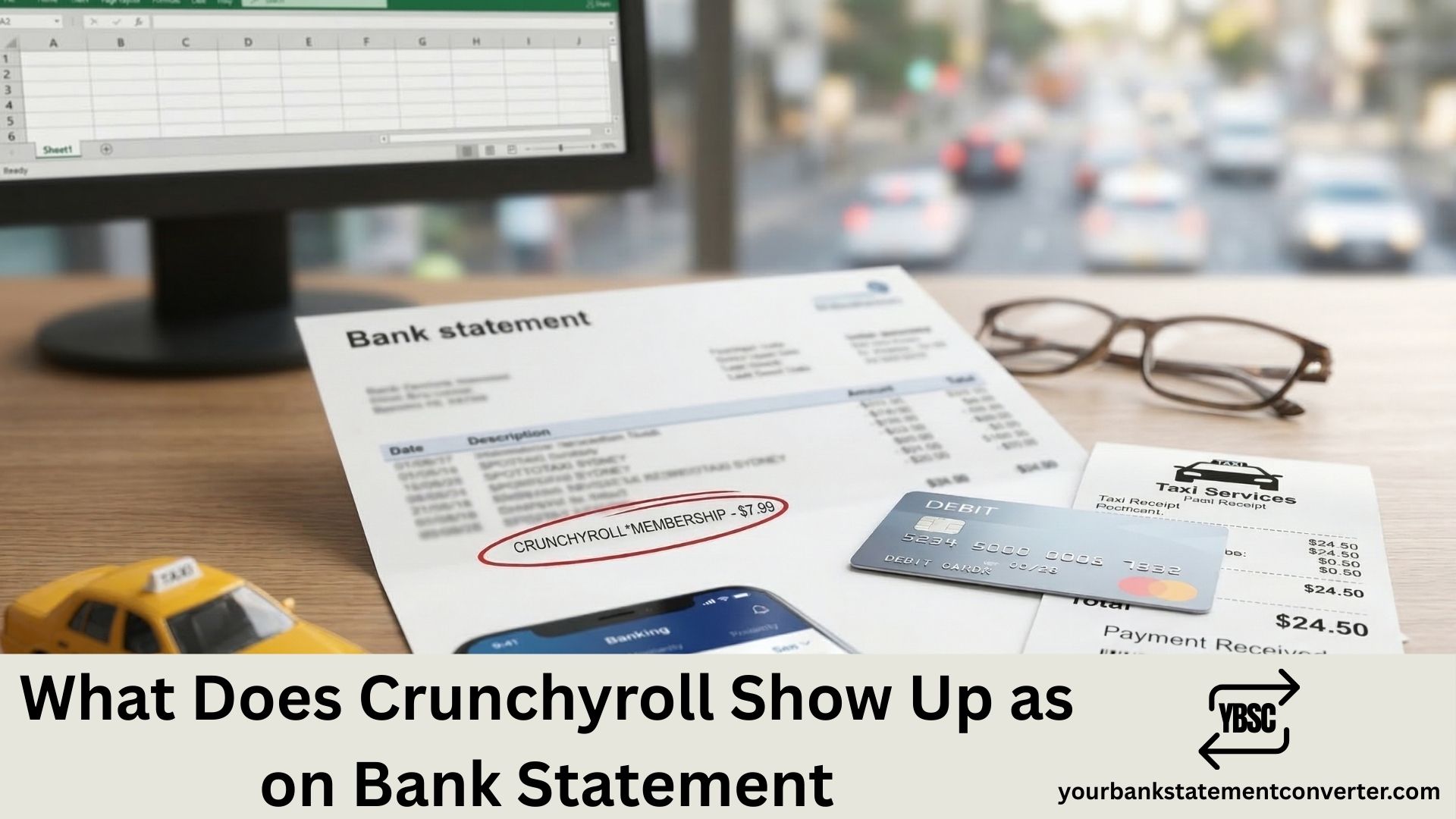
Crunchyroll charges typically appear on your bank statement as “CRUNCHYROLL *MEMBERSHI,” “Crunchyroll, Inc.,” or “Payment to Crunchyroll, Inc.” depending on your bank and payment method. If you subscribed through Apple, Google Play, Amazon, or Roku, the charge may show under those platforms instead. Here’s exactly how to identify and verify Crunchyroll transactions on your statement.
Key Takeaways
- Crunchyroll shows up on bank statements as “CRUNCHYROLL *MEMBERSHI,” “Crunchyroll, Inc.,” or “Recurring payment to Crunchyroll, Inc.”
- If you subscribed via Apple, the charge appears under Apple. Same for Google Play, Amazon, and Roku.
- Crunchyroll raised prices across all tiers in February 2026. Fan is now $9.99/mo, Mega Fan $13.99/mo, and Ultimate Fan $17.99/mo.
- Crunchyroll discontinued its free ad-supported tier on December 31, 2025. All access now requires a paid subscription.
- A $1.00 preauthorization hold may appear on your statement as a temporary pending charge when you first subscribe.
- Sony acquired Crunchyroll in August 2021 for $1.175 billion. It now operates as a joint venture between Sony Pictures Entertainment and Aniplex.
- To quickly spot and track recurring Crunchyroll charges across months, convert your PDF bank statements into searchable spreadsheets using Your Bank Statement Converter.
What Does Crunchyroll Show Up as on Bank Statement?
Crunchyroll charges appear on your bank or credit card statement under several descriptor formats. The exact wording depends on your card issuer and how you subscribed.
Common descriptors for direct Crunchyroll subscriptions:
- CRUNCHYROLL *MEMBERSHI
- Crunchyroll, Inc.
- Payment to Crunchyroll, Inc.
- Recurring payment to Crunchyroll, Inc.
- CRUNCHYROLL *STORE (for merchandise purchases)
If you subscribed through a third-party platform, the charge will not mention Crunchyroll at all:
- Apple: APPLE.COM/BILL or Apple Services
- Google Play: GOOGLE*Crunchyroll or GOOGLE *GOOGLE PLAY
- Amazon: Amazon Digital or AMZN Digital
- Roku: ROKU
This is a frequent source of confusion. Many subscribers forget which platform they used to sign up, so the charge appears under an unexpected name.
How Much Does Crunchyroll Cost in 2026?
Crunchyroll increased subscription prices across all tiers on February 2, 2026, effective for existing U.S. subscribers after March 4, 2026. This was the first price increase for the Fan tier since 2019.
Current monthly pricing (USD):
- Fan: $9.99/mo (up from $7.99). Ad-free streaming, offline downloads on 1 device.
- Mega Fan: $13.99/mo (up from $11.99). 4 simultaneous streams, HD offline downloads, 10% Crunchyroll Store discount, Game Vault access.
- Ultimate Fan: $17.99/mo (up from $15.99). 6 simultaneous streams, Crunchyroll Manga access, all Mega Fan perks.
For a limited time, Crunchyroll offers a Fan Annual Plan at $66.99/year, which works out to $5.58/month.
The platform’s library includes over 50,000 episodes, 25,000 hours of content, and 2,000+ series and films. Crunchyroll ended its free ad-supported streaming tier on December 31, 2025, making a paid subscription mandatory for all users starting January 2026.
Why Do I See a $1.00 Charge from Crunchyroll?
A $1.00 pending charge from Crunchyroll is a preauthorization hold. This temporary transaction verifies that your debit or credit card has available funds before the actual subscription charge processes.
According to Crunchyroll’s support documentation, this hold typically drops off within 8 to 14 business days for debit cards and up to 30 days for credit cards. The amount is not debited from your account. If the hold persists beyond these timeframes, contact your bank directly to release it.
Why Was I Charged Twice by Crunchyroll?
Duplicate Crunchyroll charges usually have one of three explanations.
Preauthorization plus actual charge. When you first subscribe, the temporary $1.00 or full-amount hold can appear alongside the actual subscription charge. The hold will disappear automatically.
Delayed payment overlap. If your previous billing cycle payment failed (insufficient funds or bank delay), Crunchyroll retries the charge within a 30-day grace period (15 days for PayPal). This retry can overlap with the next month’s billing date, making it look like a double charge. It’s actually two separate months.
Crunchyroll Store shipments. If you ordered merchandise, items shipping from different warehouses are charged separately. Each shipment triggers its own charge on your statement.
If you’ve ruled out all three scenarios, contact Crunchyroll Support with screenshots of both charges. Confirmed duplicate payments are refunded within 2 to 10 business days.
How to Verify a Crunchyroll Charge on Your Bank Statement
- Log into your Crunchyroll account and visit the Billing History page to see every charge date, amount, and subscription tier.
- Check your email for Crunchyroll payment receipts. Search your inbox for “Crunchyroll” or “crunchyroll.com.”
- Review third-party subscriptions. If you signed up through Apple, open Settings > Apple ID > Subscriptions. For Google Play, open Play Store > Payments & Subscriptions.
- Ask household members. Family plans or shared payment methods mean someone in your household may have subscribed without your knowledge.
- Convert your bank statement using Your Bank Statement Converter to turn your PDF into a searchable CSV or Excel file. Filter for “Crunchyroll,” “CRUNCHYROLL,” or the relevant third-party platform to see every related charge across multiple months in one view.
How to Cancel Crunchyroll and Stop Future Charges
Where you cancel depends on how you subscribed:
- Direct (crunchyroll.com): Go to Account Settings > Subscription > Cancel Membership.
- Apple: Settings > Apple ID > Subscriptions > Crunchyroll > Cancel.
- Google Play: Play Store > Payments & Subscriptions > Subscriptions > Crunchyroll > Cancel.
- Amazon/Roku: Manage subscriptions through those platforms directly.
Crunchyroll does not issue prorated refunds. Your access continues until the end of the current billing period after cancellation.
How to Dispute an Unauthorised Crunchyroll Charge
If you did not subscribe and the charge is not from a household member:
- Contact Crunchyroll Support at help.crunchyroll.com with a screenshot of the charge, your full name on the card, and charge dates.
- For Apple-billed subscriptions, contact Apple Support directly since Crunchyroll cannot access Apple’s billing system.
- If unresolved, contact your bank to initiate a chargeback.
- Keep organised records by exporting your statements through Your Bank Statement Converter for clean documentation to support your dispute.
Related Bank Statement Guides
- What Does Netflix Show Up as on Bank Statement?
- What Does Disney Plus Show Up as on Bank Statement?
- What Does Hulu Show Up as on Bank Statement?
- What Does YouTube Premium Show Up as on Bank Statement?
- What Does HBO Max Show Up as on Bank Statement?
Conclusion
Crunchyroll appears on your bank statement as “CRUNCHYROLL *MEMBERSHI,” “Crunchyroll, Inc.,” or under the name of the third-party platform you subscribed through (Apple, Google, Amazon, Roku). With the 2026 price increase now in effect and the free tier eliminated, staying on top of your recurring charges matters more than ever. Use Your Bank Statement Converter to convert your PDF bank statements into searchable spreadsheets and track every subscription charge across months.
Frequently Asked Questions
1. What does Crunchyroll show up as on a bank statement?
Crunchyroll typically shows up as “CRUNCHYROLL *MEMBERSHI,” “Crunchyroll, Inc.,” or “Payment to Crunchyroll, Inc.” If you subscribed through Apple, Google Play, Amazon, or Roku, the charge appears under those platform names instead. Merchandise orders from the Crunchyroll Store may appear as “CRUNCHYROLL *STORE.”
2. How much does Crunchyroll charge per month in 2026?
As of March 2026, Crunchyroll charges $9.99/month for Fan, $13.99/month for Mega Fan, and $17.99/month for Ultimate Fan. An annual Fan plan is available for $66.99/year ($5.58/month effective rate) for a limited time. All tiers are ad-free with full library access.
3. Why is there a $1 Crunchyroll charge on my statement?
This is a preauthorization hold to verify your card has available funds. It is not an actual charge and will drop off your statement automatically, typically within 8 to 14 business days for debit cards and up to 30 days for credit cards.
4. How do I cancel Crunchyroll to stop being charged?
Cancel through the same platform you subscribed on. For direct subscriptions, go to crunchyroll.com > Account Settings > Subscription > Cancel. For Apple, Google Play, Amazon, or Roku subscriptions, cancel through those platforms’ subscription management settings. Access continues until your current billing period ends.
5. How can I track Crunchyroll charges across multiple months?
Upload your PDF bank statements toYour Bank Statement Converter and convert them to CSV or Excel. Search for “Crunchyroll” or the third-party platform name to see every charge with exact dates and amounts. This is especially useful for catching price increases or unexpected billing changes. The tool supports over 500 bank formats with 7 free pages.



![What Is FSUK Payment on Bank Statement (Sports Direct Frasers Group)[2026]](https://yourbankstatementconverter.com/blog/wp-content/uploads/2026/03/What-Is-FSUK-Payment-on-Bank-Statement-Sports-Direct-Frasers-Group2026-300x169.jpg)
![What Does CR Mean on a Bank Statement (Credit Explained)[2026]](https://yourbankstatementconverter.com/blog/wp-content/uploads/2026/03/What-Does-CR-Mean-on-a-Bank-Statement-Credit-Explained2026-300x169.jpg)
![What Does BP Mean on a Bank Statement (Both Meanings Explained)[2026]](https://yourbankstatementconverter.com/blog/wp-content/uploads/2026/03/What-Does-BP-Mean-on-a-Bank-Statement-Both-Meanings-Explained2026-1-300x169.jpg)