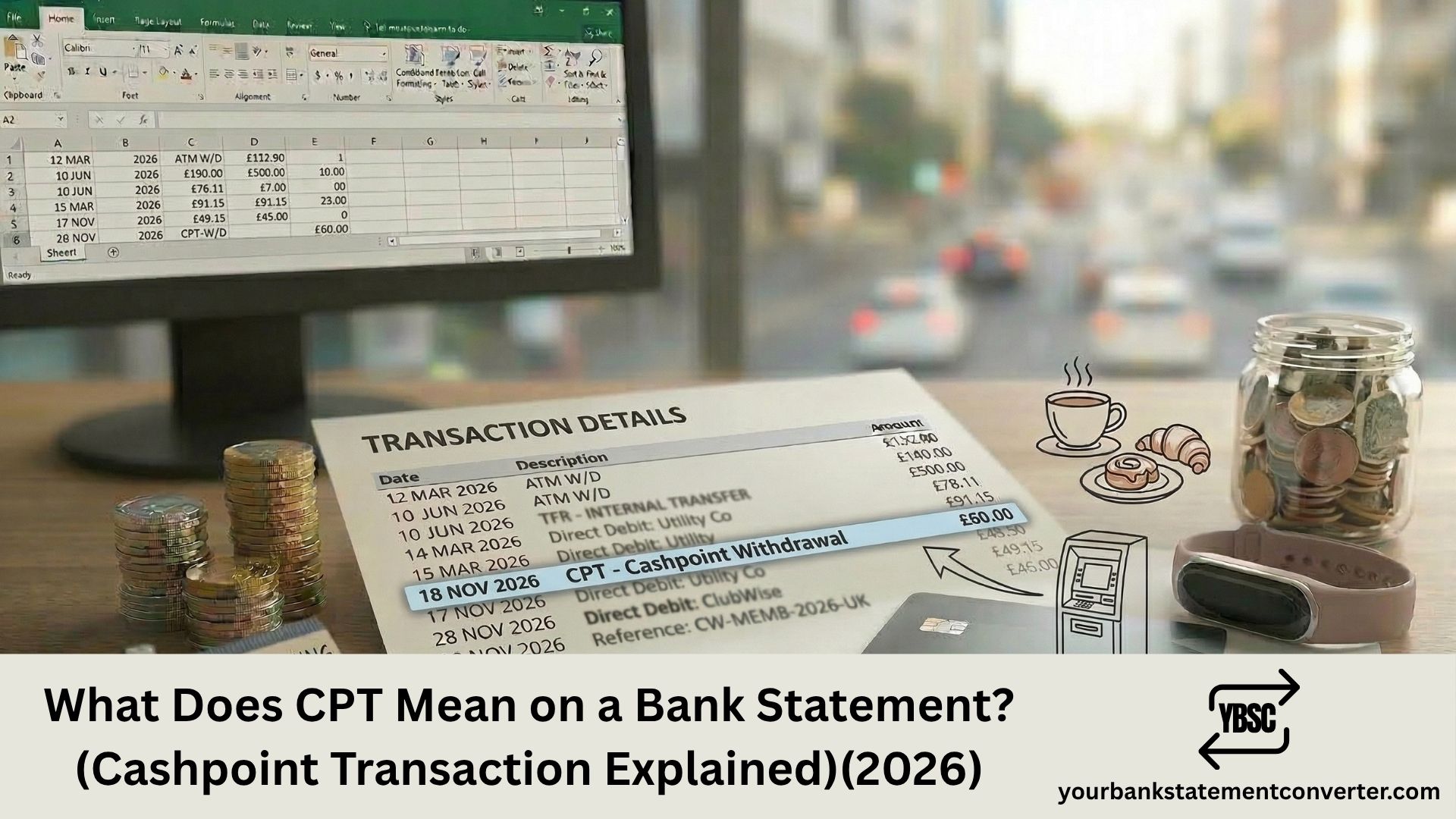
CPT on a bank statement stands for “Cashpoint Transaction.” It means you used a physical debit card to withdraw cash from an ATM (also known as a cashpoint in the UK). This abbreviation is most commonly used by Halifax, Lloyds Bank, and Bank of Scotland, all of which are part of Lloyds Banking Group. The entry will show CPT followed by a location, amount, and sometimes the last four digits of your card.
Key Takeaways
- CPT stands for Cashpoint Transaction, meaning a cash withdrawal from an ATM.
- It is the standard transaction code used by Halifax, Lloyds Bank, and Bank of Scotland for ATM withdrawals.
- The descriptor typically shows “CPT” followed by the ATM location and sometimes “CSH” (cash) or your card’s last four digits.
- CPT CORR means Cashpoint Correction, a refund for a failed ATM withdrawal where the cash was not dispensed or not collected.
- The Cashpoint® brand is a registered trademark of Lloyds Banking Group.
- The UK’s LINK ATM network connects over 50,000 ATMs nationwide, of which approximately 95% are free to use.
- To track all CPT withdrawals across your statements, convert your PDF bank statements into searchable spreadsheets with Your Bank Statement Converter.
What Does CPT Mean on a Bank Statement?
CPT is the payment code for a Cashpoint Transaction. “Cashpoint” is the branded term used by Lloyds Banking Group for ATM machines. When you insert or tap your debit card at a cashpoint and withdraw money, the transaction is recorded on your statement with the CPT code.
The entry on your statement typically includes:
- CPT [Location] — the location of the ATM you used (e.g., CPT HIGH STREET LONDON)
- CPT [Last 4 Digits of Card] — identifying which card was used if you have multiple cards
- CPT [Date] — the date the transaction was processed
- CSH — sometimes appended to indicate a cash withdrawal specifically
For example, a Halifax statement might show:
- CPT TESCO METRO OXFORD ST — cash withdrawn from an ATM at Tesco Metro on Oxford Street
- CPT 4-6 HIGH STRE CSH — cash withdrawal from a cashpoint at 4-6 High Street
CPT entries are always debits (money out), as they represent cash leaving your account.
What Does CPT CORR Mean on a Bank Statement?
“CPT CORR” stands for Cashpoint Correction. This is a credit (money in) entry that appears when your bank refunds you for a failed ATM transaction.
This happens in two common scenarios:
The ATM didn’t dispense cash. You requested a withdrawal, the machine displayed an error, but the funds were still deducted from your account. The bank reverses the charge once the ATM’s records confirm the cash wasn’t dispensed.
You didn’t collect the cash. If you forgot to take the notes from the ATM slot, the machine retracts the cash after a timeout period (typically 30 seconds). The bank then credits the amount back to your account as a CPT CORR.
CPT CORR refunds can take anywhere from a few hours to several business days depending on your bank’s processing time and the ATM operator’s reconciliation schedule.
Which Banks Use the CPT Code?
CPT is primarily used by banks within Lloyds Banking Group:
- Halifax — uses CPT as a standard payment code on all statements
- Lloyds Bank — uses CPT for ATM withdrawals
- Bank of Scotland — uses CPT as confirmed in their official A-Z Easy Read Guide
Other UK banks may use different codes for ATM withdrawals. Common alternatives include:
- ATM — used by Barclays, HSBC, NatWest, and many others
- CSH — cash withdrawal abbreviation used by some banks
- C/L — cashline, used by certain Scottish banks
- LINK — referencing the LINK ATM network
The “Cashpoint” brand itself is a registered trademark of Lloyds Banking Group, which is why only Lloyds Group banks use the CPT abbreviation. Other banks use generic terms like ATM or cash withdrawal.
How to Verify a CPT Entry on Your Statement
- Check the date and amount. ATM withdrawals are typically round figures (£10, £20, £50, £100, £200, £300). If the CPT amount matches a standard withdrawal, it’s almost certainly a cash machine transaction.
- Check the location. The descriptor usually includes a street name, shop name, or town. Think back to whether you visited that area on that date.
- Check your card. If the last four digits of a card number are shown, confirm which of your cards was used.
- Ask household members. If anyone shares your card or has a linked card on your account, they may have made the withdrawal.
- Contact your bank. They can provide the full ATM location, time of transaction, and card details for any CPT entry.
Convert your statement using Your Bank Statement Converter to filter all CPT entries and see every cash withdrawal date, location, and amount side by side.
UK ATM Statistics
Understanding CPT transactions is important given how widely ATMs are used across the UK:
- The LINK network connects over 50,000 ATMs across the UK.
- Approximately 95% of LINK ATMs are free to use for cash withdrawals.
- UK consumers withdrew over £130 billion from ATMs in 2023.
- The average ATM withdrawal in the UK is approximately £65.
- Despite the rise of contactless payments, cash still accounts for around 14% of all UK payments according to UK Finance.
What to Do If You Don’t Recognise a CPT Transaction
If a CPT debit appears that you cannot account for:
- Check all cards linked to your account. A joint account holder or additional cardholder may have used a cashpoint.
- Check for CPT CORR. A failed withdrawal may have been debited and then corrected. Look for a matching credit entry nearby.
- Review ATM receipts. If you kept the receipt, it will show the exact ATM location, date, and time.
- Report to your bank if the transaction is genuinely unauthorised. Request a card replacement and report to Action Fraud at actionfraud.police.uk.
Under the Payment Services Regulations 2017, your bank must refund unauthorised ATM withdrawals unless they can prove you authorised the transaction or acted with gross negligence (such as sharing your PIN).
Keep your statement records organised. Your Bank Statement Converter lets you export your PDF statements as searchable spreadsheets to compile evidence for any dispute.
Related Bank Statement Guides
- What Does DR Mean on a Bank Statement?
- What Does BGC Mean on Bank Statement?
- What Does FPI Mean on a Bank Statement?
- What Does FPO Mean on a Bank Statement?
- What Does Point of Sale Mean on a Bank Statement?
Conclusion
CPT on your bank statement means Cashpoint Transaction, a cash withdrawal from an ATM. This code is used by Halifax, Lloyds Bank, and Bank of Scotland, all part of Lloyds Banking Group. CPT CORR means a refund for a failed ATM transaction. If you don’t recognise a CPT entry, check the date, amount, and location, then contact your bank if needed. Use Your Bank Statement Converter to convert your PDF statements into searchable spreadsheets and track all your ATM withdrawals.
Frequently Asked Questions
1. What does CPT mean on a bank statement?
CPT stands for Cashpoint Transaction. It indicates a cash withdrawal made using your debit card at an ATM. This code is primarily used by Halifax, Lloyds Bank, and Bank of Scotland. The entry includes the ATM location and withdrawal amount.
2. What does CPT CORR mean on a bank statement?
CPT CORR stands for Cashpoint Correction. It is a credit (refund) to your account for a failed ATM withdrawal where the cash was not dispensed or was retracted because you didn’t collect it. The refund may take a few hours to several business days to appear.
3. Why does my statement say CPT instead of ATM?
Because “Cashpoint” is a registered trademark of Lloyds Banking Group. Banks within the group (Halifax, Lloyds Bank, Bank of Scotland) use CPT as their transaction code for ATM withdrawals. Other UK banks like Barclays, HSBC, and NatWest use “ATM” instead.
4. Can a CPT transaction be fraudulent?
Yes, though it’s uncommon. If someone obtained your card and PIN, they could make ATM withdrawals that appear as CPT entries. If you see a CPT transaction you didn’t make, contact your bank immediately, request a card replacement, and report to Action Fraud. Under the Payment Services Regulations 2017, your bank must refund unauthorised withdrawals.
5. How can I find all CPT entries on my bank statement?
Upload your PDF bank statement toYour Bank Statement Converter and convert it to CSV or Excel. Search for “CPT” to see every ATM withdrawal with dates, locations, and amounts. This is useful for budgeting, expense tracking, or identifying disputed transactions. The tool supports over 500 bank formats with 7 free pages and no credit card required.