
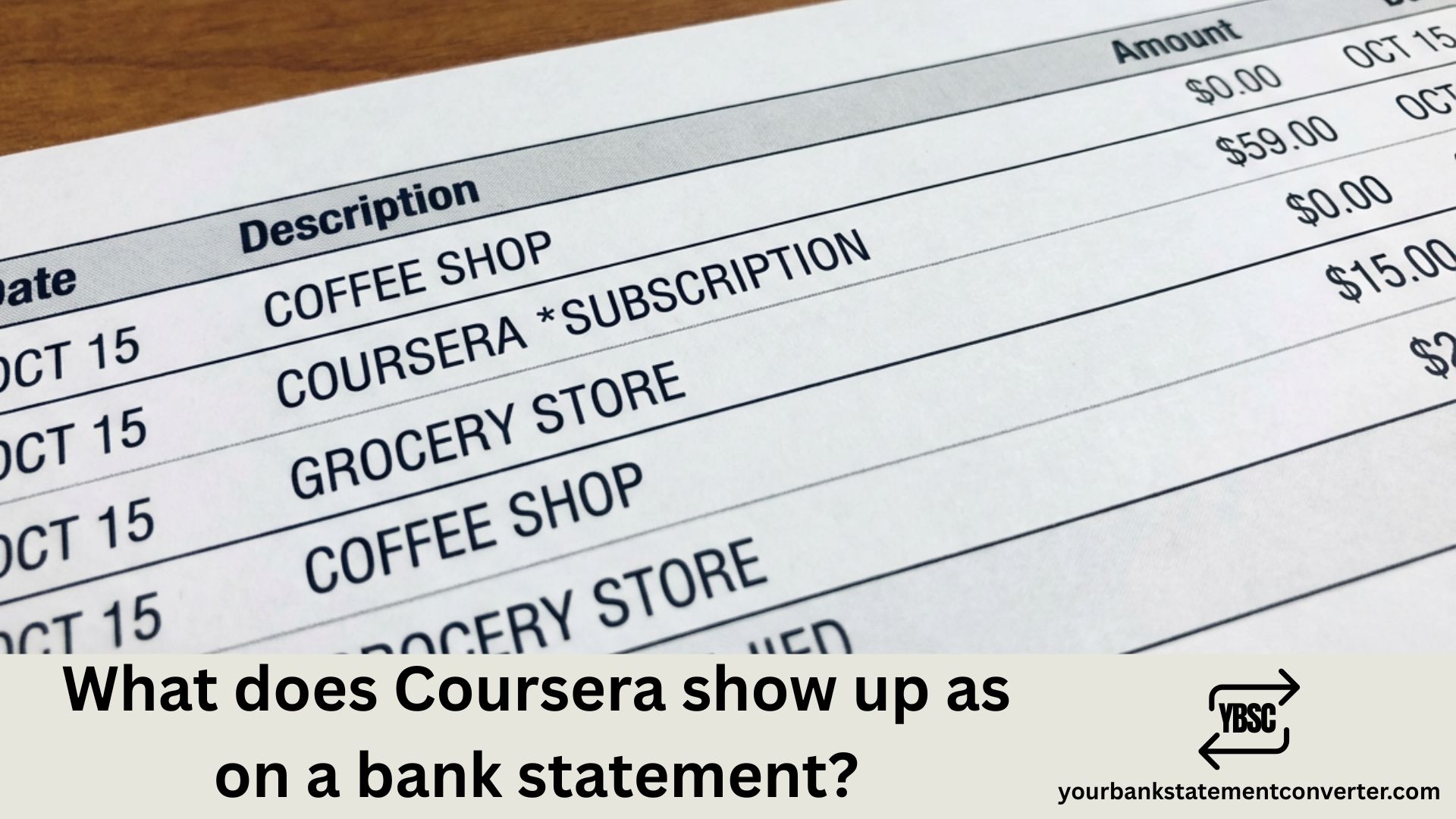
Noticed an unfamiliar charge on your bank or credit card statement and wondering if it’s from Coursera? You’re not alone. Thousands of online learners search for clarity on how Coursera transactions appear on their financial statements every month.
Quick Answer: Coursera charges typically appear on your bank statement as “COURSERA”, “COURSRA” followed by alphanumeric codes, or “COURSERA MOUNTAIN VIEW CA”. The exact descriptor depends on your bank, card issuer, and location.
What Does Coursera Show Up As on a Bank Statement?
When you subscribe to Coursera Plus or purchase an individual course, the transaction appears on your bank or credit card statement in several variations. Based on verified transaction data from over 68,000 processed payments, here are the most common Coursera bank statement descriptors:
Primary Descriptors:
- COURSERA
- COURSERA MOUNTAIN VIEW CA
- COURSERA 6502657649 CA
- COURSRA* followed by random alphanumeric codes (e.g., COURSRA*8XZVQ92TIW7V7X)
International Transaction Variations:
- INTL CARD COURSRA* (for non-US cardholders)
- INT’L COURSRA* SCHIPHOL (European transactions)
- HELP.COURSERA.ORG
The “Mountain View CA” reference appears because Coursera’s headquarters is located at 2440 W El Camino Real, Mountain View, California. The phone number 650-265-7649 may also appear alongside the company name on some statements.
Common Coursera Charge Amounts on Bank Statements
If you’re trying to identify a Coursera charge, these are the standard subscription and course fees you might encounter:
| Coursera Product | Typical Charge Amount |
|---|---|
| Coursera Plus Monthly | $59/month |
| Coursera Plus Annual | $399/year |
| Individual Course | $49 – $99 |
| Specialization | $39 – $79/month |
| Professional Certificate | $49/month |
| Guided Projects | $9.99 |
Note: Promotional pricing may vary. Current offers include discounted annual plans as low as $199-$240 during seasonal sales.
Why Does My Coursera Charge Look Different?
Your bank statement might show a slightly different Coursera descriptor for several reasons:
1. Payment Processor Formatting Different banks truncate or format merchant names differently. What appears as “COURSERA” on Chase might show as “COURSRA*ABC123XYZ” on Bank of America.
2. International Transactions If you’re outside the United States, your statement may include “INTL” or “INT’L” prefixes, along with currency conversion indicators.
3. Recurring vs. One-Time Purchases Monthly subscription renewals sometimes display alphanumeric reference codes that differ from your initial signup transaction.
4. Free Trial Conversion If you signed up for Coursera’s 7-day free trial and forgot to cancel, you’ll see the full subscription charge once the trial period ends.
How to Verify a Coursera Charge
Before disputing an unfamiliar charge, verify it’s from Coursera by following these steps:
Step 1: Check Your Email Search your inbox for emails from coursera.org containing payment receipts or subscription confirmations.
Step 2: Log Into Your Coursera Account Visit coursera.org and navigate to Settings → Purchases to view your complete payment history.
Step 3: Review Linked Payment Methods Check if the last four digits on the statement match the card linked to your Coursera account.
Step 4: Consider Family Members Someone else in your household may have used your card to enroll in a course or subscription.
Managing Your Bank Statements Made Easy
Tracking online learning subscriptions like Coursera across multiple bank accounts can get overwhelming. If you regularly need to analyze, convert, or consolidate your bank statements for budgeting, expense tracking, or loan applications, YourBankStatementConverter.com simplifies the entire process.
Whether you’re reconciling Coursera charges with other educational expenses or preparing financial documentation, this tool converts bank statements from PDF to Excel, CSV, or other formats instantly—helping you organize transactions from platforms like Coursera, Udemy, LinkedIn Learning, and more in one place.
How to Cancel Coursera Subscription and Stop Future Charges
If you want to prevent recurring Coursera charges on your bank statement:
- Log into your Coursera account
- Click your profile icon → Settings
- Select “Subscriptions” or “Purchases”
- Click “Cancel Subscription” and confirm
- You’ll retain access until your current billing period ends
Refund Policy: Coursera offers a 14-day money-back guarantee on Coursera Plus subscriptions. Request a refund through their Help Center within this window for a full refund.
Unauthorized Coursera Charge? Here’s What to Do
If you don’t recognize a Coursera charge and haven’t used the platform:
1. Check for Duplicate Accounts You may have created a second Coursera account with a different email that has an active subscription.
2. Contact Coursera Support Reach out via help.coursera.org with your transaction details. They can locate charges using the last four digits of your card.
3. Dispute with Your Bank If Coursera cannot resolve the issue, file a dispute with your bank or credit card company within 60 days of the statement date.
Coursera Bank Statement: Key Takeaways
Understanding how Coursera appears on your bank statement prevents unnecessary confusion and helps you manage your educational spending effectively. Remember these key points:
- Coursera transactions display as “COURSERA,” “COURSRA,”* or “COURSERA MOUNTAIN VIEW CA”
- Common charges range from $9.99 (Guided Projects) to $399 (Annual Plus)
- The 7-day free trial automatically converts to a paid subscription if not canceled
- Verify unfamiliar charges through your Coursera account before disputing
For seamless management of bank statements containing educational subscriptions and other transactions, YourBankStatementConverter.com helps you convert and organize your financial records effortlessly.
Frequently Asked Questions
What does a Coursera charge look like on a credit card statement?
Coursera charges appear as “COURSERA,” “COURSRA*” with alphanumeric codes, or “COURSERA MOUNTAIN VIEW CA” on credit card statements. The exact format varies by card issuer and your geographic location.
Why does my bank statement show COURSRA instead of COURSERA?
Payment processors often truncate merchant names to fit character limits. “COURSRA” is the abbreviated version that appears on many bank and credit card statements for Coursera transactions.
What is the COURSERA MOUNTAIN VIEW CA charge?
This charge indicates a payment processed by Coursera, Inc., headquartered in Mountain View, California. It’s a legitimate descriptor for Coursera subscriptions and course purchases.
How do I find out what Coursera charged me for?
Log into your Coursera account, go to Settings → Purchases, and review your payment history. You can also search your email for receipts from coursera.org.
Can I get a refund for a Coursera charge?
Yes, Coursera offers a 14-day money-back guarantee on Coursera Plus subscriptions. Individual courses may be eligible for refunds if you request within 14 days and haven’t completed significant coursework.
Why was I charged by Coursera after canceling?
If your cancellation didn’t process correctly, or you have a duplicate account, charges may continue. Contact Coursera support with your payment details to resolve billing issues.
Is a COURSRA charge legitimate?
Yes, “COURSRA” followed by alphanumeric characters is a legitimate Coursera transaction. This abbreviated format appears when your bank truncates the full merchant name.
How do I stop Coursera from charging my card?
Cancel your subscription through Settings → Subscriptions in your Coursera account. Remove your saved payment method to prevent any future charges.
What phone number is associated with Coursera charges?
The phone number 650-265-7649 (shown as 6502657649) sometimes appears alongside Coursera charges. This is Coursera’s contact number based in California.
How can I organize all my educational subscription charges?
Use YourBankStatementConverter.com to convert and consolidate bank statements from multiple accounts, making it easy to track subscriptions from Coursera, Udemy, Skillshare, and other learning platforms.







