
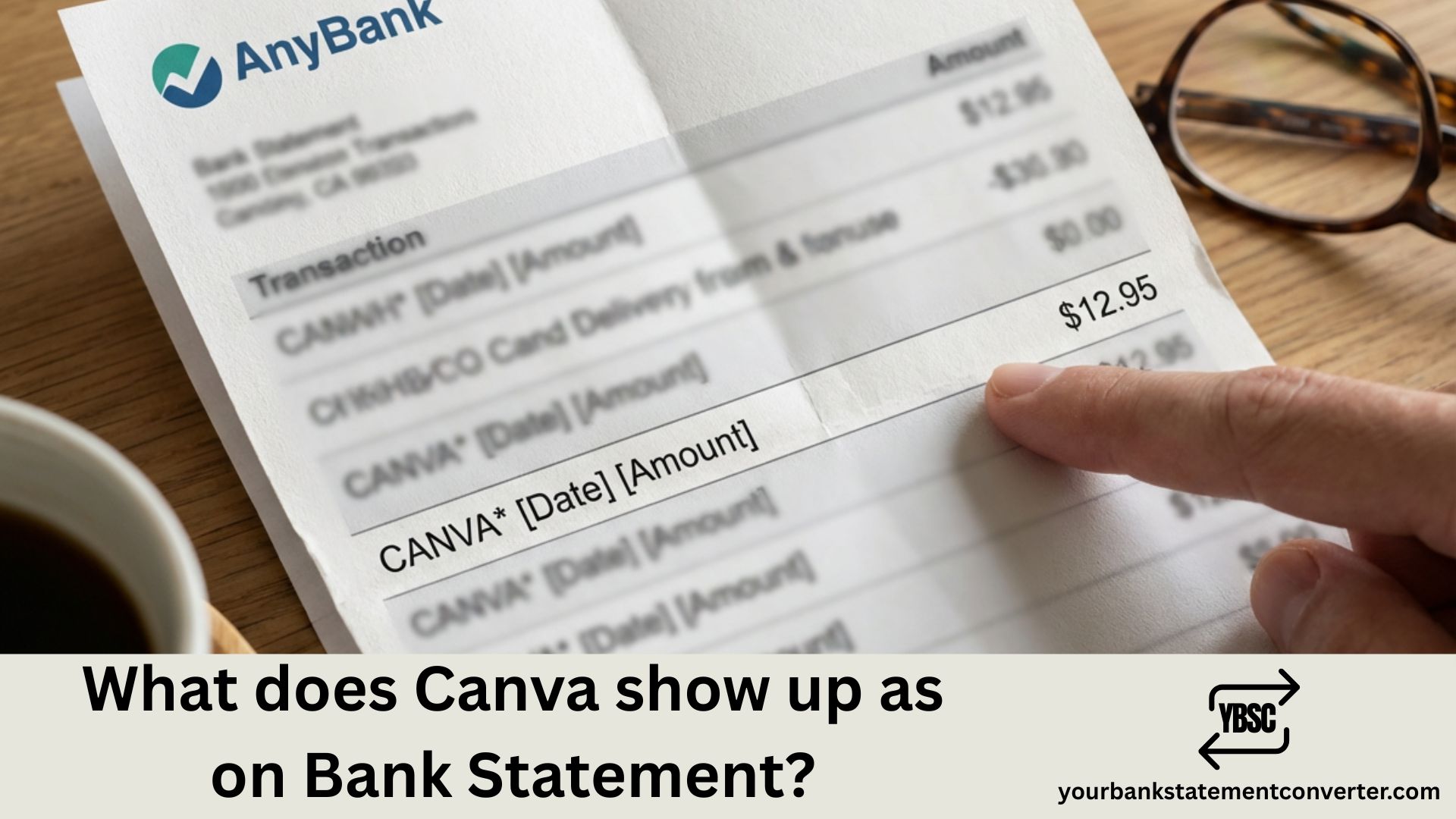
When you subscribe to Canva Pro or make any purchase through Canva, you might notice an unfamiliar charge on your bank statement. Understanding how Canva appears on your bank or credit card statement helps you quickly identify legitimate charges and avoid confusion during expense tracking or bookkeeping.
What Does Canva Show Up As on Bank Statement
Canva charges typically appear on your bank statement under these common descriptors:
Most Common Descriptors:
- CANVA followed by a location (e.g., CANVA SURRY HILLS AU)
- CANVA PTY LTD (Canva’s registered company name in Australia)
- CANVA.COM or CANVA CANVA.COM*
- CANVA INC for US-based transactions
- PADDLE.NET*CANVA (when processed through Paddle payment gateway)
The exact descriptor varies depending on your payment method, bank, and the payment processor handling the transaction. Canva is headquartered in Sydney, Australia, which is why many statements show “AU” or “SURRY HILLS” in the charge description.
Typical Charge Amounts to Look For:
- Canva Pro Monthly: Around $14.99 USD
- Canva Pro Annual: Around $119.99 USD
- Canva for Teams: Varies based on team size
- One-time purchases: Variable amounts for premium elements
If you spot a charge you don’t recognize, first check if anyone else with access to your payment method has a Canva subscription. You can also log into your Canva account and review your billing history under Account Settings > Billing & Plans.
Struggling to Track Software Subscriptions in Your Bank Statements?
If you’re a small business owner, freelancer, or accountant trying to categorize SaaS expenses like Canva, managing bank statements manually can be tedious and error-prone.
Your Bank Statement Converter makes this process effortless. Simply upload your bank statement PDF, and instantly convert it into organized Excel, CSV, or other formats that integrate seamlessly with your accounting software. No more squinting at transaction descriptions or manually entering data row by row.
Whether you’re reconciling monthly subscriptions, preparing for tax season, or managing client finances, this tool saves hours of manual work while reducing errors. It’s especially useful for identifying recurring software charges like Canva, Adobe, and other digital tools buried in your transaction history.
👉 Try Your Bank Statement Converter today and simplify your financial record-keeping.
How to Verify a Canva Charge on Your Statement
If you’re unsure whether a charge is legitimate, take these steps. Log into your Canva account at canva.com and navigate to Account Settings, then Billing & Plans. Here you’ll find a complete history of all charges associated with your account. Compare the date and amount with your bank statement to confirm the transaction.
For disputed charges, Canva’s support team can help verify transactions and process refunds if applicable. You can reach them through the Help Center within your Canva dashboard.
Managing Canva Subscriptions for Business Accounting
For businesses tracking software expenses, categorizing Canva correctly matters for tax purposes and budget management. Canva subscriptions typically fall under “Software Subscriptions,” “Marketing Tools,” or “Design Software” in your chart of accounts.
When you use tools like Your Bank Statement Converter, you can quickly export all your transactions and filter for recurring SaaS charges, making it simple to track design tool expenses across multiple months or clients.
Identifying Canva Charges: Key Takeaways
Understanding how Canva appears on your bank statement prevents unnecessary disputes and streamlines your financial tracking. Look for descriptors containing “CANVA,” “CANVA PTY LTD,” or “PADDLE.NET*CANVA” in your transaction history. Always verify unfamiliar charges through your Canva billing dashboard before contacting your bank. For efficient statement management and subscription tracking, converting your bank statements into organized spreadsheets ensures no software expense goes unnoticed.
Frequently Asked Questions
Why does my Canva charge say “Surry Hills AU”?
Canva’s headquarters is located in Surry Hills, Sydney, Australia. Bank processors often include the merchant’s registered business location in the transaction descriptor, which is why Australian location references appear on statements worldwide.
What is PADDLE.NET*CANVA on my bank statement?
Paddle is a third-party payment processor that Canva uses for some transactions. If you see PADDLE.NET*CANVA, it’s a legitimate Canva charge processed through Paddle’s payment gateway.
How do I stop Canva charges on my bank account?
To cancel your Canva subscription, log into your account, go to Account Settings, select Billing & Plans, and click Cancel Subscription. Your access continues until the current billing period ends.
Can I get a refund for Canva Pro?
Canva offers refunds on a case-by-case basis. Contact their support team through the Help Center within 14 days of the charge for the best chance of receiving a refund.
Why don’t I recognize a Canva charge on my statement?
Check if a family member or colleague used your payment method. Also verify whether you signed up for a free trial that converted to a paid subscription after the trial period ended.
How often does Canva charge my account?
Canva bills monthly or annually depending on your subscription plan. Monthly plans charge on the same date each month, while annual plans charge once per year on your subscription anniversary.
What should I do if I see a fraudulent Canva charge?
First, verify through your Canva account that no subscription exists. If the charge is unauthorized, contact your bank to dispute the transaction and request a new card to prevent future fraudulent charges.







