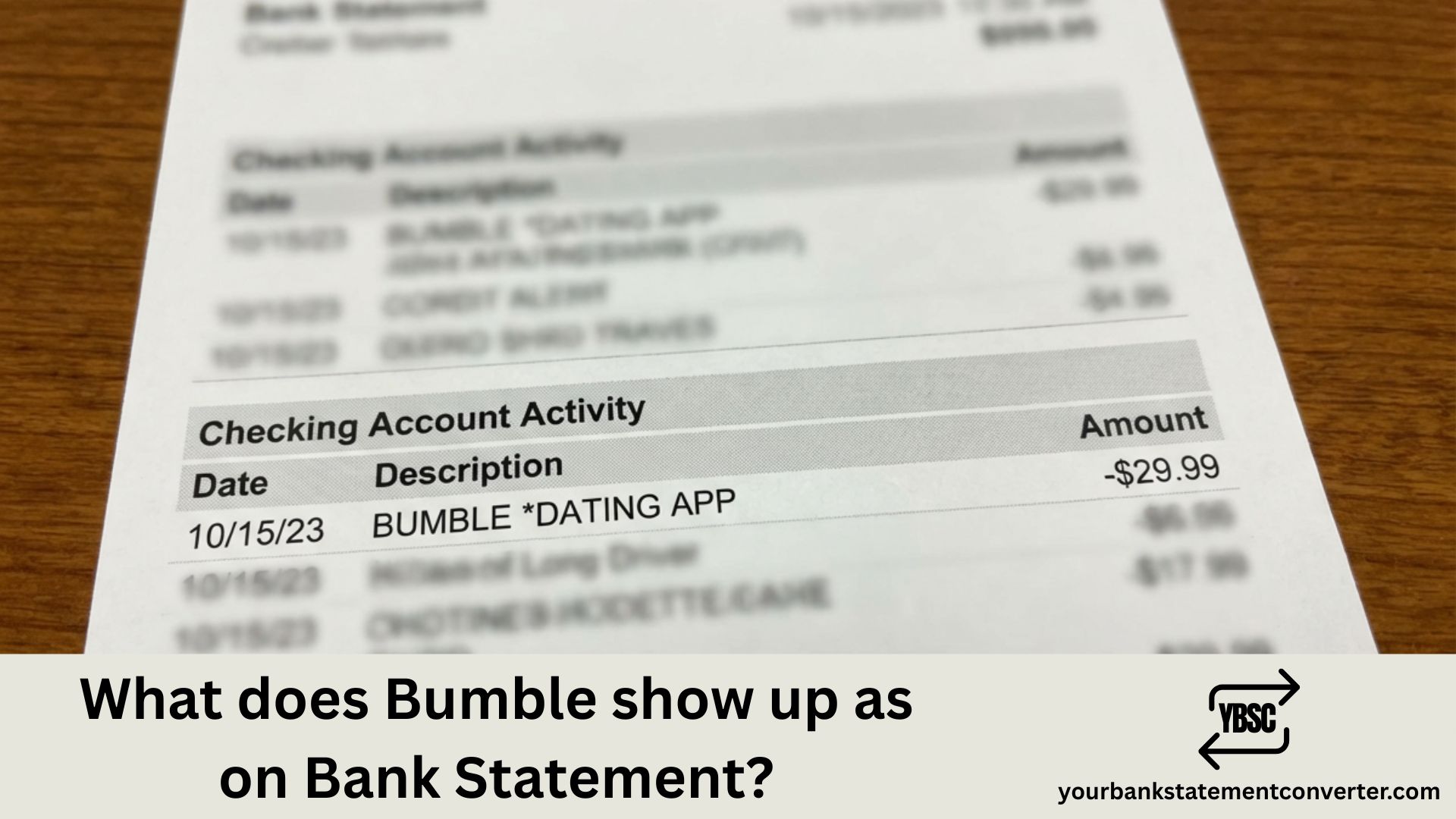
When you subscribe to Bumble Premium, Bumble Boost, or purchase SuperSwipes and other in-app features, the charge appears on your bank statement in ways that might not immediately scream “dating app.” Understanding these transaction descriptors helps you track your spending and avoid confusion when reviewing your finances.
What Does Bumble Show Up As on Bank Statement?
Bumble charges typically appear on your bank or credit card statement under these common descriptors:
BUMBLE.COM — the most straightforward and common descriptor for direct purchases through Bumble’s website or app.
BUMBLE HOLDING — appears for subscription payments processed through Bumble’s parent company.
BUMBLE AUSTIN TX or BUMBLE HOLDING AUSTIN TX — includes the company’s headquarters location in Austin, Texas.
APPLE.COM/BILL or APPLE SERVICES — if you subscribed through the iOS App Store, Apple processes the payment, so Bumble’s name won’t appear directly.
GOOGLE*BUMBLE or GOOGLE PLAY*BUMBLE — Android users who subscribe through Google Play will see Google’s billing descriptor combined with Bumble.
The exact wording varies depending on your bank, payment method, and whether you purchased directly or through an app store. Some banks truncate longer descriptions, so you might see partial text like “BUMBLE HOL” or “BUMBLE.CO.”
Managing multiple bank statements and need to analyse your spending across subscriptions like Bumble? Converting your PDF bank statements to Excel makes tracking recurring charges effortless. YourBankStatementConverter.com instantly transforms your bank statements into organized, searchable spreadsheets — perfect for budgeting, expense tracking, or identifying subscription charges you forgot about. Try it free and take control of your finances.
Why Bumble Charges May Look Different
Several factors influence how the charge displays:
Payment platform matters most. Direct purchases show Bumble’s name, while app store purchases show Apple or Google as the merchant since they process the transaction on Bumble’s behalf.
Your bank’s formatting also plays a role. Some banks display full merchant names while others abbreviate or modify descriptors based on their systems.
International transactions may include additional identifiers or currency conversion notes if your bank is outside the United States.
How to Verify a Bumble Charge
If you spot an unfamiliar charge that might be Bumble-related:
- Check the amount against Bumble’s current pricing (Bumble Premium ranges from approximately ₹1,299 to ₹4,999 depending on duration, or $19.99 to $149.99 USD)
- Review your Bumble app under Settings → Payment to see subscription status
- Check your Apple or Google Play subscription settings if you subscribed through an app store
- Look for the transaction date — does it align with when you signed up or when renewals occur?
FAQs
Is Bumble discreet on bank statements?
Partially. While “Bumble” does appear in most descriptors, it doesn’t explicitly say “dating app.” However, anyone familiar with the brand would recognize it. For maximum discretion, subscribing through Apple or Google Play shows only the app store name, not Bumble directly.
Can I change how Bumble appears on my statement?
No, you cannot change the merchant descriptor. However, subscribing through Apple App Store or Google Play provides an indirect workaround since those charges show the platform name instead of Bumble.
Why do I see multiple Bumble charges?
This could indicate separate purchases (subscription plus SuperSwipes, for example), a subscription renewal, or occasionally a pending and posted transaction appearing temporarily as duplicates. Check your Bumble payment history in-app to confirm legitimate charges.
How do I cancel Bumble to stop recurring charges?
Cancel directly through the platform you used to subscribe — the Bumble app/website, Apple App Store subscriptions, or Google Play subscriptions. Simply deleting the app does not cancel your subscription.
What if I don’t recognise a Bumble charge?
First, check if anyone with access to your payment method might have subscribed. If the charge is genuinely unauthorized, contact your bank to dispute it and reach out to Bumble’s support team.


![What Is FSUK Payment on Bank Statement (Sports Direct Frasers Group)[2026]](https://yourbankstatementconverter.com/blog/wp-content/uploads/2026/03/What-Is-FSUK-Payment-on-Bank-Statement-Sports-Direct-Frasers-Group2026-300x169.jpg)
![What Does CR Mean on a Bank Statement (Credit Explained)[2026]](https://yourbankstatementconverter.com/blog/wp-content/uploads/2026/03/What-Does-CR-Mean-on-a-Bank-Statement-Credit-Explained2026-300x169.jpg)
![What Does BP Mean on a Bank Statement (Both Meanings Explained)[2026]](https://yourbankstatementconverter.com/blog/wp-content/uploads/2026/03/What-Does-BP-Mean-on-a-Bank-Statement-Both-Meanings-Explained2026-1-300x169.jpg)