
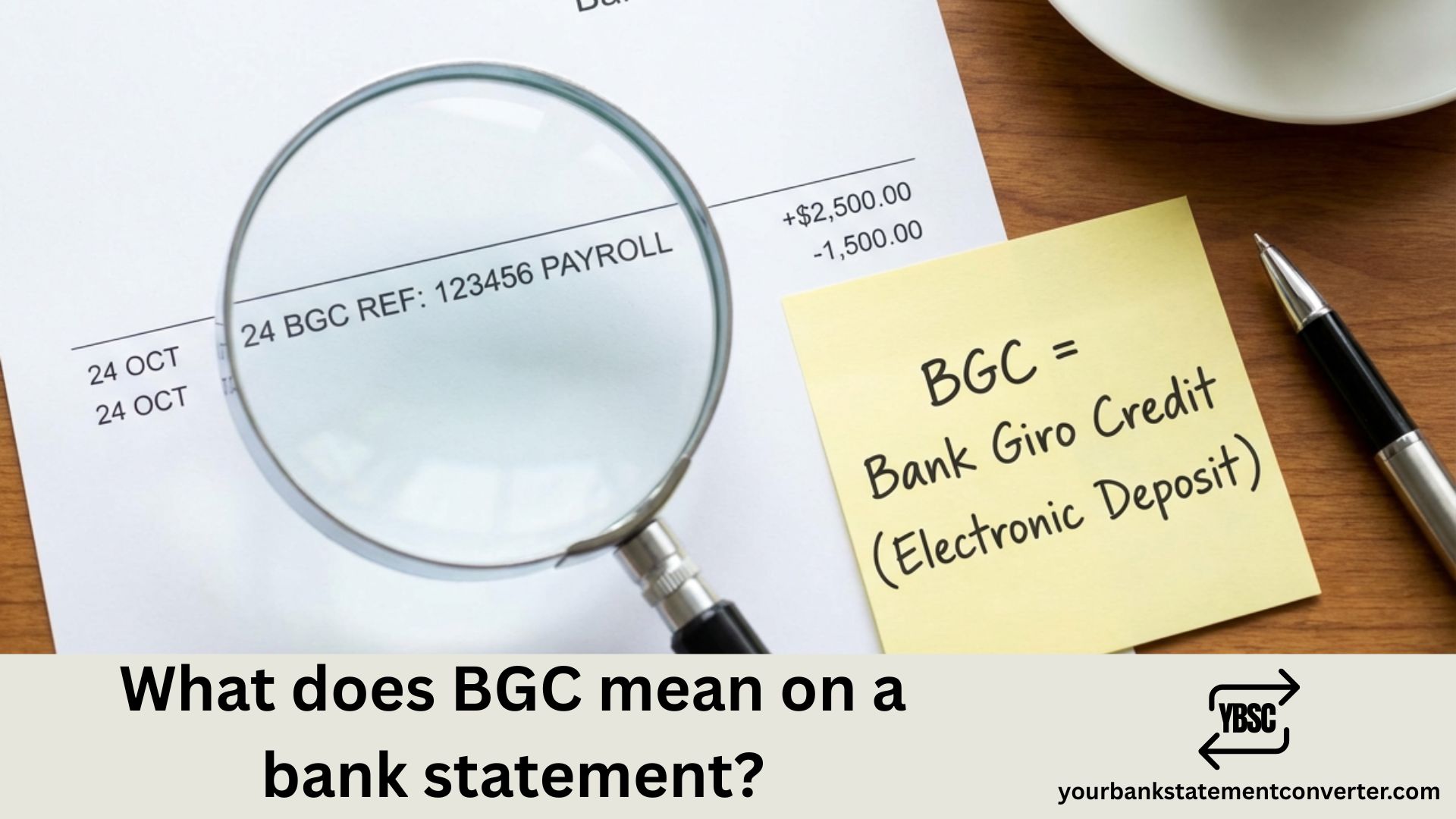
Spotted “BGC” on your bank statement and are unsure what it means? This common abbreviation appears on statements from Barclays, Halifax, Lloyds, NatWest, and most UK banks—yet few people know what it actually stands for.
What Does BGC Mean on a Bank Statement
BGC stands for Bank Giro Credit. It indicates money has been deposited into your account—either through a cash or cheque deposit at a branch, or an incoming electronic payment from an external source.
When you see BGC on your bank statement, it’s always a credit (money coming in), not a debit. Common sources include:
- Salary payments from your employer via BACS
- Government benefits such as Universal Credit, PIP, or State Pension
- Tax refunds from HMRC
- Cash or cheque deposits made at a branch or Post Office
- Pension payments from private or workplace schemes
- Dividend payments from investments
The BGC entry typically appears alongside a reference number or sender name to help you identify the payment source.
BGC vs BACS: What’s the Difference?
Many UK account holders confuse BGC with BACS. Here’s the distinction:
| Term | Meaning |
|---|---|
| BGC | Bank Giro Credit – how your bank labels the incoming payment on your statement |
| BACS | Bankers’ Automated Clearing Services – the electronic system used to send the payment |
Think of it this way: BACS is the delivery method, BGC is the label your bank puts on the parcel. Some banks use BGC for virtually all incoming payments, while others differentiate between BGC (branch deposits) and BACS (electronic transfers).
Is a BGC Payment Safe?
Yes, BGC payments are legitimate banking transactions processed through the UK’s established clearing systems. However, if you see a BGC entry you don’t recognise:
- Check the reference details next to the BGC code
- Review the amount against expected payments (salary, benefits, refunds)
- Contact your bank if you can’t identify the source
- Check with DWP or HMRC if you’re expecting government payments
Unidentified deposits could be errors—or rarely, someone testing your account before attempting fraud.
How to Track BGC and Other Transactions Easily
Manually searching through PDF bank statements for specific entries like BGC is time-consuming—especially when reviewing several months of transactions or managing multiple accounts.
YourBankStatementConverter.com instantly converts your PDF bank statements into searchable Excel or CSV format. Upload your statement and you can:
- Search for “BGC” or any transaction code instantly
- Filter transactions by date, amount, or description
- Identify all incoming payments at a glance
- Reconcile accounts faster for tax returns or bookkeeping
The tool uses AI and OCR technology to extract transaction data accurately from statements issued by UK banks including Barclays, HSBC, Lloyds, NatWest, Santander, and more—perfect for tracking salary deposits, identifying recurring payments, or spotting unfamiliar charges.
Other Common UK Bank Statement Abbreviations
Understanding BGC is just one piece of the puzzle. Here are related codes you’ll see on UK statements:
- BAC/BACS – Bankers’ Automated Clearing Services (electronic transfers)
- FPI/FPO – Faster Payment In/Out (instant transfers)
- DD – Direct Debit (automatic bill payments)
- S/O – Standing Order (scheduled fixed payments)
- CHG – Charge (bank fee)
- DWP – Department for Work and Pensions (benefit payments)
- BP – Bill Payment
For guides on identifying other statement entries, see our posts on what Amazon shows up as on bank statements or how to print your bank statement.
Understanding BGC: Key Takeaways
BGC (Bank Giro Credit) on your bank statement simply means money has been deposited into your account. Whether it’s your wages, benefits, tax refund, or a payment from someone else, BGC entries are incoming credits—not charges. If you can’t identify a specific BGC transaction, check the accompanying reference details or contact your bank directly.
For easier statement analysis, convert your PDF statements to Excel using YourBankStatementConverter.com—search, filter, and organise all your transactions in seconds.
FAQs
What does BGC mean on my bank statement?
BGC stands for Bank Giro Credit. It indicates an incoming payment or deposit into your account, such as salary, benefits, tax refunds, or cash and cheque deposits made at a branch.
Is BGC a debit or credit on my account?
BGC is always a credit, meaning money coming into your account—never a charge or withdrawal.
Why does my salary show as BGC?
Most UK employers pay wages through BACS (electronic transfer). When the payment reaches your account, many banks—particularly Halifax and Lloyds—label it as BGC rather than showing the employer’s name separately.
What’s the difference between BGC and BACS?
BACS is the electronic payment system used to transfer money between UK bank accounts. BGC is simply how your bank labels the incoming payment on your statement. A BACS payment often appears as BGC.
I don’t recognise a BGC payment—what should I do?
Check the reference number and amount first. If you still can’t identify it, contact your bank immediately. It could be a misdirected payment, a forgotten refund, or in rare cases, suspicious activity.
How can I search for BGC transactions in my statement?
Convert your PDF bank statement to Excel using YourBankStatementConverter.com. Once converted, you can instantly search for “BGC” and filter all related transactions.
Do all UK banks use BGC on statements?
Most do, though the exact formatting varies. Halifax and Lloyds commonly use BGC for nearly all incoming payments. Other banks like Barclays and NatWest may use different abbreviations such as “CR” or “BACS.”
Can BGC payments be reversed?
Yes, if a BGC payment was sent in error, the sender can request a recall through their bank. Contact your bank if you believe you received funds by mistake—keeping the money could cause issues later.







