
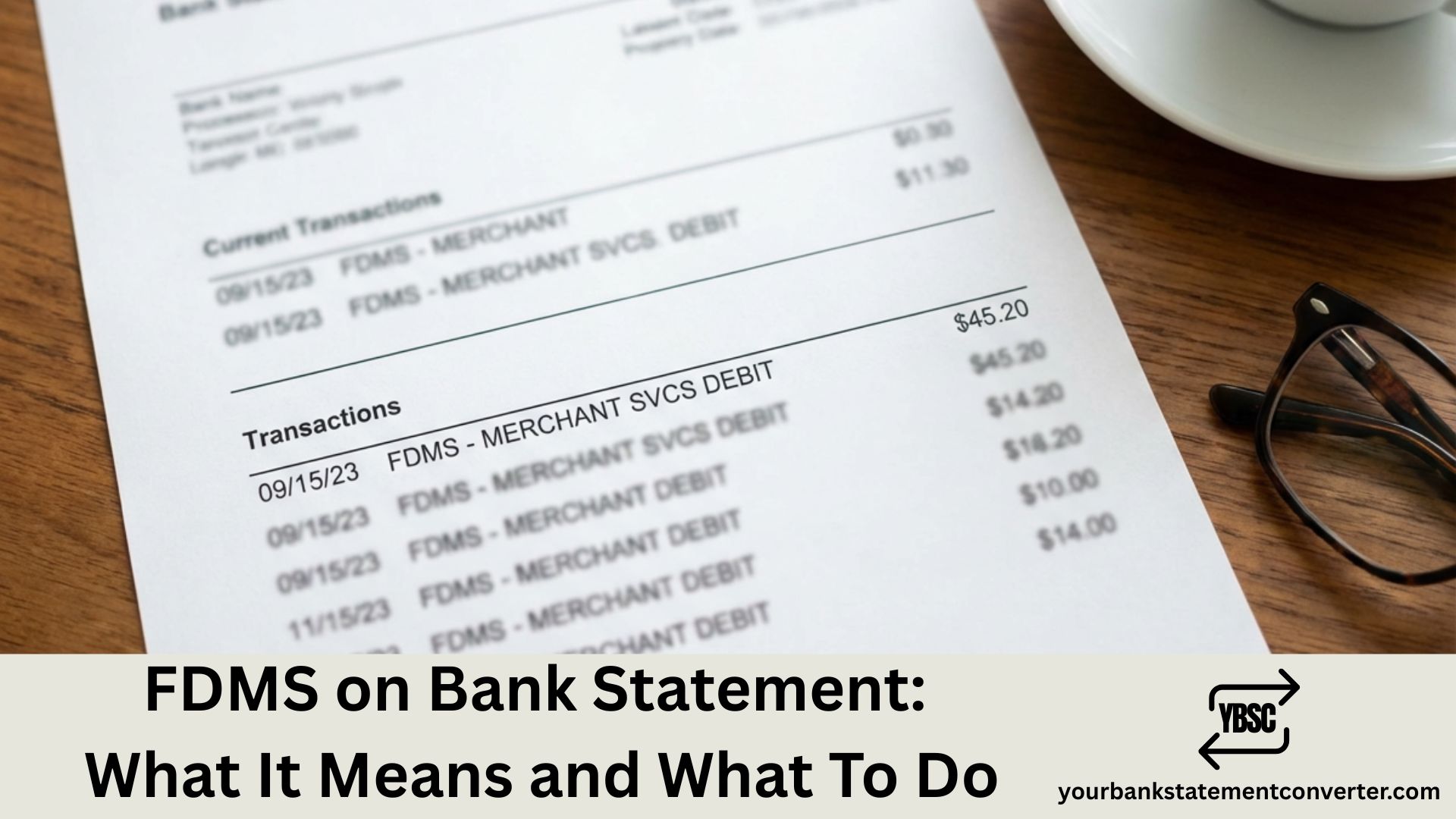
Noticed “FDMS” on your bank statement and wondering what it is? You’re not alone—this cryptic code confuses thousands of Americans every month.
Quick Answer: FDMS stands for First Data Merchant Services, one of the largest payment processors in the United States. When you see FDMS on your bank statement, it means you made a purchase at a business that uses First Data (now part of Fiserv) to process card payments.
FDMS on Bank Statement
FDMS appears on your bank or credit card statement when a merchant uses First Data Merchant Services to handle your transaction. Instead of showing the store’s name, your bank displays the payment processor’s identifier.
First Data Merchant Services processes over 45 billion transactions annually for more than 6 million merchants worldwide. In 2019, First Data merged with Fiserv, creating one of the world’s largest financial technology companies.
Common FDMS descriptors you might see:
- FDMS
- FDMS PYMT
- FDMS NASHVILLE
- FIRST DATA
- FISERV
Why Does FDMS Appear Instead of the Store Name?
Your bank statement shows FDMS instead of the merchant name due to how payment processing works behind the scenes.
When you swipe your card, the transaction routes through the merchant’s payment processor before reaching your bank. Some businesses—especially smaller retailers, online stores, and subscription services—don’t always transmit their business name clearly through the payment chain.
Common scenarios where FDMS appears:
- Online purchases from e-commerce websites
- Subscription services (streaming, software, memberships)
- Recurring payments (gym fees, utility bills, insurance)
- Small businesses using First Data terminals
- Chargebacks and refund processing
If you’re trying to identify unfamiliar charges on your statement, converting your PDF bank statement to Excel makes it significantly easier to search, filter, and match transactions with your receipts.
Is FDMS a Scam or Legitimate Charge?
FDMS is a legitimate payment processor—not a scam. First Data has operated since 1971 and maintains compliance with PCI DSS security standards.
However, you should still verify any FDMS charge you don’t immediately recognize.
Steps to verify an FDMS transaction:
- Check the date and amount – Match it against your receipts or purchase history
- Review recent purchases – Think about online orders, subscriptions, or recurring payments
- Check your email – Search for order confirmations around that date
- Contact your bank – Request additional transaction details like merchant location
- Call the merchant – If you identify the business, confirm the charge directly
Understanding what different charges mean on your bank statement helps you quickly distinguish legitimate transactions from potential fraud.
What To Do If You Don’t Recognize an FDMS Charge
If you’ve checked your records and the FDMS payment is still unfamiliar, take these steps:
1. Don’t panic immediately
- Ask family members with access to your card
- Check if one-click ordering triggered an accidental purchase
- Verify whether a free trial converted to a paid subscription
2. Contact your bank
- Request the full merchant details attached to the transaction
- Ask for the merchant category code (MCC) for additional context
3. Dispute if necessary
- If you confirm the charge is unauthorized, file a dispute with your bank
- Report suspected fraud to the Federal Trade Commission (FTC)
4. Monitor your account
- Watch for additional unauthorized charges
- Consider freezing your card if fraud is confirmed
For easier tracking of transactions across multiple accounts, YourBankStatementConverter.com converts your PDF statements into searchable spreadsheets—making it simple to spot patterns, identify recurring charges, and catch unauthorized transactions faster.
Manage Your Bank Statements Efficiently
Manually searching through PDF bank statements for charges like FDMS wastes valuable time. When you need to reconcile accounts, track subscriptions, or prepare financial records, having your data in an organized format makes all the difference.
YourBankStatementConverter.com instantly converts your bank statement PDFs into Excel or CSV format. With your transactions in a spreadsheet, you can search for “FDMS,” filter by date or amount, and identify every First Data transaction across multiple statements in seconds.
The tool supports statements from all major US banks and uses AI-powered extraction for accurate results—trusted by accountants, bookkeepers, and business owners nationwide.
FDMS on Bank Statement: Key Takeaways
- FDMS stands for First Data Merchant Services, a major US payment processor now owned by Fiserv
- It appears when you purchase from merchants using First Data to process payments
- FDMS charges are legitimate—but always verify unfamiliar transactions
- Check receipts, contact your bank, and dispute unauthorized charges immediately
- Convert your PDF statements to Excel for faster transaction tracking and identification
FAQs
What does FDMS mean on a bank statement?
FDMS stands for First Data Merchant Services. It indicates a transaction processed through First Data’s payment network for a merchant where you made a purchase. The charge is legitimate—it’s simply showing the payment processor’s name rather than the store’s name.
Is FDMS a legitimate company?
Yes. First Data Merchant Services has operated since 1971 and merged with Fiserv in 2019. They process payments for over 6 million merchants worldwide and comply with PCI DSS security standards. FDMS on your statement is not a scam.
Why doesn’t my bank statement show the store name instead of FDMS?
Some merchants don’t transmit their business name clearly through the payment chain. Your bank receives the transaction from the payment processor (First Data), so it displays “FDMS” as the descriptor. This commonly happens with online purchases, small businesses, and subscription services.
How do I find out which merchant charged me through FDMS?
Match the transaction date and amount against your receipts, email confirmations, or purchase history. Contact your bank to request additional merchant details. You can also convert your PDF bank statements to Excel using YourBankStatementConverter.com to search and filter transactions more efficiently.
Can I dispute an FDMS charge I don’t recognize?
Yes. If you’ve verified the charge is unauthorized, contact your bank immediately to file a dispute. Provide details including the transaction date, amount, and your evidence that you didn’t authorize the purchase. Your bank will investigate and may issue a chargeback.
Does FDMS charge me extra fees?
No. FDMS fees are paid by merchants, not customers. The transaction fee (typically around 1.69% per transaction) is deducted from what the merchant receives—it doesn’t add to your purchase amount.







