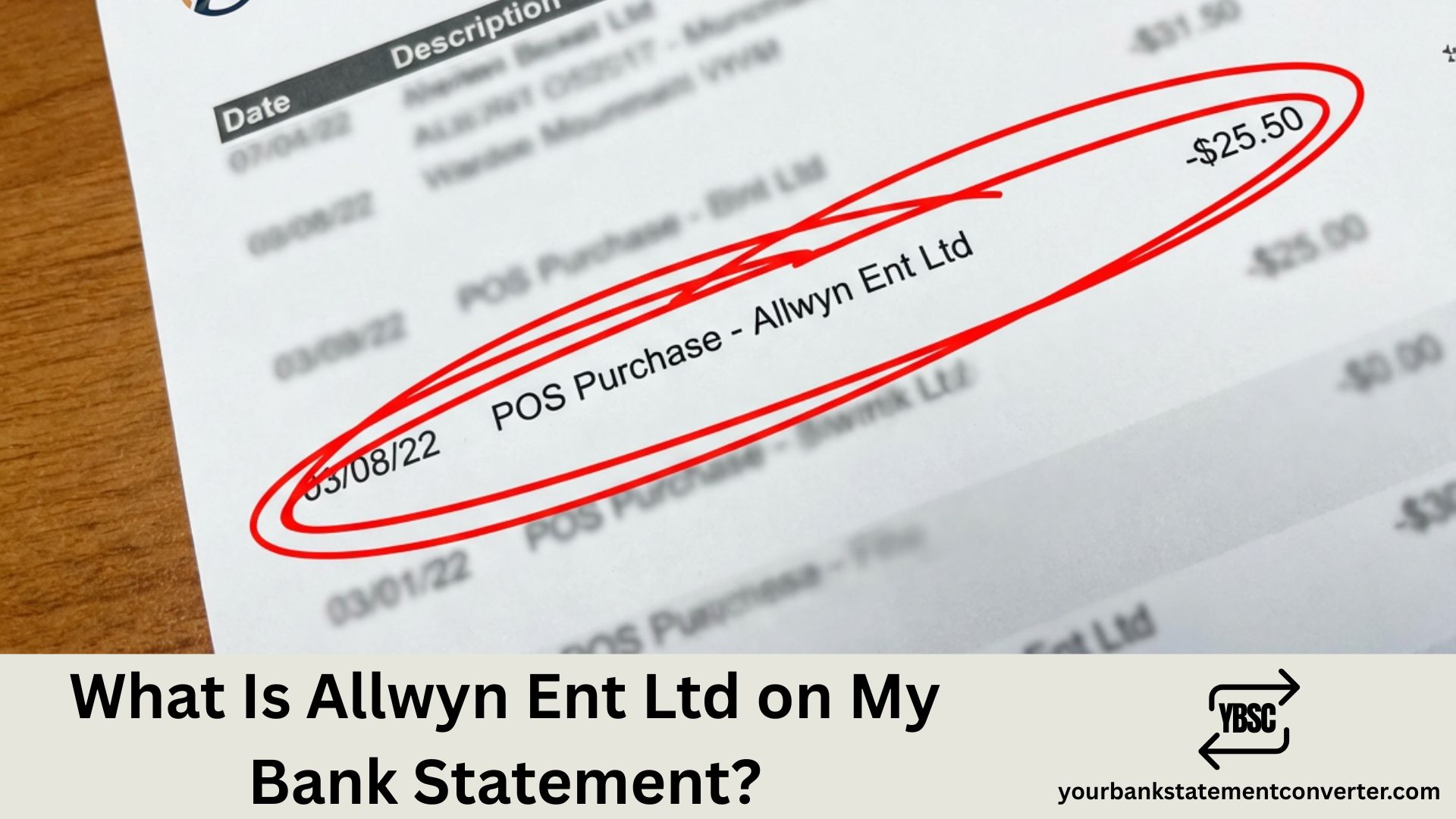
Noticed “counter credit” on your bank statement and wondering what it means? This term simply refers to a cash or check deposit made in person at your bank’s teller window. It’s a standard banking notation—not a fee, charge, or anything to worry about.
Counter Credit on Bank Statement
A counter credit is a deposit you made at the physical counter of your bank branch, directly with a teller. The term combines two parts:
- Counter – refers to the teller counter inside the bank
- Credit – means funds were added to your account
When you walk into your local Bank of America, Chase, Wells Fargo, or any credit union branch and hand cash or a check to the teller, that transaction appears as “counter credit” or “counter deposit” on your statement.
This notation helps differentiate in-person deposits from ATM deposits, mobile check deposits, direct deposits, and wire transfers.
How Counter Credit Appears on Your Statement
Banks may display this transaction in several formats:
| Statement Notation | Meaning |
|---|---|
| COUNTER CREDIT | Cash/check deposited at teller |
| COUNTER DEPOSIT | Same as counter credit |
| CTR CREDIT | Abbreviated version |
| BRANCH DEPOSIT | Some banks use this term |
The amount shown reflects your total deposit—multiple bills or checks deposited together appear as one combined counter credit entry.
Counter Credit vs Other Deposit Types
Understanding how different deposits appear helps you track your money more effectively:
| Deposit Method | Statement Notation | Fund Availability |
|---|---|---|
| In-person (teller) | Counter Credit | Usually immediate |
| ATM | ATM Deposit | 1-2 business days |
| Mobile app | Mobile Deposit | 1-2 business days |
| Direct deposit | ACH/Direct Dep | Same or next day |
Counter credits typically clear faster because a bank employee verifies the transaction in real-time.
Benefits of Counter Credit Deposits
Making deposits at the teller counter offers specific advantages:
Immediate fund availability – Cash deposited in person is often available instantly, unlike ATM or mobile deposits that may have holds.
Error prevention – Face-to-face interaction reduces mistakes. The teller confirms amounts and account numbers before processing.
Documentation – You receive a printed receipt immediately, creating a paper trail for your records.
Personal assistance – Questions about your account can be answered on the spot.
When to Use Counter Credit Deposits
In-person deposits work best for:
- Large cash deposits where you want immediate confirmation
- Depositing multiple checks at once
- Situations requiring a verified receipt
- When ATMs aren’t accepting deposits
- If mobile deposit limits have been reached
Tracking Counter Credits in Your Statements
Managing multiple deposits across different methods can get confusing. If you’re reviewing several months of bank statements to track deposit patterns or reconcile accounts, converting PDF statements to Excel makes the process significantly easier.
YourBankStatementConverter.com instantly converts your PDF bank statements into organized Excel spreadsheets. This allows you to search, filter, and sort all counter credits and other transactions—saving hours of manual review.
Whether you’re an accountant, small business owner, or just organizing personal finances, having your statements in spreadsheet format helps you spot patterns and verify deposits quickly.
Common Bank Statement Abbreviations
While reviewing your statement, you might encounter other unfamiliar terms. Here’s a quick reference:
| Abbreviation | Meaning |
|---|---|
| DR | Debit (money leaving account) |
| CR | Credit (money entering account) |
| ACH | Electronic transfer |
| DD | Direct Deposit |
| ATM | Automated Teller Machine |
| POS | Point of Sale purchase |
Understanding these abbreviations helps you read your bank statement more accurately.
Counter Credit: Key Takeaways
Counter credit on your bank statement simply indicates you deposited money in person at a bank branch. It’s not a fee, penalty, or suspicious activity—just standard banking terminology for teller transactions.
If you need to analyze your banking transactions, reconcile accounts, or identify specific deposits across multiple statements, convert your PDF bank statements to Excel at YourBankStatementConverter.com for faster, more organized financial tracking.
Frequently Asked Questions
What does counter credit mean on a bank statement?
Counter credit means a cash or check deposit made in person at a bank teller window. The “counter” refers to the teller counter, and “credit” indicates money was added to your account.
Is counter credit the same as counter deposit?
Yes. Counter credit and counter deposit are interchangeable terms. Both describe an in-person deposit made directly with a bank teller rather than through ATM, mobile app, or electronic transfer.
How long does a counter credit take to clear?
Counter credit deposits typically clear immediately or within the same business day for cash. Check deposits made at the counter may take 1-2 business days depending on your bank’s hold policies.
Why does my statement say counter credit instead of deposit?
Banks use “counter credit” to differentiate in-person teller transactions from other deposit methods like ATM deposits, mobile deposits, or direct deposits. This notation helps you identify exactly how money entered your account.
Can someone else make a counter credit to my account?
Yes. Most banks allow third parties to deposit cash or checks into your account at a branch. This will appear as a counter credit on your statement. The depositor typically needs your account number or a deposit slip.
Is counter credit safe?
Counter credit is one of the safest deposit methods because it involves direct interaction with a bank employee who verifies amounts and account details. You also receive an immediate receipt confirming the transaction.