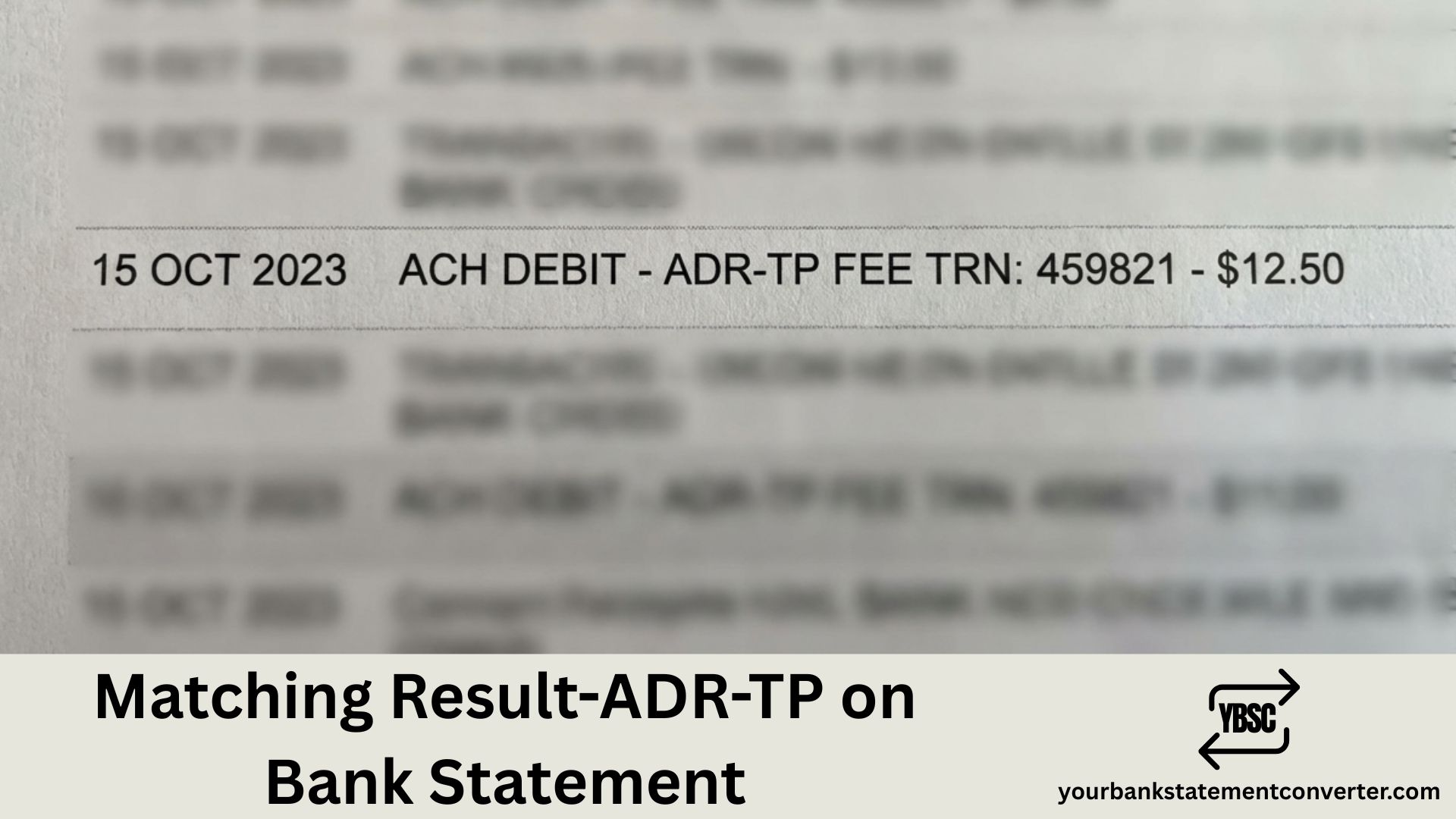
Noticed “Matching Result-ADR-TP” or a similar code on your bank statement and wondering what it is? This transaction reference typically appears when a payment has been processed through an automated payment matching or verification system. It may relate to address verification, transaction processing, or a recurring payment validation by your bank or a third-party payment provider.
Matching Result-ADR-TP on Bank Statement
“Matching Result-ADR-TP” is likely a transaction descriptor code indicating an address verification or payment matching result. The “ADR” portion typically stands for “Address” while “TP” often refers to “Transaction Processing” or “Third Party.”
This type of reference commonly appears when:
- A card payment undergoes address verification (AVS check)
- A Direct Debit or recurring payment is validated against your account
- A payment processor confirms your billing address matches bank records
- An automated payment matching system reconciles a transaction
The charge itself usually relates to a legitimate purchase or subscription you’ve authorised, with the cryptic code simply reflecting the backend verification process.
Common Reasons for This Transaction
Several scenarios can trigger this type of bank statement entry:
Address Verification Service (AVS) When you make an online purchase, retailers often verify your billing address matches what your bank has on file. The “ADR” in the code likely refers to this address matching process.
Payment Processing Systems Third-party payment processors use automated matching systems to reconcile transactions. The “TP” element typically indicates third-party or transaction processing involvement.
Subscription or Recurring Payments Many subscription services use payment matching to validate ongoing authorisations before processing charges.
Card-Not-Present Transactions Online and telephone purchases often show different descriptors than in-store payments, as they undergo additional verification steps.
How to Identify the Actual Merchant
If the transaction amount seems unfamiliar, follow these steps:
- Check the transaction date and amount – Match these against your recent purchases or subscriptions
- Review your email receipts – Search your inbox for order confirmations around that date
- Look for partial merchant names – The full statement entry may contain additional identifying information
- Check recurring payments – Review your Direct Debits and continuous payment authorities in your banking app
- Contact your bank – They can provide additional transaction details not visible on your statement
Is This Charge Legitimate?
Before disputing the transaction, consider these common explanations:
- Forgotten subscription: A streaming service, software, or membership you signed up for
- Free trial conversion: A trial period that has ended and converted to a paid subscription
- Annual renewal: Yearly subscriptions are easy to forget
- Different trading name: Many companies process payments under parent company names
If the amount matches a recent purchase and the date aligns with your activity, the charge is likely legitimate despite the confusing descriptor.
What to Do If You Don’t Recognise It
Step 1: Review your transaction history Check your bank statement for the past few months—has this charge appeared before? Recurring identical amounts often indicate a subscription.
Step 2: Search the reference online Copy the exact transaction description and search for it. Other customers may have identified the merchant.
Step 3: Contact your bank Your bank can provide additional transaction details, including the merchant category code (MCC) and more specific payment information.
Step 4: Dispute if necessary If you’ve confirmed the charge is unauthorised, report it to your bank immediately. Under UK banking regulations, you’re protected against fraudulent transactions.
Simplify Your Bank Statement Analysis
Tracking down mysterious charges across multiple bank statements can be time-consuming, especially when transaction descriptions are unclear.
YourBankStatementConverter.com lets you convert PDF bank statements to Excel format instantly. This makes it easier to:
- Search for specific transaction codes across multiple statements
- Filter and sort transactions by amount to spot patterns
- Identify recurring charges you may have forgotten
- Export data for easier analysis and record-keeping
Understanding Bank Statement Transaction Codes
Cryptic transaction references like “Matching Result-ADR-TP” often confuse account holders. UK banks use various abbreviations and codes to describe transactions, and third-party payment processors add their own identifiers. When you see unfamiliar codes, they typically reflect the payment method or verification process rather than the merchant name. Always cross-reference the amount and date with your purchase history before assuming fraud.
Frequently Asked Questions
What does ADR mean on a bank statement?
ADR on a bank statement typically refers to “Address” and is often part of an address verification system (AVS) code. It indicates that your billing address was checked during the transaction. In some contexts, ADR can also relate to American Depositary Receipts for investment transactions, but for standard purchases, it usually means address verification.
What does TP mean on a bank statement?
TP commonly stands for “Transaction Processing” or “Third Party” on bank statements. It indicates the payment was handled through an automated processing system or a third-party payment provider rather than directly by the merchant.
Why do some transactions show codes instead of shop names?
Banks display transaction information provided by payment processors, which often use technical codes rather than consumer-friendly names. The merchant’s payment system, their acquiring bank, and your bank all add reference information, sometimes resulting in cryptic descriptions rather than recognisable business names.
How can I find out what company charged me?
Start by matching the transaction amount and date to your recent purchases. Check your email for receipts, review your Direct Debits in online banking, and search the statement reference online. If still unclear, contact your bank—they can access additional merchant details not shown on your statement.
Can I get a refund for an unrecognised transaction?
Yes. If the charge is genuinely unauthorised, report it to your bank immediately. UK banks must investigate disputed transactions and, under the Payment Services Regulations, you’re typically entitled to a refund for fraudulent charges. However, confirm it’s not a forgotten subscription before disputing.
How long do I have to dispute a bank transaction in the UK?
You should report unauthorised transactions as soon as you notice them. Under UK regulations, banks generally require notification within 13 months of the transaction date for most disputes. However, reporting promptly increases your chances of a successful resolution and limits potential liability.