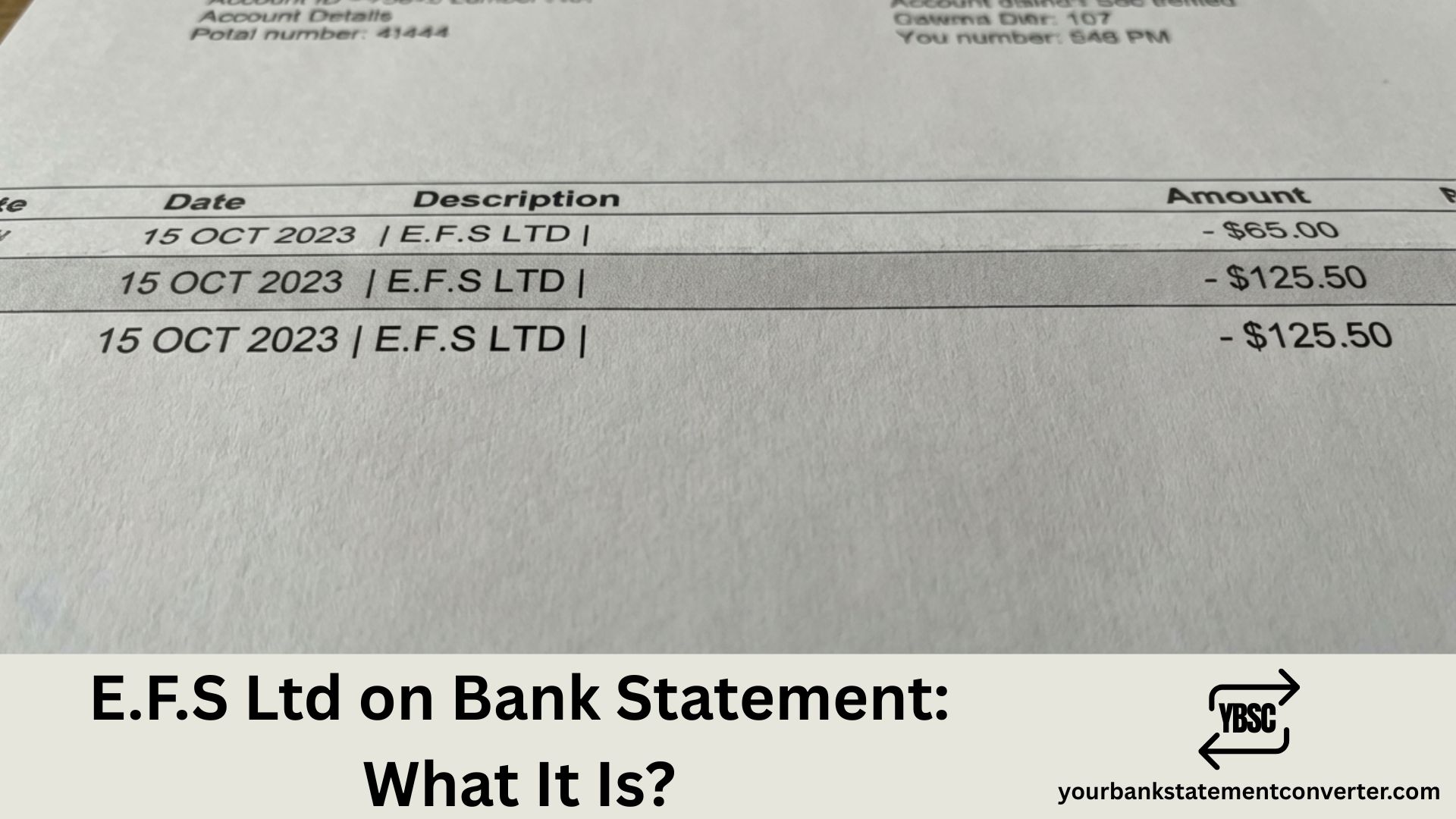
Spotted an unfamiliar E.F.S Ltd charge on your bank statement? You’re not alone. E.F.S Ltd is typically a UK-based payment processor that handles transactions on behalf of other merchants, which is why the name might not match the service you signed up for. This guide explains what E.F.S Ltd is, why it appears on your statement, and how to identify what you’ve actually paid for.
What Is E.F.S Ltd on a Bank Statement
E.F.S Ltd on your bank statement is typically a payment processed by a UK-based payment services company that handles transactions on behalf of other merchants, subscription services, and online retailers — meaning the actual charge relates to a purchase or subscription from another company using E.F.S Ltd to process the payment.
Payment processors act as intermediaries between you and the merchant. This is why the company name you expected doesn’t appear directly on your statement. This arrangement is particularly common with subscription services, digital products, and online purchases.
Who Is E.F.S Ltd
| Detail | Information |
|---|---|
| Statement name | E.F.S Ltd, EFS Ltd, EFS Limited |
| Business type | Payment processor / Payment services provider |
| Function | Processes card payments on behalf of merchants |
| Why it appears | Merchant uses E.F.S Ltd for payment handling |
| Common industries | Subscriptions, online retail, digital services, memberships |
Important note: There may be multiple companies trading under similar names (E.F.S Ltd, EFS Ltd, EFS Limited). The charge relates to whichever merchant uses that payment processor for their transactions.
Why companies use payment processors:
- Easier payment handling for small businesses
- Secure transaction processing
- Subscription management
- Multi-currency support
- Fraud protection
Common Reasons for E.F.S Ltd Charges
| Possible Source | Type of Payment | Typical Amount |
|---|---|---|
| Streaming services | Video, music, podcast subscriptions | £4.99-£15.99/month |
| Software subscriptions | Apps, tools, cloud services | £5.99-£49.99/month |
| Magazine/news subscriptions | Digital publications | £2.99-£12.99/month |
| Membership sites | Dating, professional, hobby clubs | £9.99-£39.99/month |
| Online retailers | E-commerce purchases | Variable |
| Digital content | eBooks, courses, downloads | Variable |
| Recurring donations | Charity subscriptions | Variable |
| Gaming services | Game passes, subscriptions | £6.99-£14.99/month |
| Health/fitness apps | Wellness, diet, workout apps | £4.99-£19.99/month |
| VPN services | Privacy/security subscriptions | £3.99-£12.99/month |
| Adult content sites | Subscription platforms | Variable |
| Free trial conversions | Trial ended, billing started | Variable |
Why You Might Not Recognise the E.F.S Ltd Charge
- Payment processor name shown: Expected company name but see their payment processor instead
- Forgotten subscription: Signed up weeks or months ago and forgot
- Free trial conversion: Trial period ended and automatic paid billing began
- Different trading name: Company’s legal name differs from their brand
- Shared payment card: Family member or partner made the purchase
- Old subscription still active: Service you stopped using but didn’t formally cancel
- Impulse online purchase: Bought something and forgot about it
- Annual billing cycle: Once-yearly charge you weren’t expecting
- Multiple subscriptions: Hard to track which company charges what
- App store purchase: In-app purchase billed through processor
How E.F.S Ltd Appears on Different Bank Statements
| Bank | How It May Appear |
|---|---|
| Barclays | E.F.S LTD |
| Lloyds | EFS LIMITED |
| HSBC | E.F.S LTD GBR |
| NatWest | EFS*PAYMENT |
| Santander | E.F.S LTD |
| Nationwide | EFS LTD |
| Monzo | E.F.S Ltd |
| Starling | EFS LIMITED |
| Revolut | E.F.S Ltd / EFS |
| Halifax | EFS LTD DD |
| TSB | E.F.S LIMITED |
| Metro Bank | EFS LTD |
| Co-operative Bank | E.F.S LIMITED |
May also include reference numbers or partial merchant identifiers after the name
Is E.F.S Ltd Legitimate
E.F.S Ltd as a payment processor is typically legitimate.
| Check | How to Verify |
|---|---|
| Companies House | Search “EFS Ltd” or full company name at companieshouse.gov.uk |
| Transaction amount | Does it match a subscription price you recognise? |
| Email confirmation | Search emails for receipts matching the date/amount |
| Recurring pattern | Same amount monthly = likely subscription |
Signs it’s legitimate: The amount matches a known subscription price, you find a related email confirmation, it’s a recurring charge you can trace to a service, or a household member recognises it.
Signs to investigate further: The amount doesn’t match any known service, there are multiple unexpected charges, you genuinely have no subscriptions, no email confirmation can be found anywhere, or it’s a first charge with no sign-up memory.
How to Find Out What E.F.S Ltd Charged You For
Step 1: Analyse the charge
Check the amount (does it match common subscription prices like £9.99 or £14.99?), the date (think about what you did that day or week), whether it’s recurring monthly, and any reference numbers after “E.F.S Ltd”.
Step 2: Search your emails thoroughly
Search for: “subscription”, “welcome”, “receipt”, “payment confirmed”, “trial”, “membership”, “your account”. Also search for the exact charge amount (e.g., “£9.99”) and dates around the transaction. Check spam and promotions folders.
Step 3: Review your app subscriptions
| Platform | How to Check |
|---|---|
| Apple/iPhone | Settings → Your Name → Subscriptions |
| Google Play | Play Store → Profile → Payments & Subscriptions |
| Amazon | Account → Memberships & Subscriptions |
| PayPal | Settings → Payments → Manage Automatic Payments |
Step 4: Audit your known subscriptions
Check your accounts at streaming services (Netflix, Disney+, Amazon Prime, Spotify, Apple Music), software providers (Adobe, Microsoft 365, Canva, Dropbox), news sites (Times, Telegraph, Guardian, The Athletic), gaming platforms (Xbox Game Pass, PlayStation Plus, EA Play), and fitness apps (Strava, MyFitnessPal, Headspace, Calm).
Step 5: Check with household members
Ask your partner, spouse, or children with card access about shared subscriptions or recent purchases they may have made.
Step 6: Contact your bank
Request full transaction details, ask for the merchant phone number or address — they may have more information than shown on your statement.
How to Cancel an E.F.S Ltd Subscription
Since E.F.S Ltd is the payment processor, you must cancel with the actual merchant.
Option 1: Cancel directly with the service
- Identify what service is charging you (using steps above)
- Log into that service’s website/app
- Navigate to Account → Subscription or Billing
- Select Cancel Subscription
- Confirm and save cancellation confirmation
Option 2: Cancel via app stores
| Platform | Cancellation Path |
|---|---|
| Apple | Settings → Your Name → Subscriptions → Select → Cancel |
| Play Store → Profile → Payments & Subscriptions → Subscriptions → Cancel | |
| Amazon | Account → Memberships & Subscriptions → Cancel |
Option 3: Contact the payment processor
If you identify which E.F.S Ltd entity processed the payment, search Companies House for contact details. Call or email with your transaction reference and request merchant details or cancellation assistance.
Option 4: Block payment via bank (last resort)
Contact your bank to block the merchant. ⚠️ Warning: This doesn’t cancel the underlying subscription. You may still owe money to the merchant and it could result in debt collection if the service continues. Only use if other methods fail.
How to Get a Refund from E.F.S Ltd
| Situation | Refund Likely? | Action |
|---|---|---|
| Unauthorised/fraudulent charge | Yes | Contact bank immediately |
| Forgot to cancel free trial | Possible | Contact merchant, explain politely |
| Didn’t recognise processor name | Unlikely | Service was still used |
| Charged after cancelling | Yes | Contact merchant with proof |
| Duplicate charge | Yes | Contact merchant or bank |
| Wrong amount charged | Yes | Contact merchant with evidence |
| Child made unauthorised purchase | Possible | Contact merchant with evidence |
| Service not delivered | Yes | Contact merchant, then bank |
Refund process:
- First, identify and contact the actual merchant
- Explain the issue clearly with transaction details
- If the merchant is unhelpful, contact your bank
- Request a chargeback for unauthorised transactions (within 120 days)
- Use the Direct Debit Guarantee if applicable
What to Do If You Don’t Recognise the Charge at All
If the E.F.S Ltd charge is genuinely unfamiliar after investigation:
Don’t panic immediately — most cases are forgotten subscriptions.
Document everything: Screenshot the transaction, note the date, amount, and any reference numbers, and record your investigation steps.
Final investigation: Search all email accounts (including old ones), check every app store subscription, ask every household member, and review previous months’ statements for patterns.
Contact your bank: Call or visit a branch, report as an unrecognised transaction, request full merchant details, and ask about the dispute process. Don’t immediately cancel your card — investigate first.
If confirmed as fraud: Report to your bank as an unauthorised transaction, request card cancellation and replacement, and report to Action Fraud at actionfraud.police.uk, monitor your account for further suspicious activity, and check your credit report for other irregularities.
Common Subscription Amounts and What They Might Be
| Amount Range | Possible Service Types |
|---|---|
| £0.99-£2.99 | App subscription, cloud storage add-on, trial conversion |
| £3.99-£5.99 | Basic streaming tier, single app, news subscription |
| £6.99-£9.99 | Standard streaming, music service, VPN, basic software |
| £10.99-£14.99 | Premium streaming, professional tools, gaming subscription |
| £15.99-£24.99 | Premium software, multiple service bundle, professional membership |
| £25.99-£49.99 | Annual subscription (monthly billing), premium professional service |
| £50+ | Annual subscription, professional software, premium membership |
Use these as guides to narrow down possible services
How to Prevent Unexpected Payment Processor Charges
- Keep a subscription list: Track all active services in one place
- Set calendar reminders: Alert before free trials end
- Use a dedicated card: Makes tracking easier
- Review statements monthly: Catch unknown charges early
- Check app stores regularly: Review all active subscriptions
- Cancel trials immediately: Cancel but continue using until end date
- Screenshot confirmations: Proof of cancellation if needed
- Use virtual cards for trials: Some banks offer disposable card numbers
How to Track and Manage Your Subscriptions
Payment processor charges like E.F.S Ltd can be confusing, and multiple subscriptions are easy to lose track of. One effective solution is to convert your bank statements into organised Excel or CSV formats.
Tools like yourbankstatementconverter.com can help you:
- Identify all recurring charges at a glance
- Spot unfamiliar payment processors like E.F.S Ltd
- Track subscription spending over time
- Find forgotten subscriptions before they renew
- Monitor for unexpected or duplicate charges
- Audit monthly outgoings easily
- Export data for budgeting
Conclusion
E.F.S Ltd is typically a payment processor handling transactions on behalf of other merchants — the actual charge relates to a subscription or purchase from a company using E.F.S Ltd for payment processing. To identify the source, check your emails for receipts, review app store subscriptions, and think about recent sign-ups. If the charge is genuinely unrecognised after thorough investigation, contact your bank for assistance.
Ready to get a clearer view of your subscriptions? Convert your bank statements to easily track and manage all your recurring payments.
Frequently Asked Questions
Is E.F.S Ltd on my bank statement legitimate?
E.F.S Ltd, as a payment processor, is typically legitimate. It handles transactions on behalf of other merchants, so the charge relates to a subscription or purchase you made with another company. Check your emails and app subscriptions to identify the source.
Why does my bank statement show E.F.S Ltd instead of the company name?
Many businesses use third-party payment processors like E.F.S Ltd to handle their transactions. When this happens, the payment processor’s name appears on your bank statement instead of the merchant’s name. This is common with subscription services and online purchases.
How do I find out what E.F.S Ltd charged me for?
Search your emails for receipts or confirmations matching the charge date and amount. Check your app store subscriptions on Apple or Google Play. Review your known subscriptions and ask household members. If still unclear, contact your bank for full merchant details.
How do I cancel an E.F.S Ltd subscription?
Since E.F.S Ltd is the payment processor, you need to cancel with the actual merchant. Identify the service charging you, log into their website or app, and cancel from your account settings. For app subscriptions, cancel through your device’s subscription settings.
Can I get a refund from E.F.S Ltd?
Contact the actual merchant first with your transaction details. For unauthorised charges, contact your bank immediately — you can request a chargeback within 120 days. Refunds for forgotten free trials depend on the merchant’s policies.