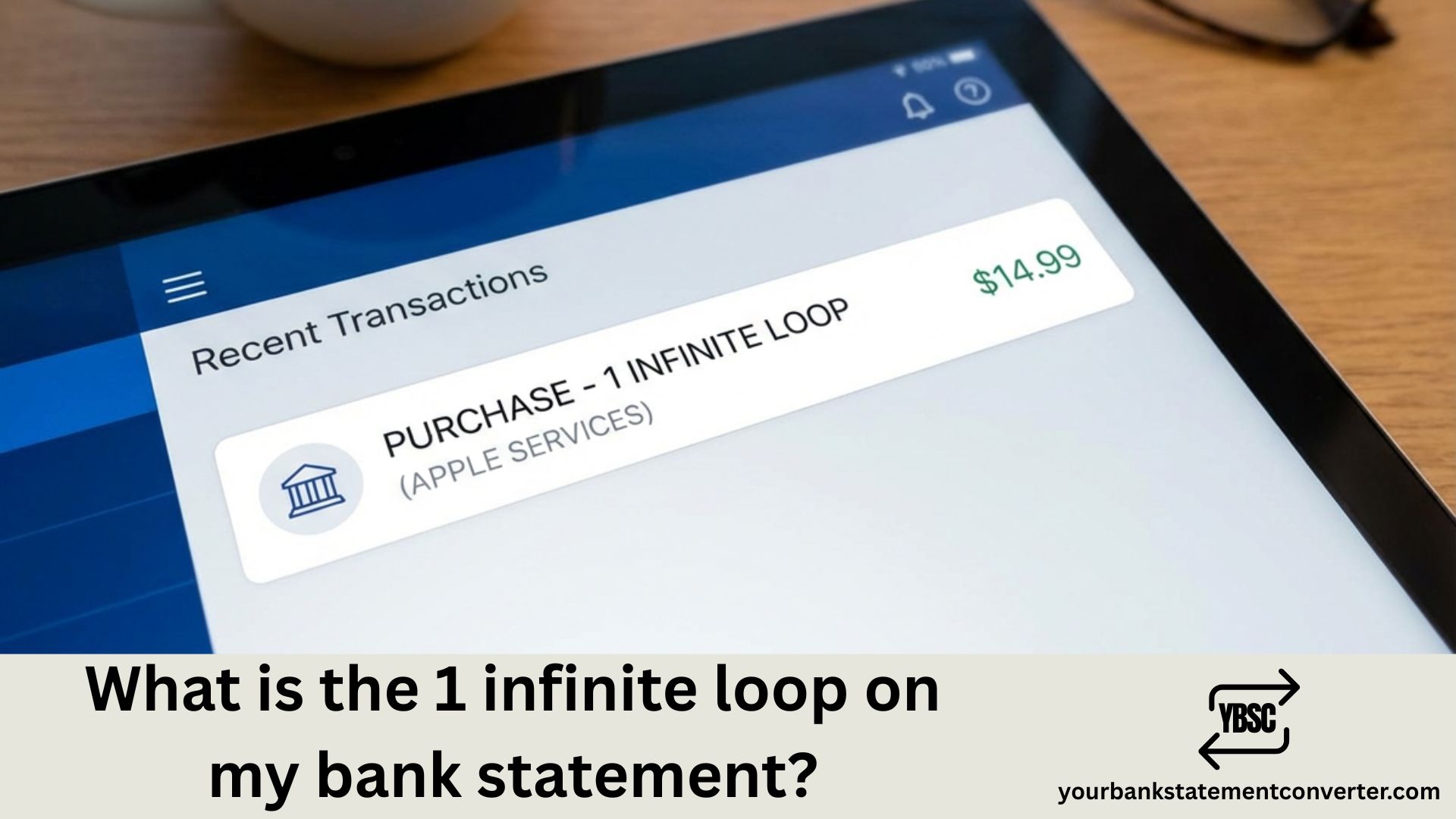
Noticed a charge showing “1 Infinite Loop” or “1INFINITELOOPCA” on your bank statement? This is a payment processed by Apple Inc. The name refers to Apple’s historic headquarters address at 1 Infinite Loop, Cupertino, California — and it means you’ve made a purchase through an Apple service.
What Is 1 Infinite Loop on My Bank Statement?
1 Infinite Loop on your bank statement is a charge from Apple Inc. for purchases made through the App Store, iTunes Store, Apple Music, iCloud, Apple Pay, Apple Cash, or other Apple services. The descriptor comes from Apple’s former corporate headquarters address in California.
When you see this charge, it typically means:
- You bought an app, game, or made an in-app purchase
- You’re paying for a subscription (Apple Music, iCloud+, Apple TV+, Apple Arcade)
- You sent money via Apple Cash
- You purchased music, films, or books from iTunes
- You bought AppleCare or Apple accessories online
How 1 Infinite Loop Appears on UK Bank Statements
| Statement Description | What It Means |
|---|---|
| 1 INFINITE LOOP CA | General Apple purchase |
| APPLE CASH 1INFINITELOOPCA | Apple Cash payment sent |
| APPLE.COM/BILL | App Store or iTunes purchase |
| APPLE PAY 1 INFINITE LOOP | Apple Pay transaction |
| MISC DEBIT 1 INFINITE LOOP CA | Debit card Apple purchase |
Why Is Apple Using This Address?
1 Infinite Loop in Cupertino, California, served as Apple’s corporate headquarters from 1993 to 2017. The street name itself is a programming reference — an “infinite loop” is code that runs continuously without stopping. Apple named the circular road around its campus after this concept.
Although Apple moved its main headquarters to Apple Park in 2017, the payment processing system still references the original address, which is why UK customers see “1 Infinite Loop” on their statements rather than “Apple” alone.
Is 1 Infinite Loop a Legitimate Charge?
Yes, 1 Infinite Loop is a legitimate charge from Apple. However, if you don’t recognise the transaction, it could be:
Legitimate reasons you might not remember:
- A family member with access to your payment method made a purchase
- Family Sharing enabled purchases by children or partners
- An automatic subscription renewal
- A pre-ordered item that’s now been charged
- A forgotten in-app purchase
Signs the charge may be unauthorised:
- You don’t own any Apple devices
- The amount is unusually large
- You see multiple charges you didn’t make
- The transaction date doesn’t match any Apple activity
How to Check Your Apple Purchase History
To verify what the 1 Infinite Loop charge is for:
On iPhone or iPad:
- Open the Settings app
- Tap your name at the top
- Tap Media & Purchases
- Tap View Account, then Purchase History
- Search by amount to find the matching transaction
On Mac:
- Open the App Store
- Click your name at the bottom of the sidebar
- Click Account Settings
- Find Purchase History and click See All
Online:
- Visit reportaproblem.apple.com
- Sign in with your Apple ID
- Search for the charge amount
- View transaction details
How to Get a Refund from Apple
If you’ve identified an unwanted or unauthorised charge:
- Go to reportaproblem.apple.com
- Sign in with your Apple ID
- Find the transaction in your purchase history
- Click “Report a Problem” next to the item
- Select your reason for the refund
- Submit your request
Apple typically processes refund requests within 48 hours for digital purchases. For UK customers, refunds usually appear on your statement within 5-10 working days.
How to Prevent Unwanted 1 Infinite Loop Charges
Manage your subscriptions: Go to Settings > Your Name > Subscriptions on your iPhone to view and cancel any active subscriptions you no longer need.
Require password for purchases: Enable “Always Require Password” in Settings > Screen Time > Content & Privacy Restrictions to prevent accidental purchases.
Review Family Sharing: If you’re the family organiser, check Settings > Your Name > Family Sharing to see who has purchase access.
Enable two-factor authentication: Add an extra layer of security to your Apple ID to prevent unauthorised access.
Track Apple Charges in Your Bank Statement
Regularly reviewing your bank statements helps catch unfamiliar transactions early. If you receive PDF statements from your UK bank and want to search for specific charges like “1 Infinite Loop,” convert your bank statement to Excel for easier analysis.
With your transactions in spreadsheet format, you can:
- Filter by merchant name to find all Apple charges
- Sort by amount to identify subscription costs
- Track recurring payments across multiple months
- Spot unauthorised charges faster
For more guidance on identifying unfamiliar bank statement entries, see our guide on what Apple Pay shows up as on bank statements.
1 Infinite Loop Bank Statement: Key Points
The 1 Infinite Loop charge on your UK bank statement is Apple’s payment descriptor for App Store purchases, iTunes transactions, Apple subscriptions, and Apple Cash payments. While most charges are legitimate, always verify unfamiliar transactions through your Apple ID purchase history at reportaproblem.apple.com.
If you’re managing multiple statements or need to track recurring Apple charges over time, converting your bank statements to CSV or Excel makes financial analysis significantly easier.
Frequently Asked Questions
What does 1 Infinite Loop mean on my bank statement?
1 Infinite Loop is Apple Inc.’s payment descriptor. It refers to Apple’s historic headquarters address at 1 Infinite Loop, Cupertino, California. The charge appears when you make purchases through the App Store, iTunes, Apple Music, iCloud, or other Apple services.
Is 1 Infinite Loop CA a scam?
No, 1 Infinite Loop, CA is not a scam — it’s a legitimate Apple charge. However, if you didn’t make the purchase, your Apple ID may be compromised or a family member may have used your payment method. Check your Apple purchase history to verify the transaction.
Why does Apple show as 1 Infinite Loop?
Apple uses this descriptor because 1 Infinite Loop was their corporate headquarters in Cupertino, California from 1993 to 2017. Even though Apple moved to Apple Park, its payment processing system still references the original address.
How do I find out what Apple charged me for?
Sign in to reportaproblem.apple.com with your Apple ID. You can view your complete purchase history and search by the exact charge amount to identify specific transactions.
How do I stop 1 Infinite Loop charges?
To stop recurring charges, go to Settings > Your Name > Subscriptions on your iPhone and cancel any unwanted subscriptions. For one-time purchases, enable password requirements for all App Store transactions.
Can I get a refund for an Apple 1 Infinite Loop charge?
Yes. Visit reportaproblem.apple.com, find the transaction, click “Report a Problem,” and select your refund reason. Apple typically responds within 48 hours.